Field Description
The function is enabled with "1 .
The function is disabled by default.
Address / Prefix Only for IPv6 = "1
Enter IPv6 address and the related prefix.
15.3.2 Groups
A list of all configured address groups is displayed in the Firewall->Addresses->Groups
menu.
You can group together addresses. This makes it easier to configure firewall rules.
15.3.2.1 New
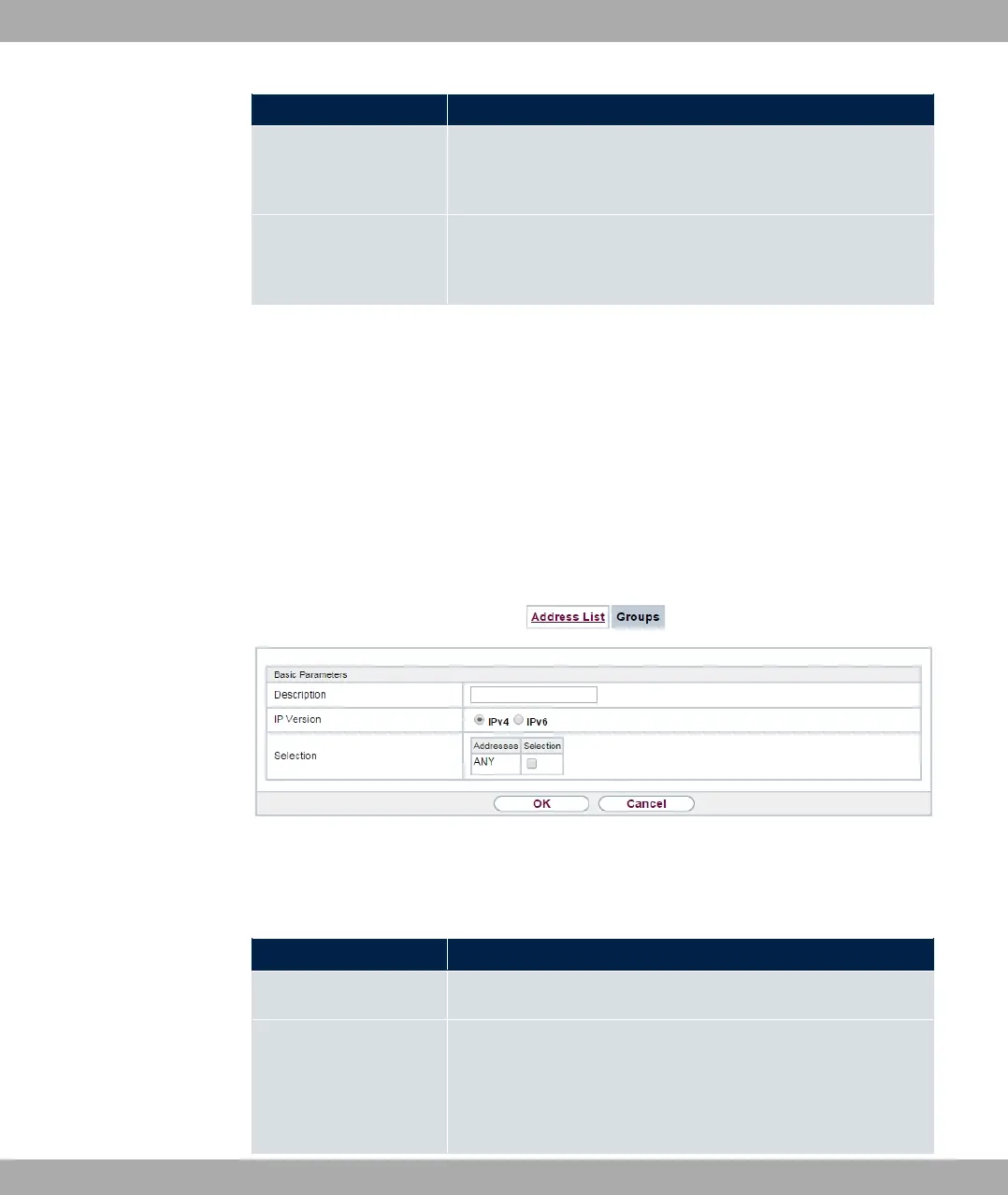
Choose the New button to set up additional address groups.
Fig. 159: Firewall->Addresses->Groups->New
The menu Firewall->Addresses->Groups->New consists of the following fields:
Fields in the Basic Parameters menu.
Field Description
Description Enter the desired description of the address group.
IP Version Select the IP version used.
Possible values:
•
15 Firewall bintec elmeg GmbH
428 bintec RS Series



 To Next Page