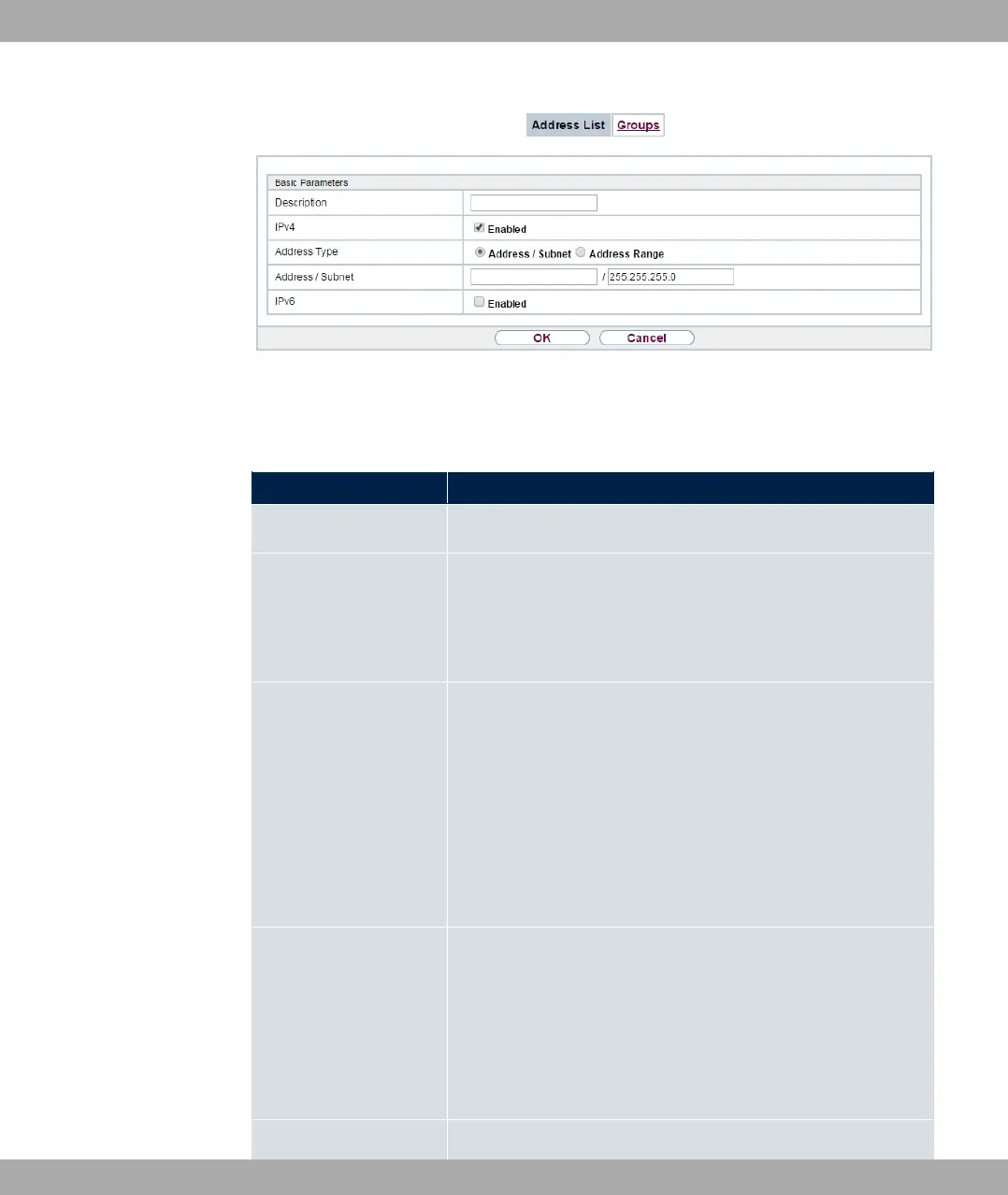
Fig. 158: Firewall->Addresses->Address List->New
The menu Firewall->Addresses->Address List->New consists of the following fields:
Fields in the Basic Parameters menu.
Field Description
Description Enter the desired description of the address.
IPv4 Allows configuration of IPv4 address lists.
The function is enabled with "1 .
The function is enabled by default.
Address Type Only fpr IPv4 = "1
Select the type of address you want to specify.
Possible values:
• 3 / " (default value): Enter an IP address
with subnet mask.
• 3 A#: Enter an IP address range with a start and
end address.
Address / Subnet Only for IPv4 = "1
and Address Type = 3 / "
Enter the IP address of the host or a network address and the
related netmask.
The default value is .
IPv6 Allows configuration of IPv6 address lists.
bintec elmeg GmbH
15 Firewall
bintec RS Series 427



 To Next Page