Field Description
Possible values:
• )#: A DNS request for DNS Hostname gets a negat-
ive response.
• (default value): A DNS request for DNS Host-
name is answered with the related IP Address.
• ): A DNS request is ignored; no answer is given.
IPv4 Address Only if Response =
Enter the IPv4 address assigned to DNS Hostname.
IPv6 Address Only if Response =
Enter the IPv6 address assigned to DNS Hostname.
17.1.4 Domain Forwarding
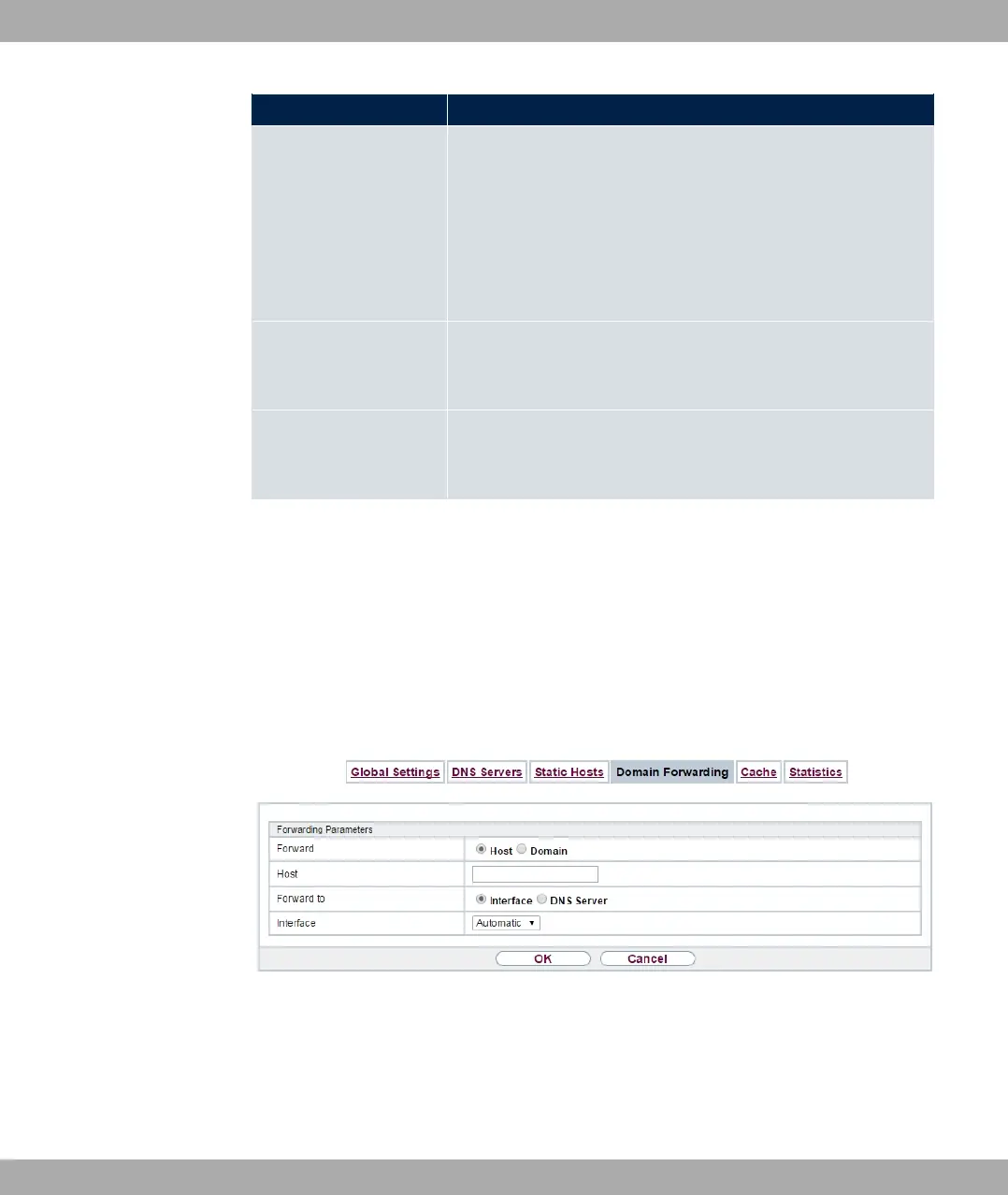
In the Local Services->DNS->Domain Forwarding menu, a list of all configured forward-
ings for defined domains is displayed.
17.1.4.1 New
Choose the New button to set up additional forwardings.
Fig. 167: Local Services->DNS->Domain Forwarding->New
The menu Local Services->DNS->Domain Forwarding->New consists of the following
fields:
Fields in the Forwarding Parameters menu.
17 Local Services bintec elmeg GmbH
448 bintec RS Series



 To Next Page