17.4.3.1 New
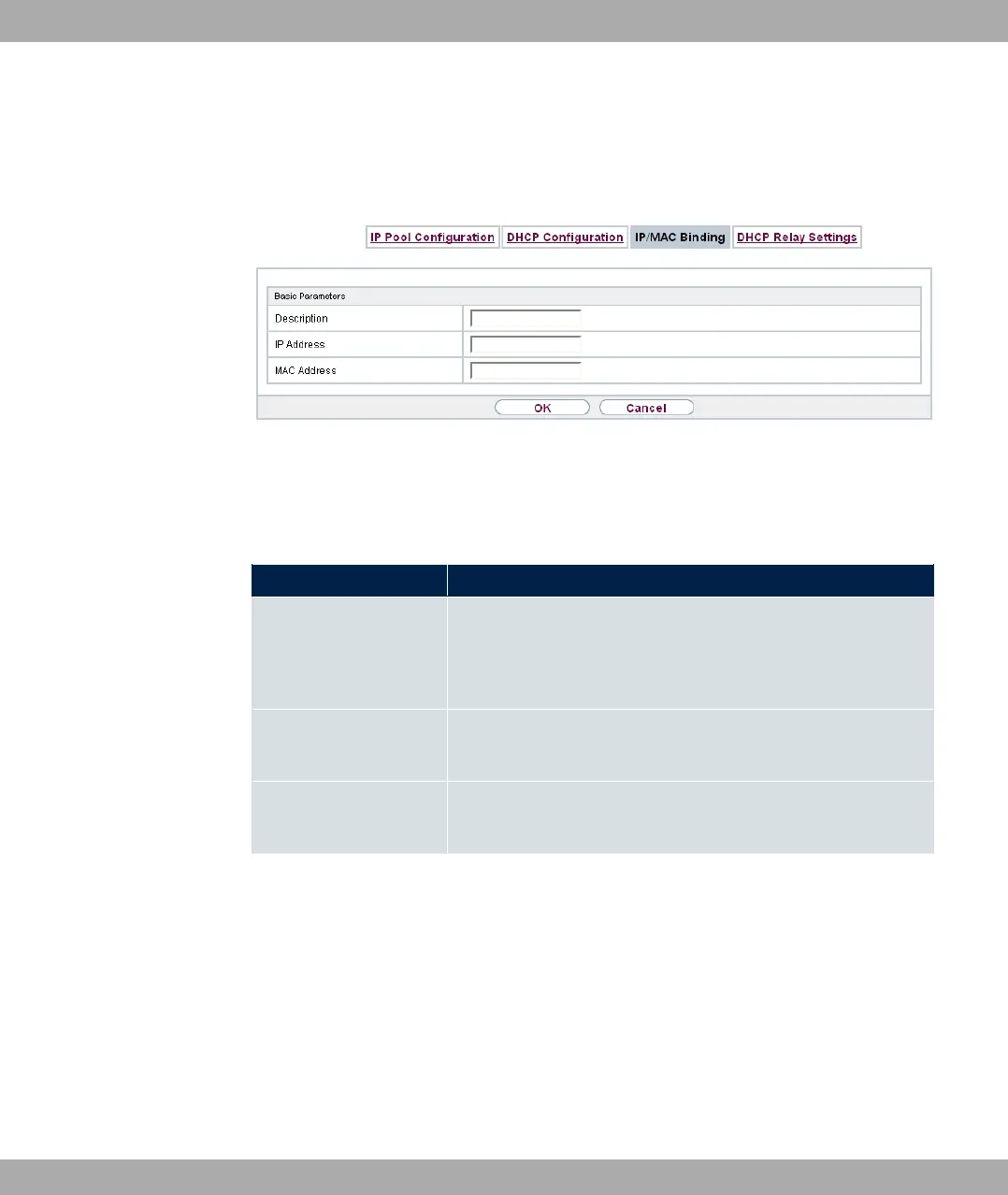
Choose the New button to set up new IP/MAC bindings.
Fig. 176: Local Services->DHCP Server->IP/MAC Binding->New
The menu Local Services->DHCP Server->IP/MAC Binding->New consists of the follow-
ing fields:
Fields in the Basic Parameters menu.
Field Description
Description Enter the name of the host to which the MAC Address the IP
Address is to be bound.
A character string of up to 256 characters is possible.
IP Address Enter the IP address to be assigned to the MAC address spe-
cified in MAC Address is to be assigned.
MAC Address Enter the MAC address to which the IP address specified in IP
Address is to be assigned.
17.4.4 DHCP Relay Settings
If your device for the local network does not distribute any IP addresses to the clients by
DHCP, it can still forward the DHCP requests on behalf of the local network to a remote
DHCP server. The DHCP server then assigns the your device an IP address from its pool,
which in turn sends this to the client in the local network.
17 Local Services bintec elmeg GmbH
464 bintec RS Series



 To Next Page