Field Description
used.
Possible values are to &.
The default value is &.
Action to be performed Select which Action should be run. For most actions, you select
an Interface to which the Action relates.
All physical and virtual interfaces can be selected.
For each interface, select whether it is to be enabled ( "1),
disabled ( 5"1 default value), reset ( A), or the con-
nection restablished ( A1).
With Action = ' you can monitor the IP address that is
specified under Monitored IP Address. This information can be
used for other functions, such as the Tracking IP Address.
17.9.2 Interfaces
A list of all monitored hosts is displayed in the Local Services->Surveillance->Interfaces
menu.
17.9.2.1 Edit or New
Choose the icon to edit existing entries. Choose the New button to set up monitoring for
other interfaces.
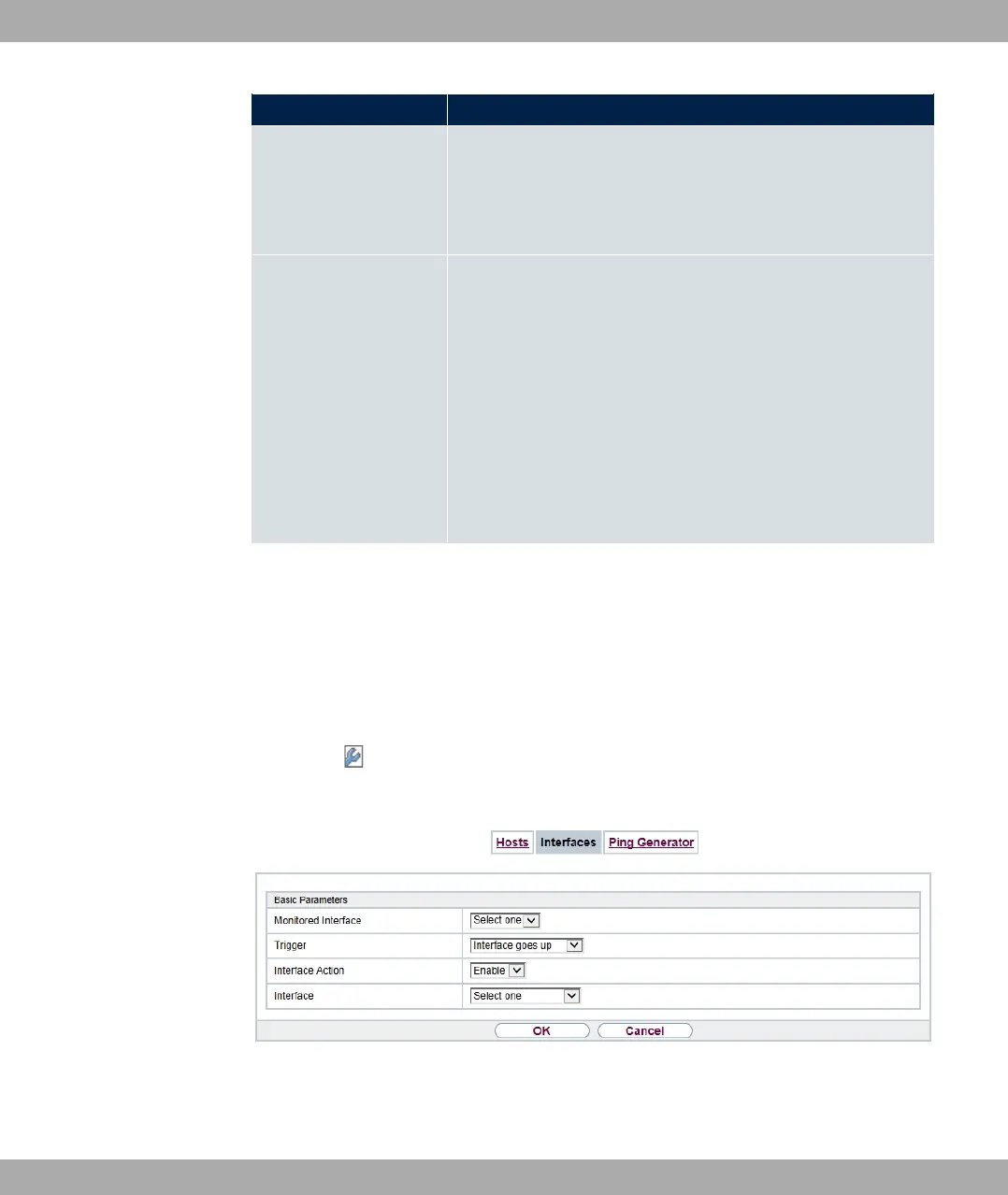
Fig. 192: Local Services->Surveillance->Interfaces->New
The menu Local Services->Surveillance->Interfaces->New consists of the following
fields:
bintec elmeg GmbH
17 Local Services
bintec RS Series 509



 To Next Page