9.4.4 Wireless Networks (VSS)
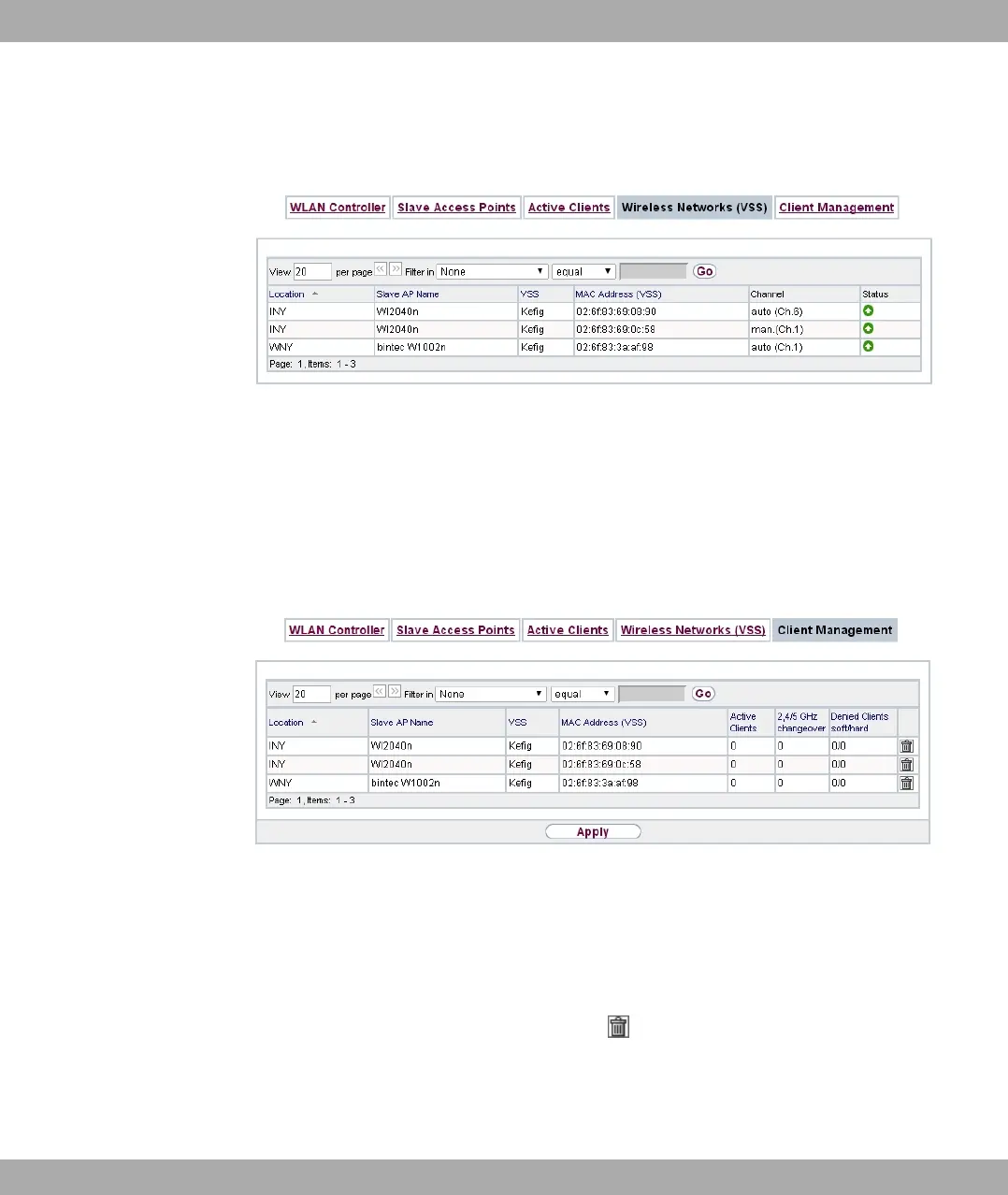
Fig. 85: Wireless LAN Controller->Monitoring->Wireless Networks (VSS)
In the Wireless LAN Controller->Monitoring->Wireless Networks (VSS) menu, an over-
view of the currently used AP is displayed. You see which wireless module is assigned to
which wireless network. For each wireless a parameter set is displayed (Location, Slave
AP Name, VSS, MAC Address (VSS), Channel, Status).
9.4.5 Client Management
Fig. 86: Wireless LAN Controller->Monitoring->Client Management
The Wireless LAN Controller->Monitoring->Client Management menu displays informa-
tion on the client management by the access points. You can, e.g., see the number of con-
nected clients, the number of clients that are affected by the 2,4/5 GHz changeover and
the number of rejected clients.
You can delete the values of an entry using the symbol.
bintec elmeg GmbH
9 Wireless LAN Controller
bintec RS Series 217



 To Next Page