Possible values for Status
Status Meaning
None The client is no longer in a valid status.
Logon The client is currently logging on with the WLAN.
Associated The client is logged on with the WLAN.
Authenticate The client is in the process of being authenticated.
Authenticated The client is authenticated.
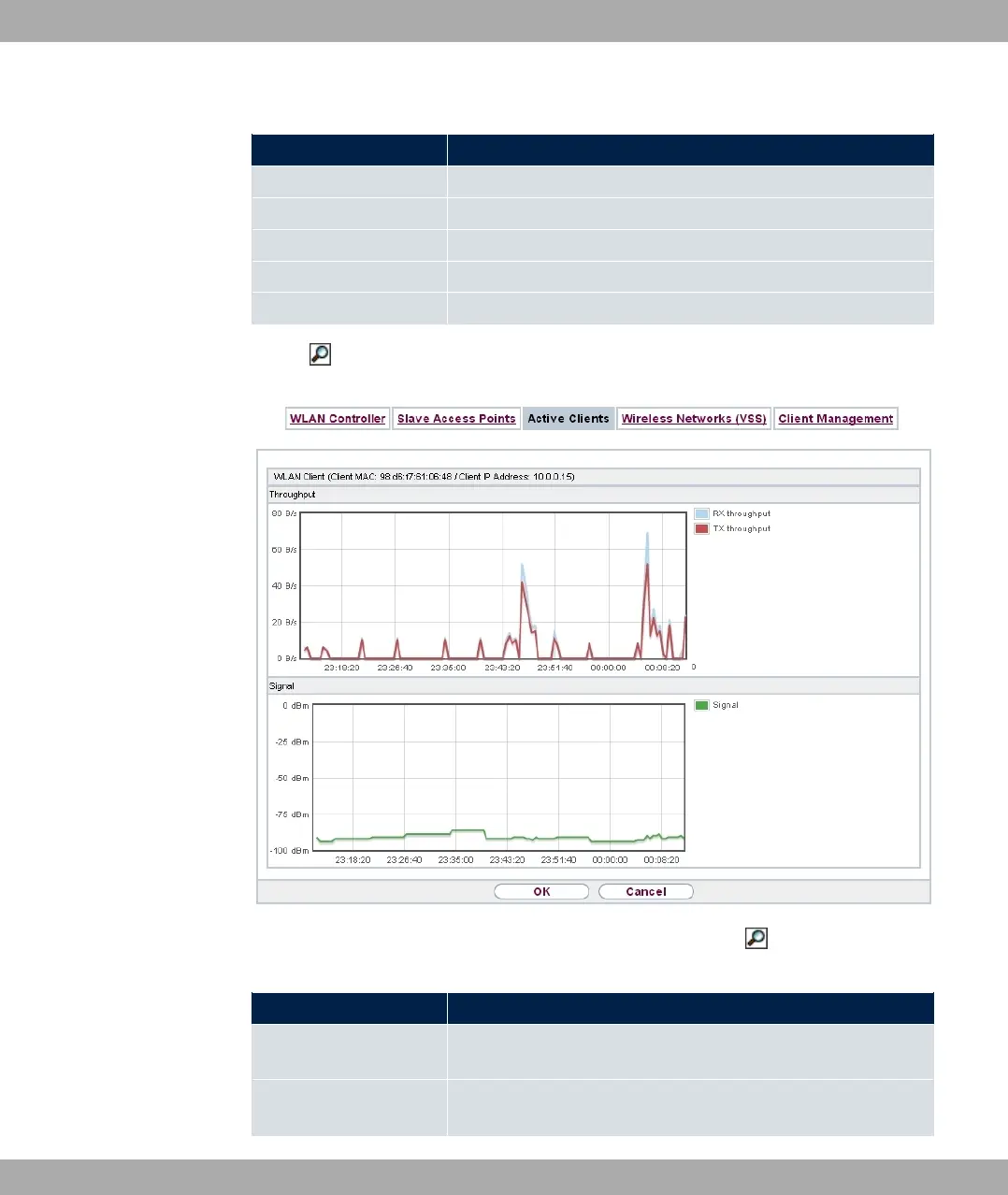
Via the icon, you can open a summary with additional details about the Active Clients.
Fig. 84: Wireless LAN Controller->Monitoring->Active Clients->
Value in the list WLAN Client list
Status Meaning
Throughput Displays the data traffic - separated into received and transmit-
ted traffic - for the selected WLAN client over time.
Signal Displays the signal strength of the selected WLAN client over
time.
9 Wireless LAN Controller bintec elmeg GmbH
216 bintec RS Series



 To Next Page