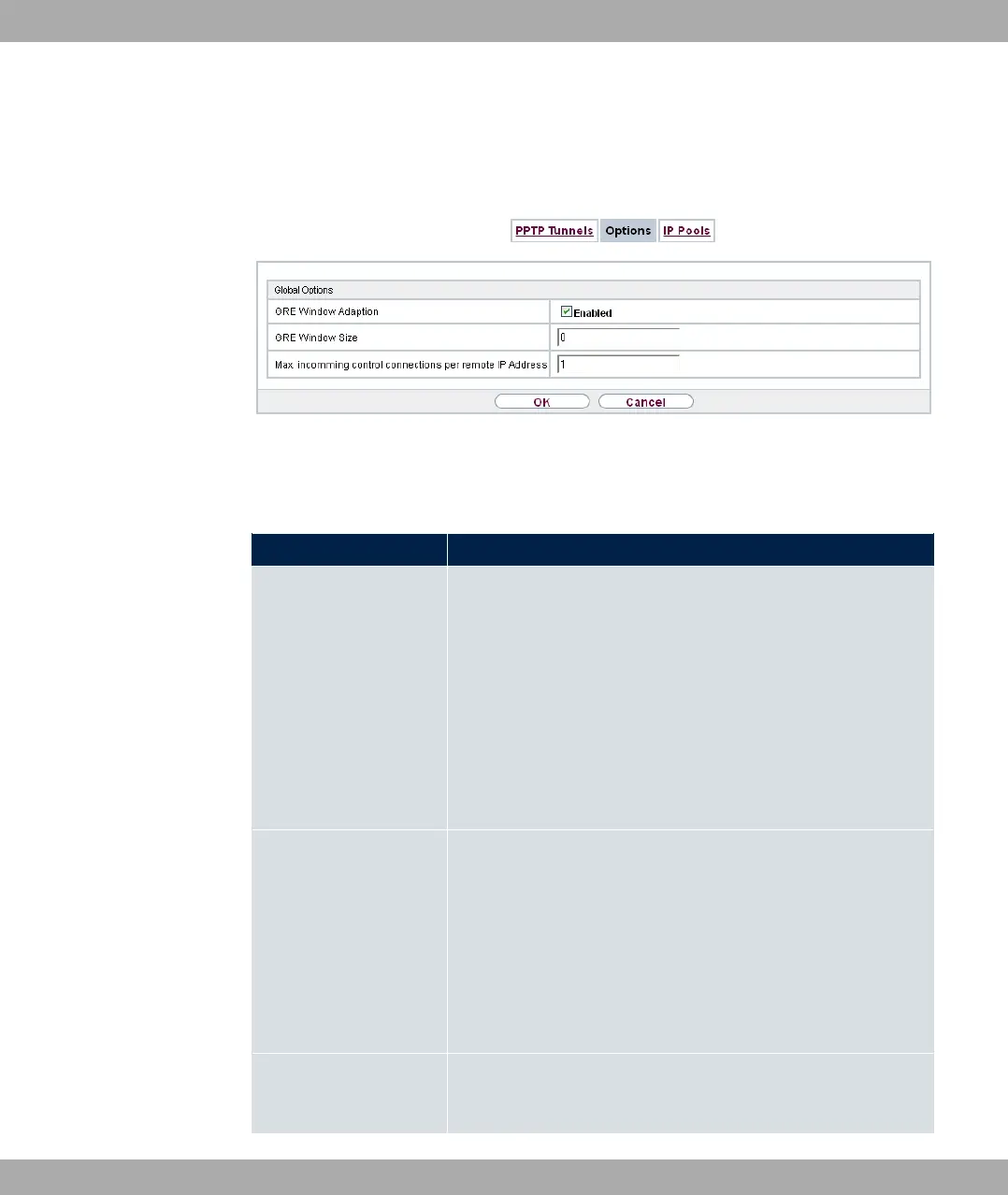
14.3.2 Options
In this menu, you can make general settings of the global PPTP profile.
Fig. 148: VPN->PPTP->Options
The VPN->PPTP->Optionsmenu consists of the following fields:
Fields in the Global Options menu.
Field Description
GRE Window Adaption
Select whether the GRE Window Adaptation is to be enabled.
This adaptation only becomes necessary if you have installed
service pack 1 from Microsoft Windows XP. Since, in SP 1, Mi-
crosoft has changed the confirmation algorithm in the GRE pro-
tocol, the automatic window adaptation for GRE must be turned
off for bintec elmeg devices.
The function is enabled with "1.
The function is enabled by default.
GRE Window Size
Enter the maximum number of GRE packets that can be sent
without confirmation.
Windows XP uses a higher initial reception window in the GRE,
which is why the maximum send window size must be adjusted
here by the GRE Window Size value. Possible values are to
.
The default value is .
Max. incoming control
connections per re-
mote IP Address
Enter the maximum number of control connections.
14 VPN bintec elmeg GmbH
410 bintec RS Series



 To Next Page