Field Description
Mode Shows the security mode (encryption and authentication) for the
wireless network.
Signal Displays the signal strength of the detected client link in dBm.
Connected Displays the status of the link on your client.
Action You can change the status of the client link. The available ac-
tions are displayed in this field.
8.1.4 Bridge Links
Note
Note that the Bridge Link function of this device series is incompatible with older
Bridge Link or WDS implementations.
Bridge Links allow you to create a dedicated connection between WLAN devices. A radio
module operating as a slave exclusively connects to the bridge link master and does not
establish or accept any other WLAN connections. A bridge link usually serves to reliably
connect two networks via a WLAN connection.
8.1.4.1 Edit oder New
Select the symbol in order to edit an existing entry. Select the New button in order to
create a new bridge link.
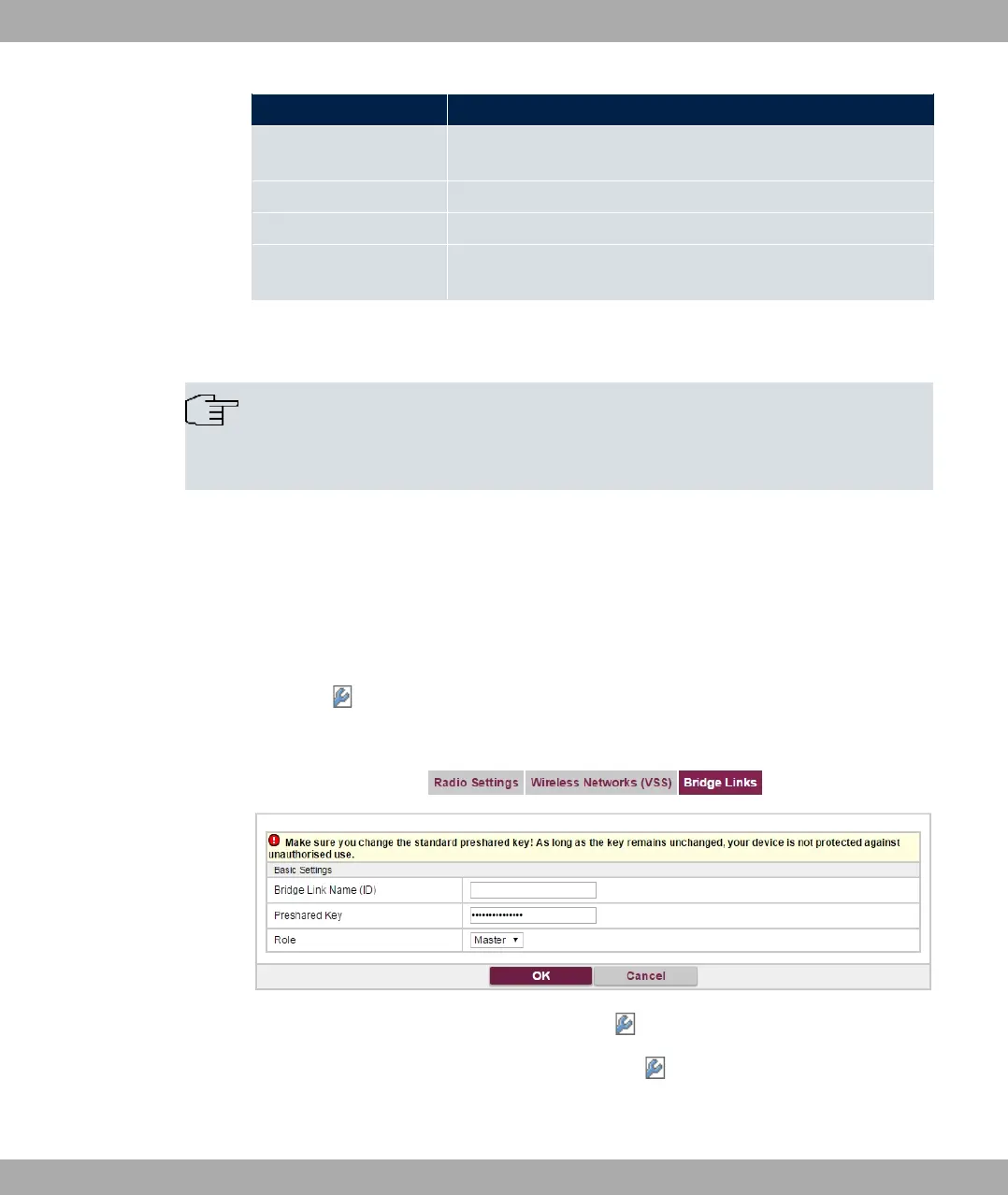
Fig. 69: Wireless LAN->WLAN->Bridge Links-> ->New
The menu Wireless LAN->WLAN->Bridge Links-> ->New contains the follwoing
fields:
Fields in the Basic Parameters menu
8 Wireless LAN bintec elmeg GmbH
176 bintec RS Series



 To Next Page