Field Description
does not match the filter.
• 5( $ $1 %: Deny packet if it matches the
filter.
• 5( $ $1 %: Deny packet if it does
not match the filter.
• #: Use next rule.
To set the rules of a rule chain in a different order select the button in the list menu for
the entry to be shifted. A dialog box opens, in which you can decide under Move whether
the entry "17 (default value) or " another rule of this rule chain is to be shifted.
10.6.3 Interface Assignment
In this menu, the configured rule chains are assigned to the individual interfaces and the
gateway’s behavior is defined for denying IP packets.
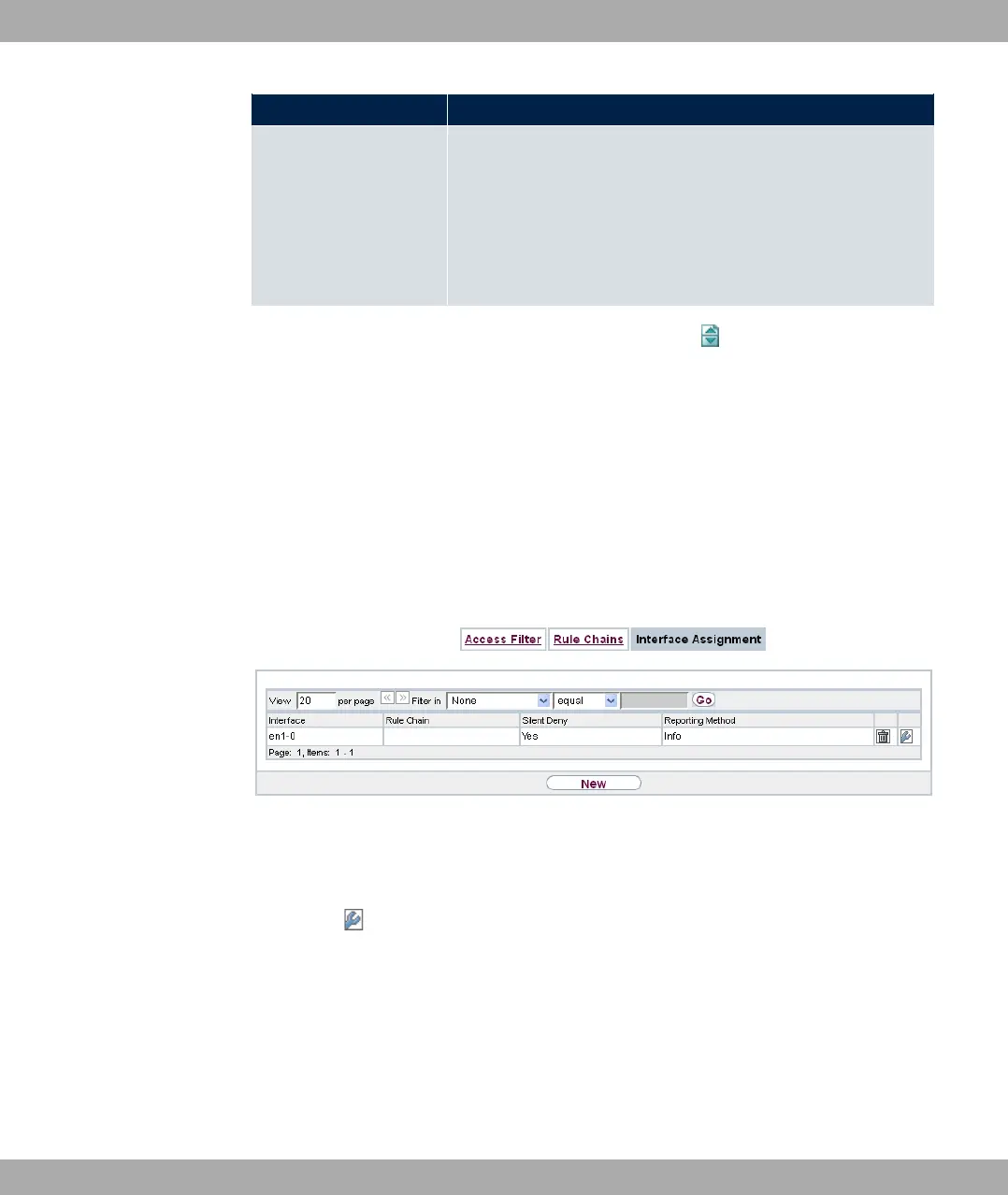
A list of all configured interface assignments is displayed in the Networking->Access
Rules->Interface Assignment menu.
Fig. 111: Networking->Access Rules->Interface Assignment
10.6.3.1 Edit or New
Choose the icon to edit existing entries. Choose the New button to configure additional
assignments.
bintec elmeg GmbH
10 Networking
bintec RS Series 281



 To Next Page