Field Description
Server Failures Shows the number of requests that were not answered by any
name server (either positively or negatively).
17.2 HTTPS
You can operate the user interface of your device from any PC with an up-to-date Web
browser via an HTTPS connection.
HTTPS (HyperText Transfer Protocol Secure) is the procedure used to establish an en-
crypted and authenticated connection by SSL between the browser used for configuration
and the device.
17.2.1 HTTPS Server
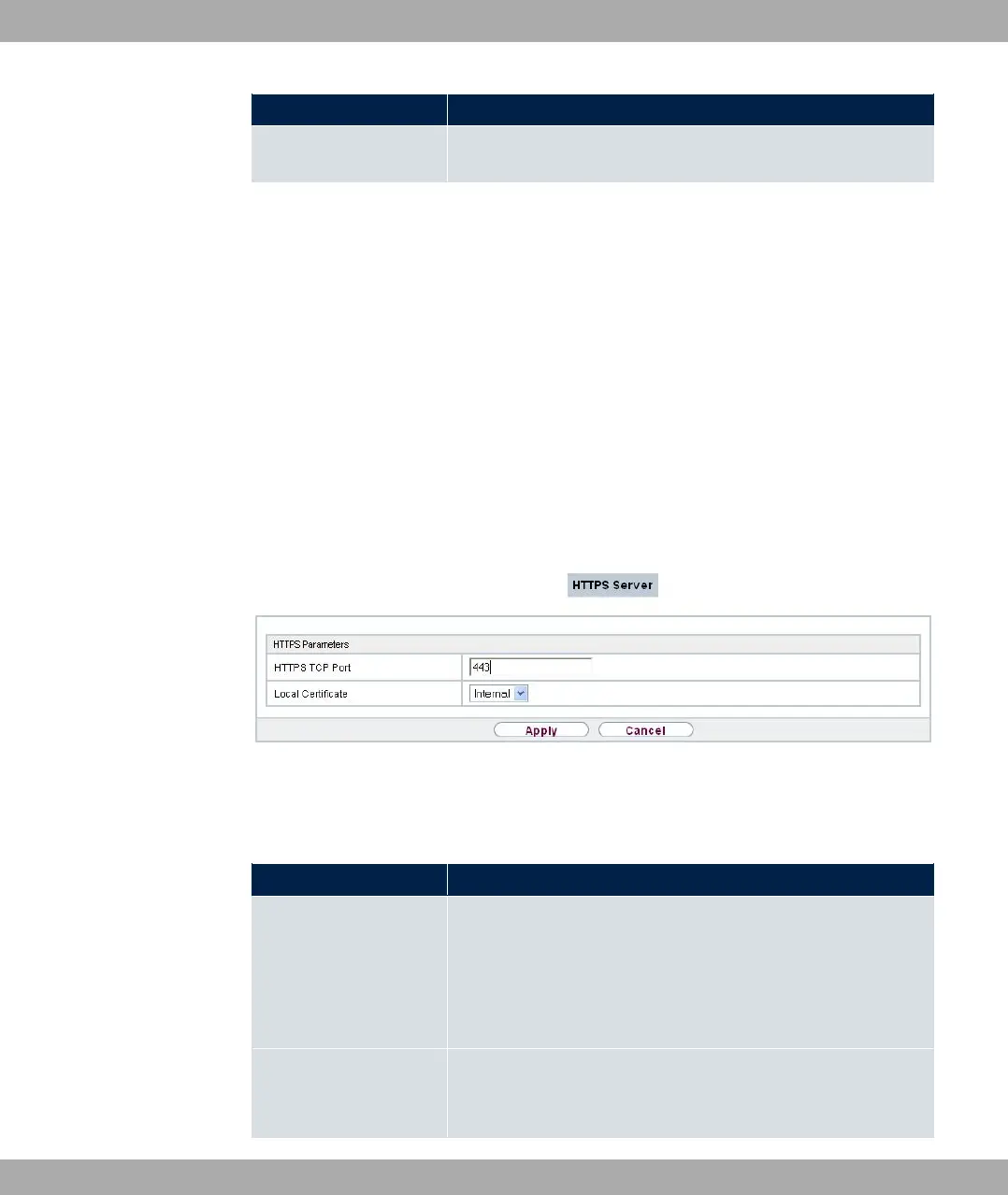
In the Local Services->HTTPS->HTTPS Server menu, configure the parameters of the
backed up configuration connection via HTTPS.
Fig. 171: Local Services->HTTPS->HTTPS Server
The Local Services->HTTPS->HTTPS Server menu consists of the following fields:
Fields in the HTTPS Parameters menu.
Field Description
HTTPS TCP Port Enter the port via which the HTTPS connection is to be estab-
lished.
Possible values are to &.
The default value is &.
Local Certificate Select a certificate that you want to use for the HTTPS connec-
tion.
17 Local Services bintec elmeg GmbH
452 bintec RS Series



 To Next Page