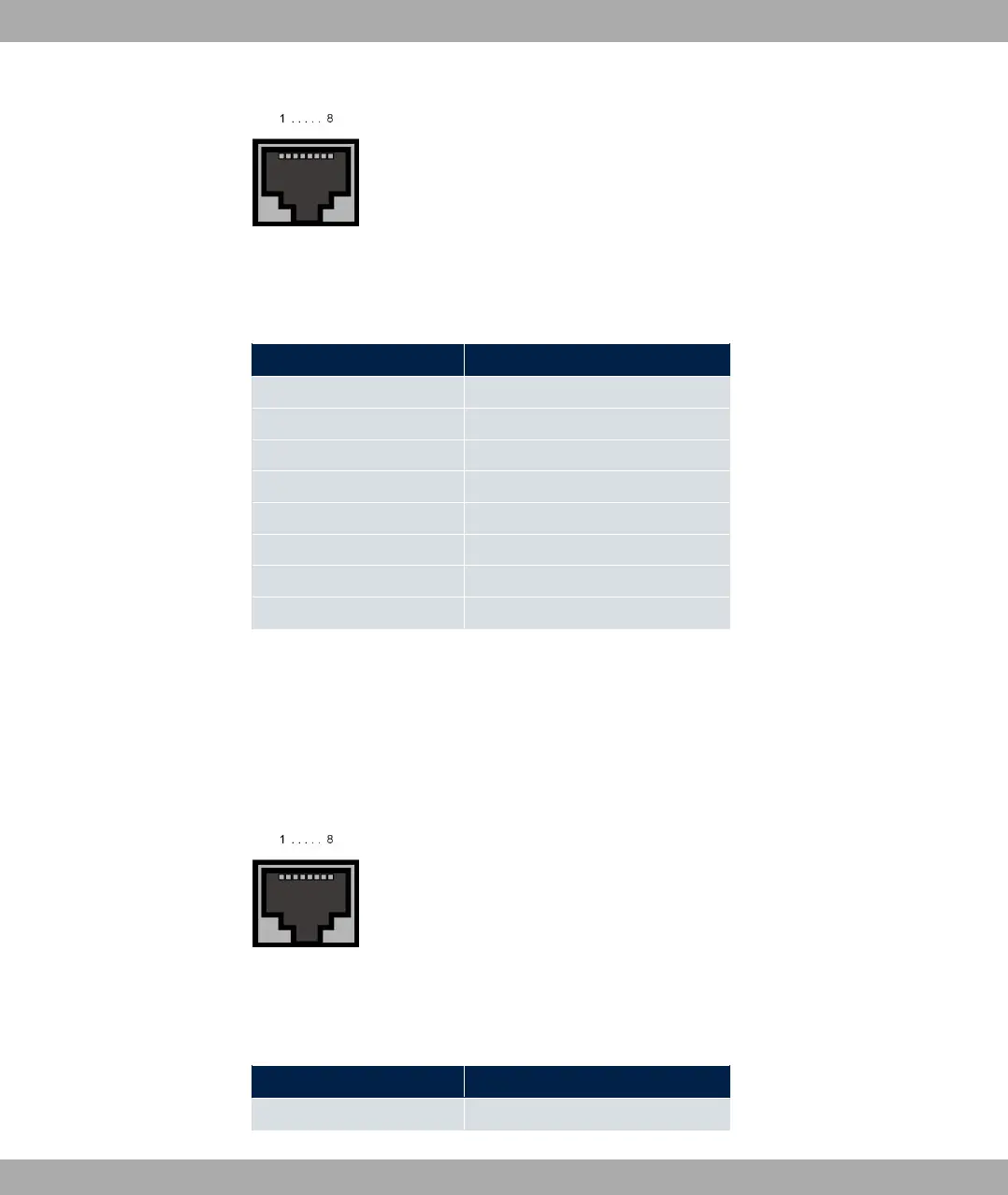
Fig. 13: xDSL interface (RJ45)
The pin assignment for the xDSL interface (RJ45 socket) is as follows:
RJ45 socket for xDSL connection
Pin Position
1 Not used
2 Not used
3 Not used
4 a
5 b
6 Not used
7 Not used
8 Not used
1.5.4 ISDN S0 port
Some devices have an ISDN-BRI(S0) interface, which can be used for backup functions,
for example.
The connection is made via an RJ45 connector (black).
Fig. 14: ISDN S0 BRI interface (RJ45 socket)
The pin assignment for the ISDN S0 BRI interface (RJ45 socket) is as follows:
RJ45 socket for ISDN connection
Pin Position
1 Not used
1 Installation bintec elmeg GmbH
22 bintec RS Series



 To Next Page