Field Description
Pop-Up window for
status indication
Specify whether the device uses pop-up windows to display the
status.
The function is enabled by default.
Default Idle Timeout
Enable or disable the Default Idle Timeout. If a hotspot user
does not trigger any data traffic for a configurable length of time,
they are logged out of the hotspot.
The function is enabled by default.
The default value is seconds.
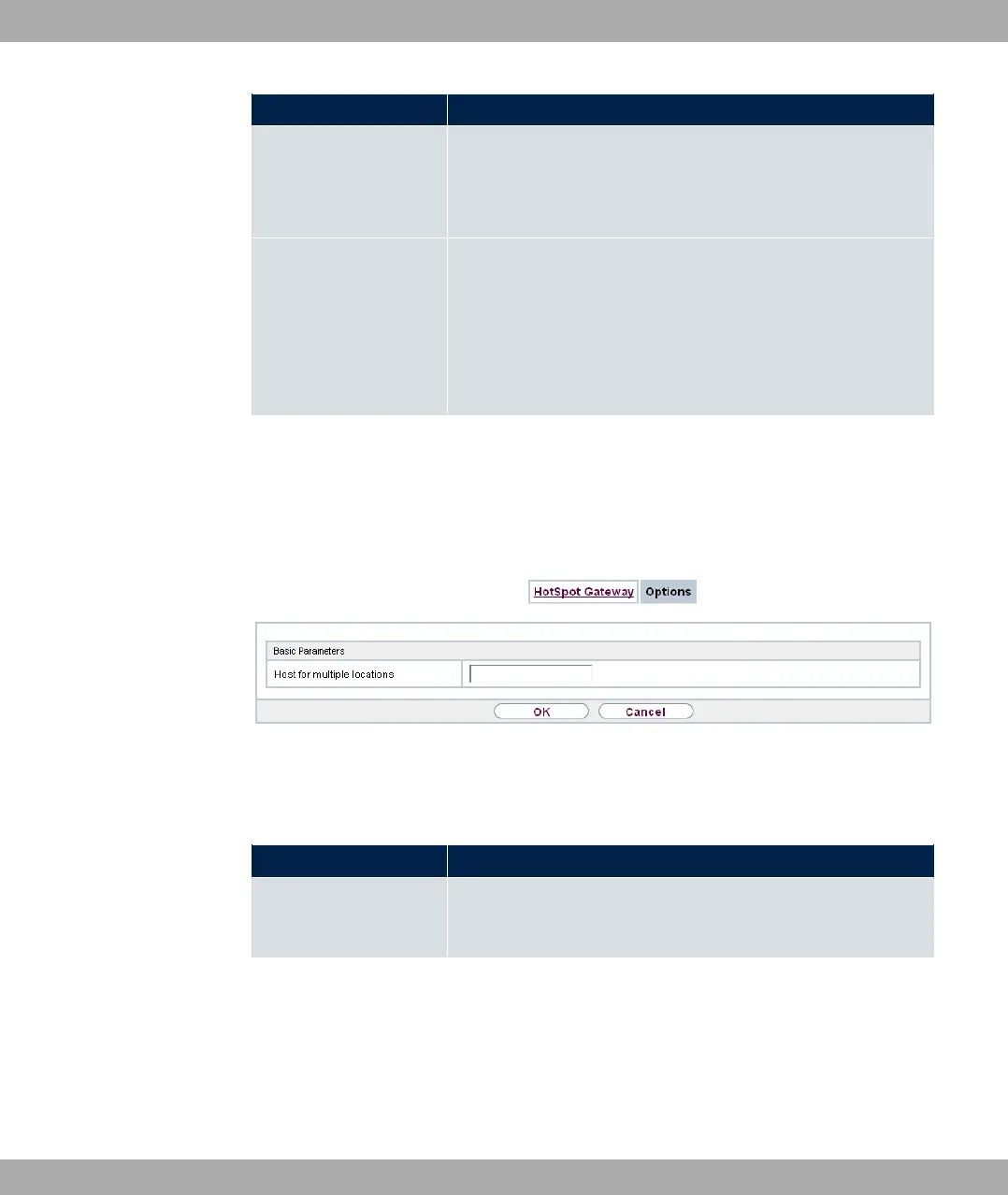
17.12.2 Options
In the Local Services->HotSpot Gateway->Options menu, general settings are per-
formed for the hotspot.
Fig. 199: Local Services->HotSpot Gateway->Options
The Local Services->HotSpot Gateway->Options menu consists of the following fields:
Fields in the Basic Parameters menu.
Field Description
Host for multiple loca-
tions
If several locations (branches) are set up on the Hotspot server,
enter the value of the NAS identifier (RADIUS server parameter)
that has been registered for this location on the Hotspot server.
bintec elmeg GmbH
17 Local Services
bintec RS Series 523



 To Next Page