17.1.3 Static Hosts
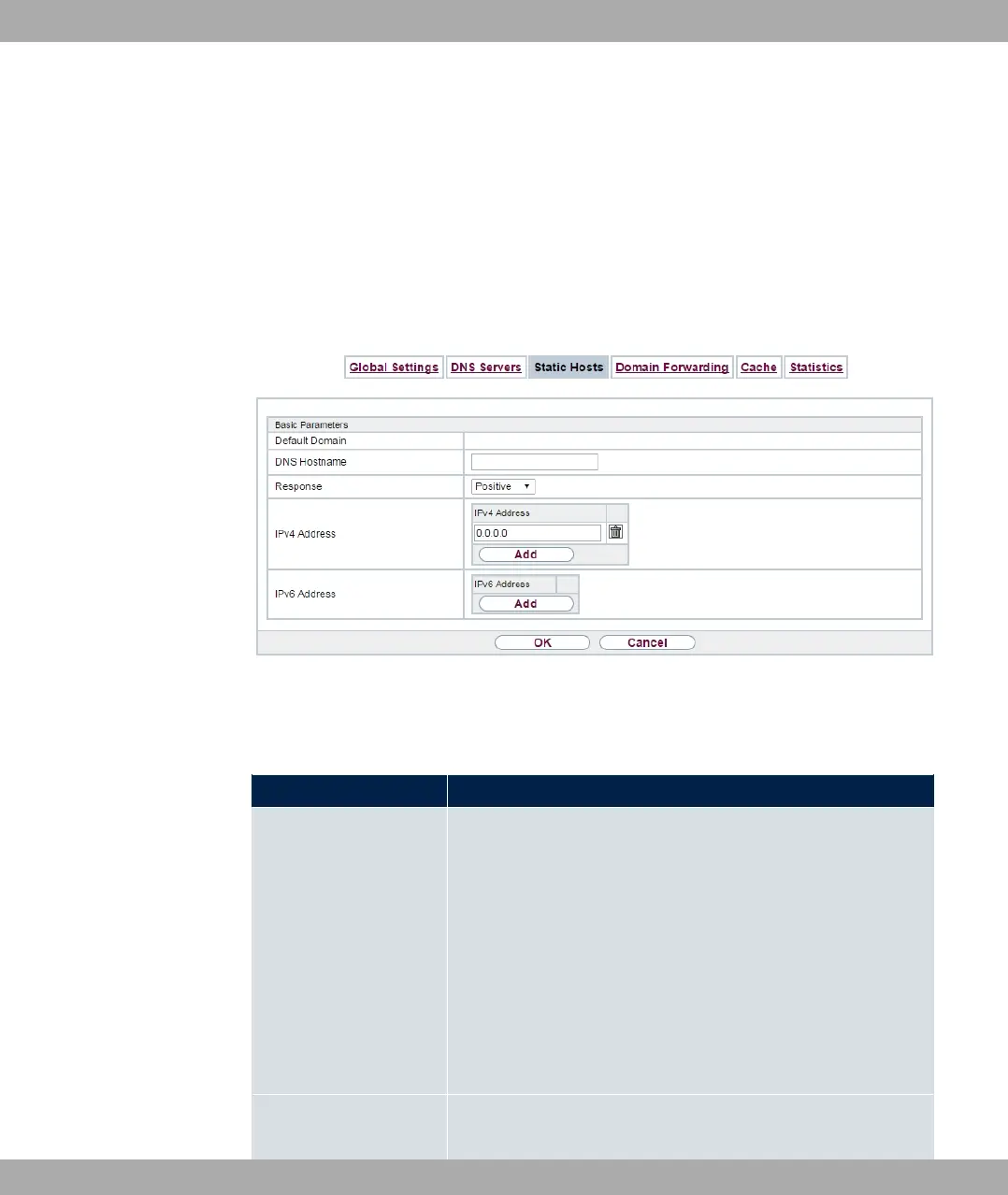
A list of all configured static hosts is displayed in the Local Services->DNS->Static Hosts
menu.
17.1.3.1 New
Choose the New button to set up new static hosts.
Fig. 166: Local Services->DNS->Static Hosts->New
The menu Local Services->DNS->Static Hosts->New consists of the following fields:
Fields in the Basic Parameters menu.
Field Description
DNS Hostname Enter the host name to which the IP Address defined in this
menu is to be assigned if a positive response is received to a
DNS request. If a negative response is received to a DNS re-
quest, no address is specified.
The entry can also start with the wildcard *, e.g.
*.bintec-elmeg.com.
If a name is entered without a dot, this is completed with OK
"<Name.> " after confirmation.
Entries with spaces are not allowed.
Response In this entry, select the type of response to DNS requests.
bintec elmeg GmbH
17 Local Services
bintec RS Series 447



 To Next Page