Pin Position
2 Not used
3 Transmit (+)
4 Receive (+)
5 Receive (-)
6 Transmit (-)
7 Not used
8 Not used
1.5.5 USB interface
The devices have a USB connection for connecting a UMTS stick.
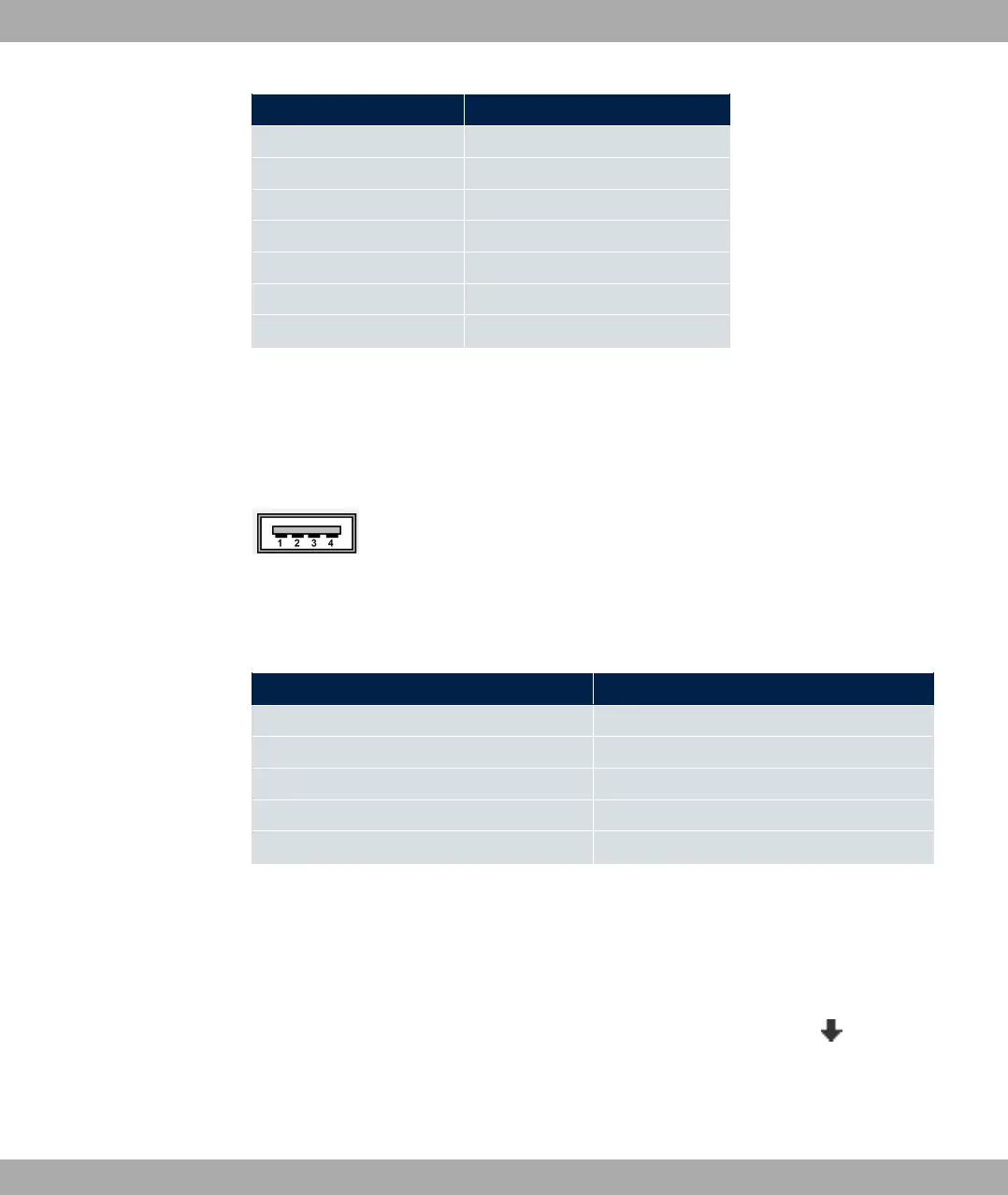
The interface is executed as a standard USB Type A socket.
Fig. 15: USB Type A socket
The pin assignment is as follows:
Pin assignment in USB Type A socket
Pin Position
1 Vbus
2 D-
3 D+
4 GND
Shell Shield
1.6 Inserting the SIM card
Proceed as follows to insert the SIM card:
• Access the card slot at the bottom of the device by removing the screw form the cover
cap and removing the cap. Push the card lock in the direction of the arrow and lift the
card slot slightly.
• Make sure that that contacts on the SIM card are facing downwards.
• Push the SIM card into the card slot so that the bevelled edge of the card is facing up-
bintec elmeg GmbH
1 Installation
bintec RS Series 23



 To Next Page