9.3.3 Wireless Networks (VSS)
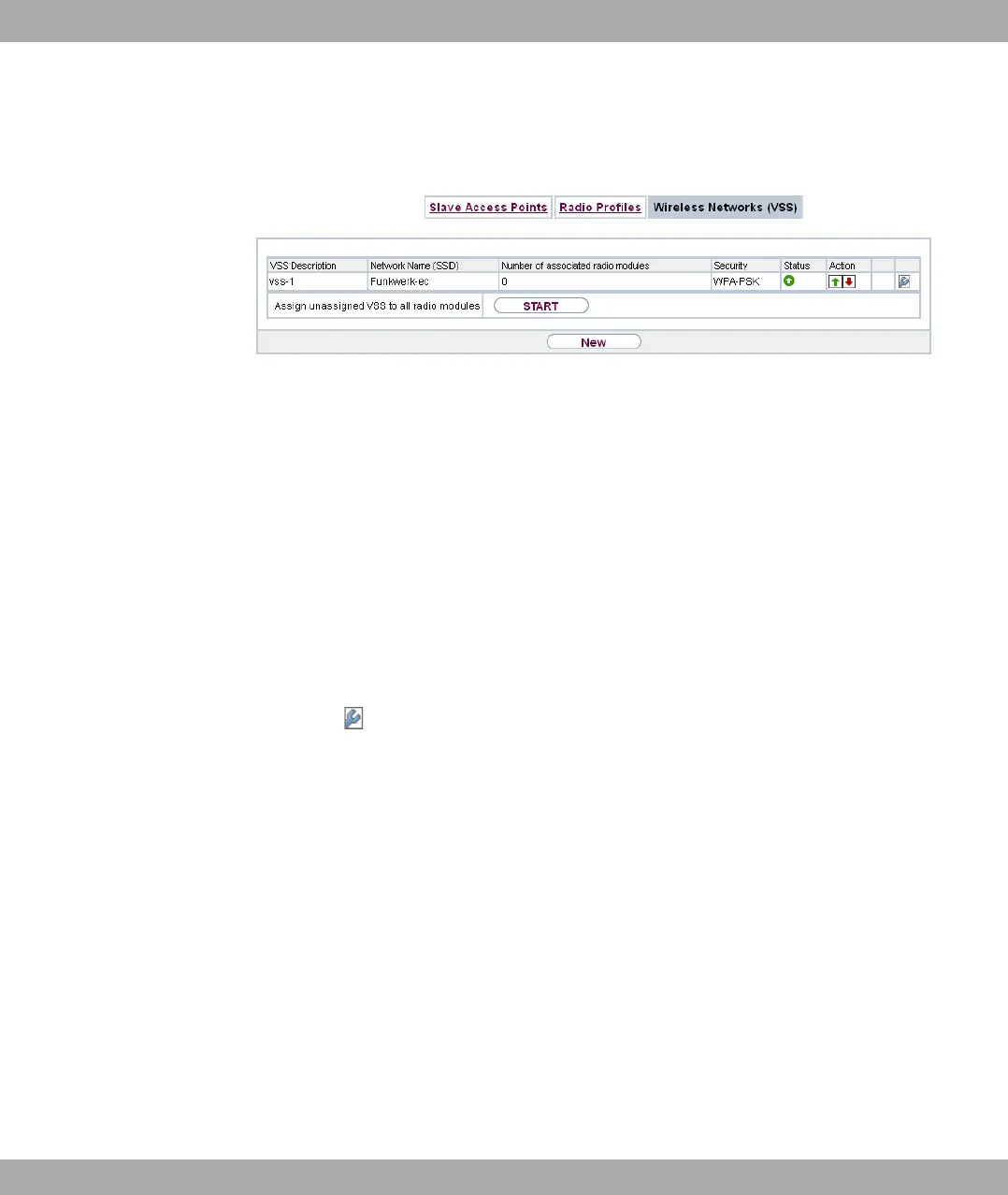
Fig. 77: Wireless LAN Controller->Slave AP configuration->Wireless Networks (VSS)
An overview of all created wireless networks is displayed in the Wireless LAN Controller-
>Slave AP configuration->Wireless Networks (VSS) menu. A wireless network is cre-
ated by default.
For every wireless network (VSS), you see an entry with a parameter set (VSS Descrip-
tion, Network Name (SSID), Number of associated radio modules, Security, Status,
Action).
Under Assign unassigned VSS to all radio modules click on the Start button to assign a
newly-created VSS to all wireless modules.
9.3.3.1 Edit or New
Choose the icon to edit existing entries. Choose the Newbutton to configure additional
wireless networks.
bintec elmeg GmbH
9 Wireless LAN Controller
bintec RS Series 203



 To Next Page