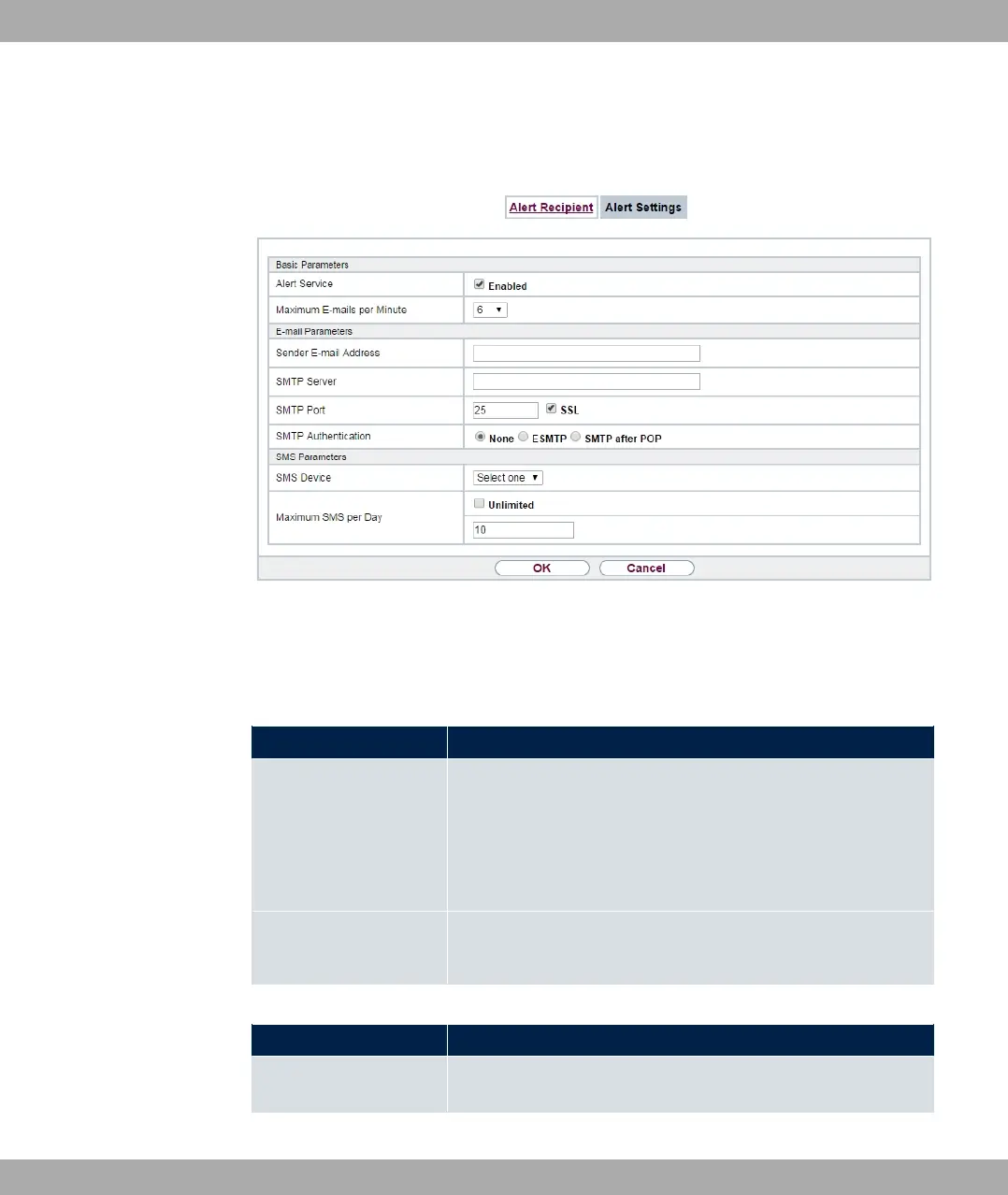
19.3.2 Alert Settings
Fig. 218: External Reporting->Alert Service->Alert Settings
The menu External Reporting->Alert Service->Alert Settings consists of the following
fields:
Fields in the Basic Parameters menu.
Field Description
Alert Service
Select whether the alert service is to be enabled for the inter-
face.
The function is enabled with "1.
The function is enabled by default.
Maximum E-mails per
Minute
Limit the number of outgoing mails per minute. Possible values
are to , the default value is .
Fields in the E-mail Parameters menu.
Field Description
Sender E-mail Address Enter the mail address to be entered in the sender field of the E-
mail.
bintec elmeg GmbH
19 External Reporting
bintec RS Series 559



 To Next Page