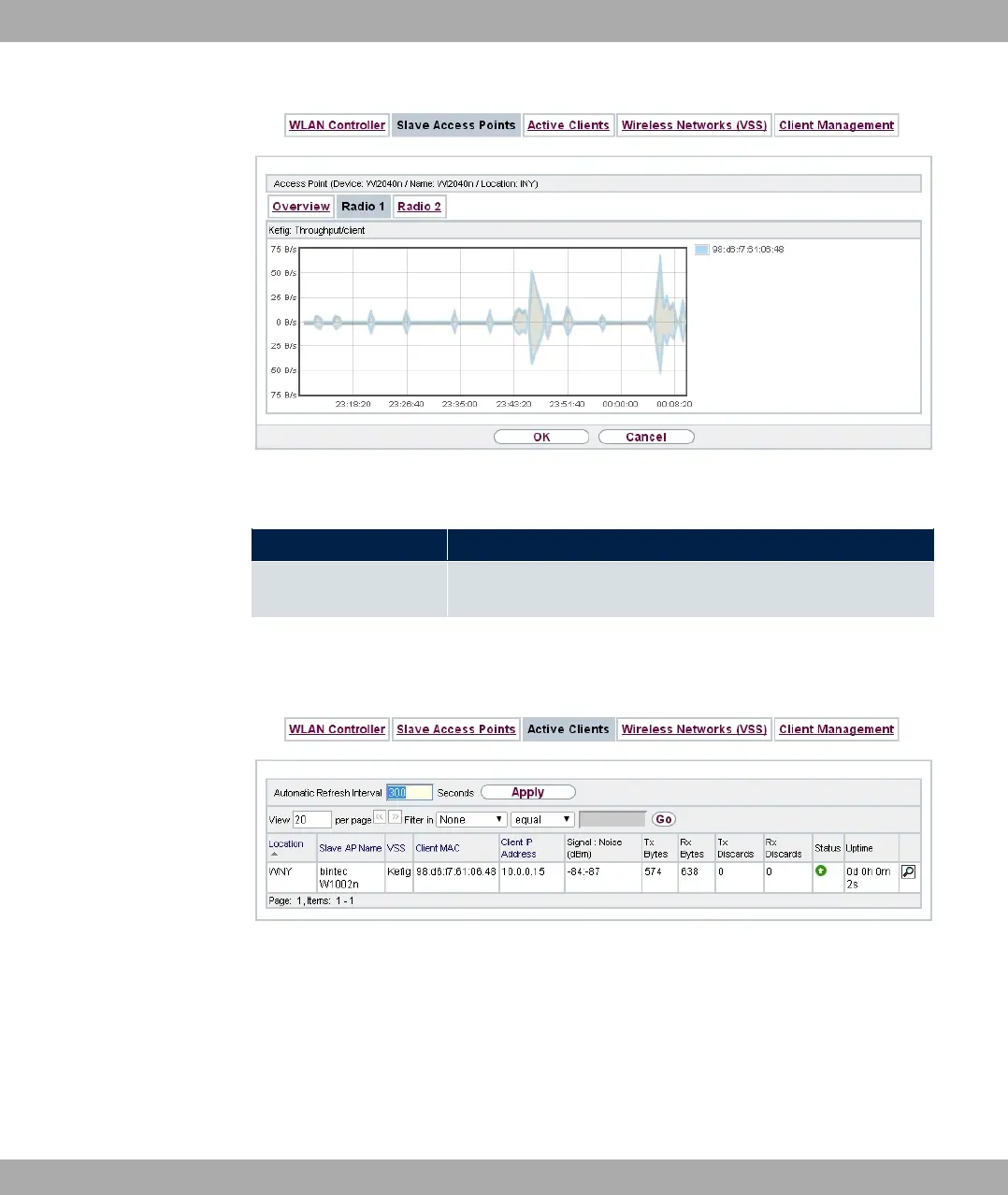
Fig. 82: Wireless LAN Controller->Monitoring->Slave Access Points->Radio
Values in the Radio list
Status Meaning
Throughput/client Displays the received and transmitted data traffic per client over
time.
9.4.3 Active Clients
Fig. 83: Wireless LAN Controller->Monitoring->Active Clients
In the Wireless LAN Controller->Monitoring->Active Clients menu, current values of all
active clients are displayed.
For each client you will see an entry with the following parameter set: Location, Slave AP
Name, VSS, Client MAC, Client IP Address, Signal : Noise (dBm) , Tx Bytes, Rx
Bytes, Tx Discards, Rx Discards, Status, Uptime.
bintec elmeg GmbH
9 Wireless LAN Controller
bintec RS Series 215



 To Next Page