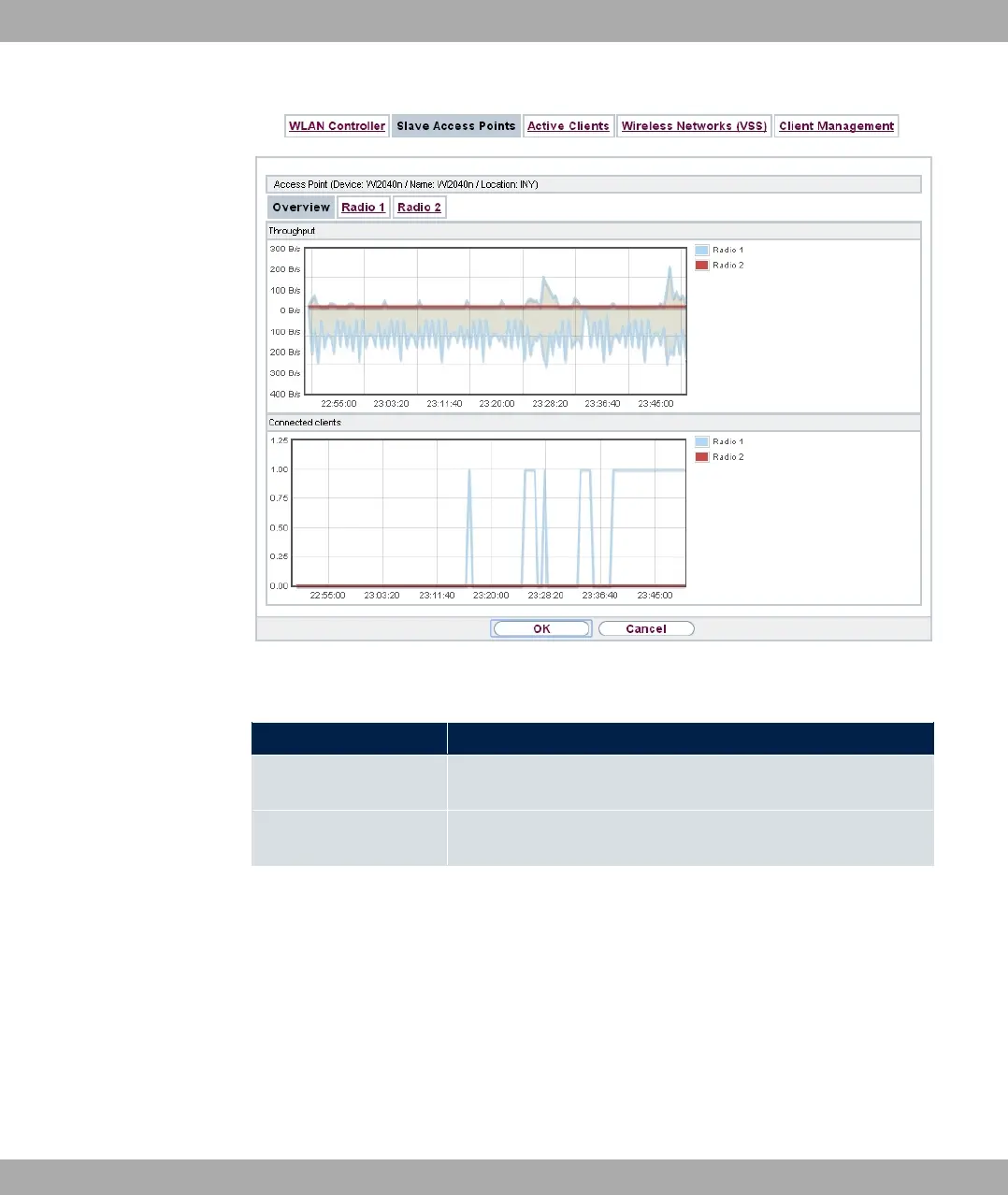
Fig. 81: Wireless LAN Controller->Monitoring->Slave Access Points->Overview
Values in the Overview list
Status Meaning
Throughput Displays the received and transmitted data traffic per radio mod-
ule over time.
Connected clients Displays the number of connected clients per radio module over
time.
9.4.2.2 Radio 1
In the Radio Module menu, the received and transmitted data traffic per client is displayed
over time. Each graph in the display is distinctly assigned to a client by its color and MAC
address.
9 Wireless LAN Controller bintec elmeg GmbH
214 bintec RS Series



 To Next Page