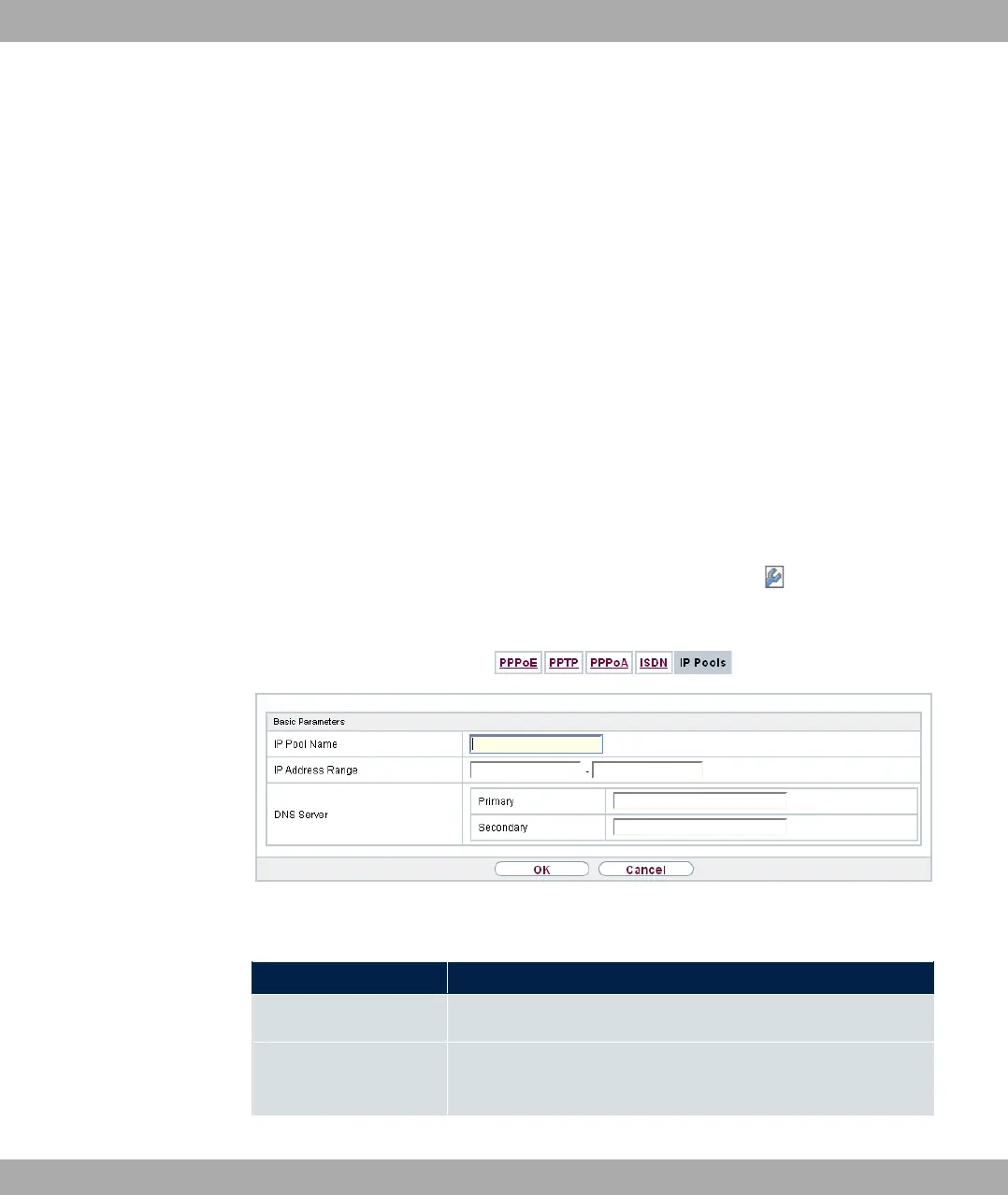
13.1.6 IP Pools
The IP Pools menu displays a list of all IP pools.
Your device can operate as a dynamic IP address server for PPP connections. You can
use this function by providing one or more pools of IP addresses. These IP addresses can
be assigned to dialling-in connection partners for the duration of the connection.
Any host routes entered always have priority over IP addresses from the address pools.
This means that, if an incoming call has been authenticated, your device first checks
whether a host route is entered in the routing table for this caller. If not, your device can al-
locate an IP address from an address pool (if available). If address pools have more than
one IP address, you cannot specify which connection partner receives which address. The
addresses are initially assigned in order. If a new dial-in takes place within an interval of
one hour, an attempt is made to allocate the same IP address that was assigned to this
partner the previous time.
13.1.6.1 Edit or New
Choose the New button to set up new IP address pools. Choose the icon to edit exist-
ing entries.
Fig. 129: WAN->Internet + Dialup->IP Pools->New
Fields in the menu Basic Parameters
Field Description
IP Pool Name Enter any description to uniquely identify the IP pool.
IP Address Range Enter the first (first field) and last (second field) IP address of
the IP address pool.
13 WAN bintec elmeg GmbH
336 bintec RS Series



 To Next Page