9.5.2 Rogue APs
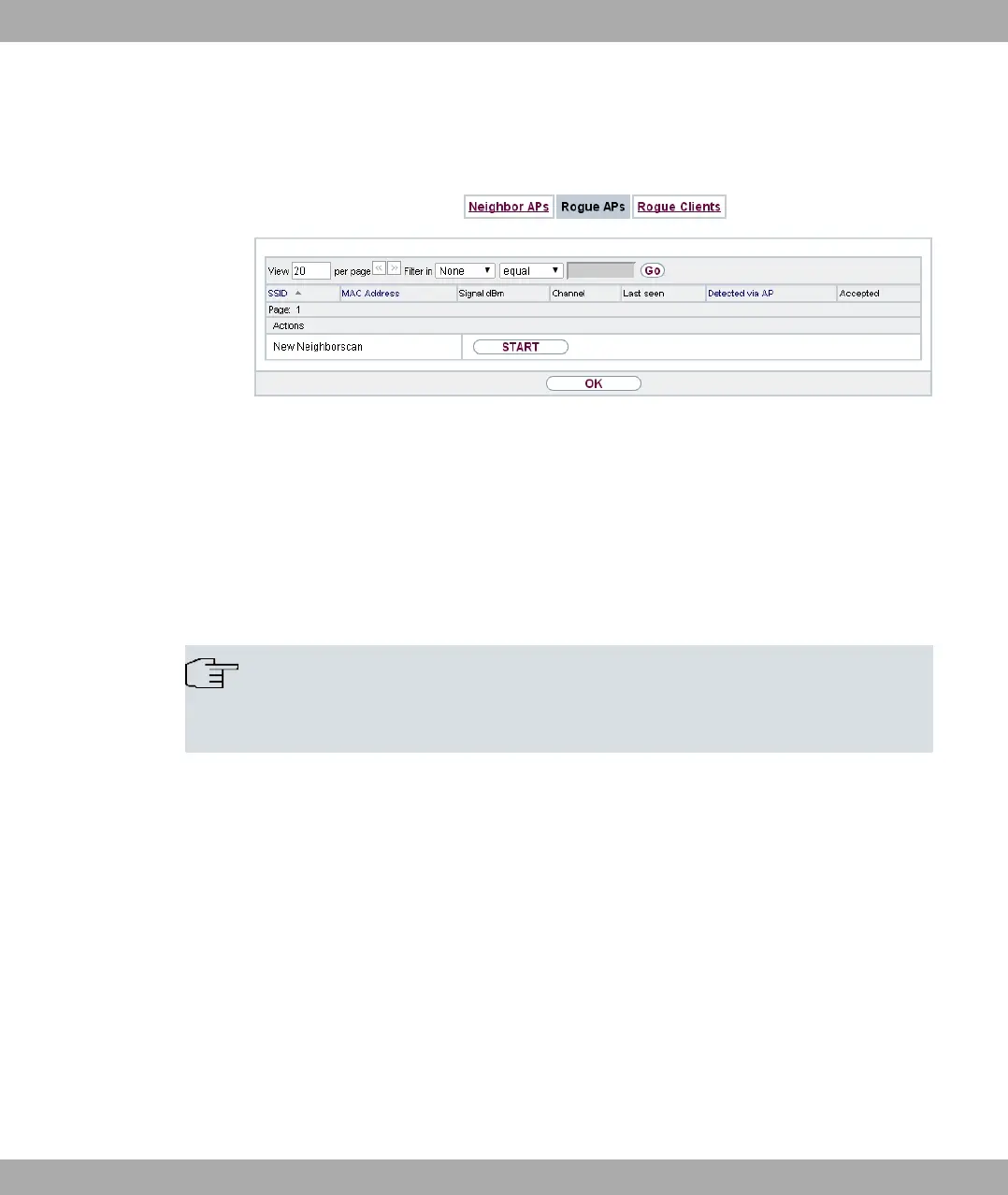
Fig. 88: Wireless LAN Controller->Neighbor Monitoring->Rogue APs
APs which are using an SSID from their own network but are not managed by Wireless
LAN Controller are displayed in the Wireless LAN Controller->Neighbor
Monitoring->Rogue APs menu. Rogue APs which have been found for the first time are
displayed with a red background.
For each rogue AP you will see an entry with the following parameter set: SSID, MAC Ad-
dress, Signal dBm, Channel, Last seen, Detected via AP,Accepted.
Note
Check the rogue APs shown carefully, as an attacker could attempt to spy on data in
your network using a rogue AP.
You can class a rogue AP as trustworthy by enabling the Accepted checkbox. If an alarm
has been configured, this is then removed and no longer sent. The red background disap-
pears.
Click under New Neighborscan on Start, to rescan adjacent AP's. You will receive a warn-
ing that the wireless modules of the access points must also be disabled for a certain peri-
od of time. When you start the process with OK, a progress bar is displayed. The located
AP display is updated every ten seconds.
bintec elmeg GmbH
9 Wireless LAN Controller
bintec RS Series 219



 To Next Page