17.13 Wake-On-LAN
With the function Wake-On-LAN you can start network devices that are switched off via an
integrated network card. The network card also needs a power supply, even when the com-
puter is switched off. You can use filters and rule chains to define the conditions that need
to be met to send the so-called magic packet, and select the interfaces that are to be mon-
itored for the defined rule chains. Configuring the filters and rule chains is largely like con-
figuring filters and rule chains in the menu Access Rules.
17.13.1 Wake-On-LAN Filter
The menu Local Services->Wake-On-LAN->Wake-On-LAN Filter displays a list of all the
WOL filters that have been configured.
17.13.1.1 Edit or New
Choose the icon to edit existing entries. Choose the New button to enter additional fil-
ters.
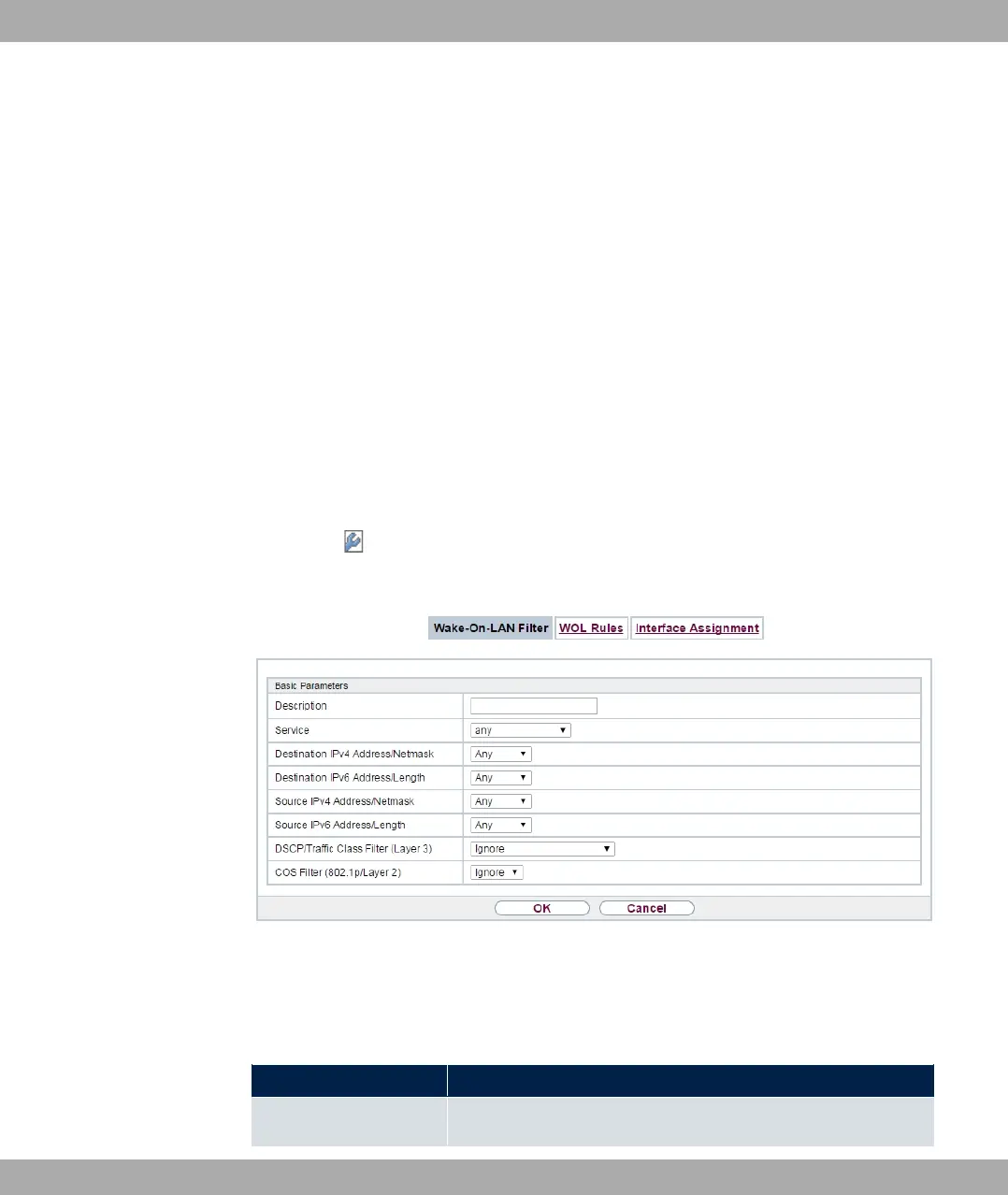
Fig. 200: Local Services->Wake-On-LAN->Wake-On-LAN Filter->New
The Local Services->Wake-On-LAN->Wake-On-LAN Filter->New menu consists of the
following fields:
Fields in the menu Basic Parameters
Field Description
Description Enter the name of the filter.
17 Local Services bintec elmeg GmbH
524 bintec RS Series



 To Next Page