19.4.2 SNMP Trap Hosts
In this menu, you specify the IP addresses to which your device is to send the SNMP traps.
In the External Reporting->SNMP->SNMP Trap Hosts menu, a list of all configured SN-
MP trap hosts is displayed.
19.4.2.1 New
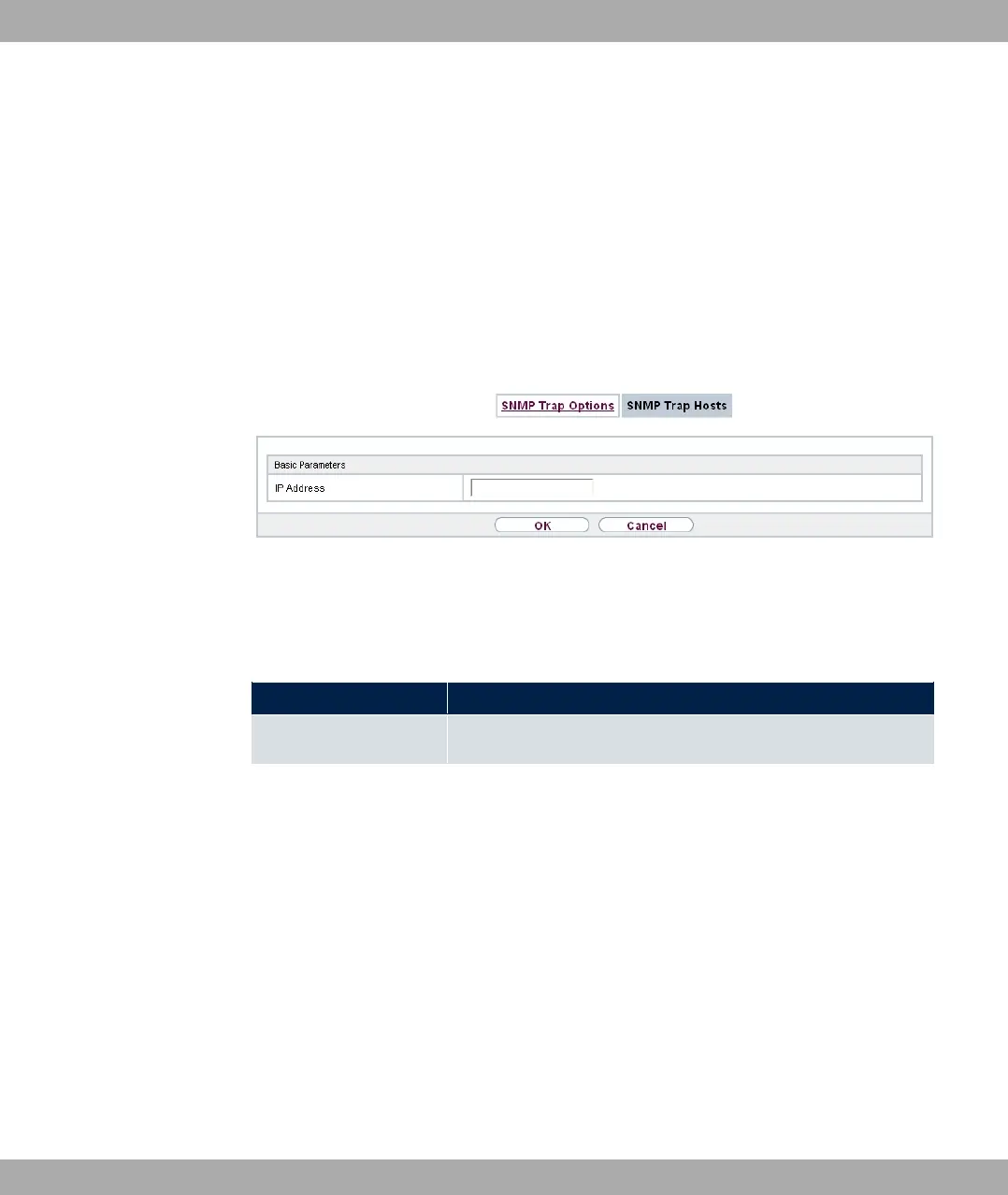
Select the Newbutton to create additional SNMP trap hosts.
Fig. 220: External Reporting->SNMP->SNMP Trap Hosts->New
The menu External Reporting->SNMP->SNMP Trap Hosts->New consists of the follow-
ing fields:
Fields in the Basic Parameters menu.
Field Description
IP Address Enter the IP address of the SNMP trap host.
19.5 SIA
19.5.1 SIA
In the menu External Reporting->SIA->SIA, you can create and download a file that
provides extensive support information about the status of your device like, e.g., the current
configuration, available memory, uptime etc.
bintec elmeg GmbH
19 External Reporting
bintec RS Series 563



 To Next Page