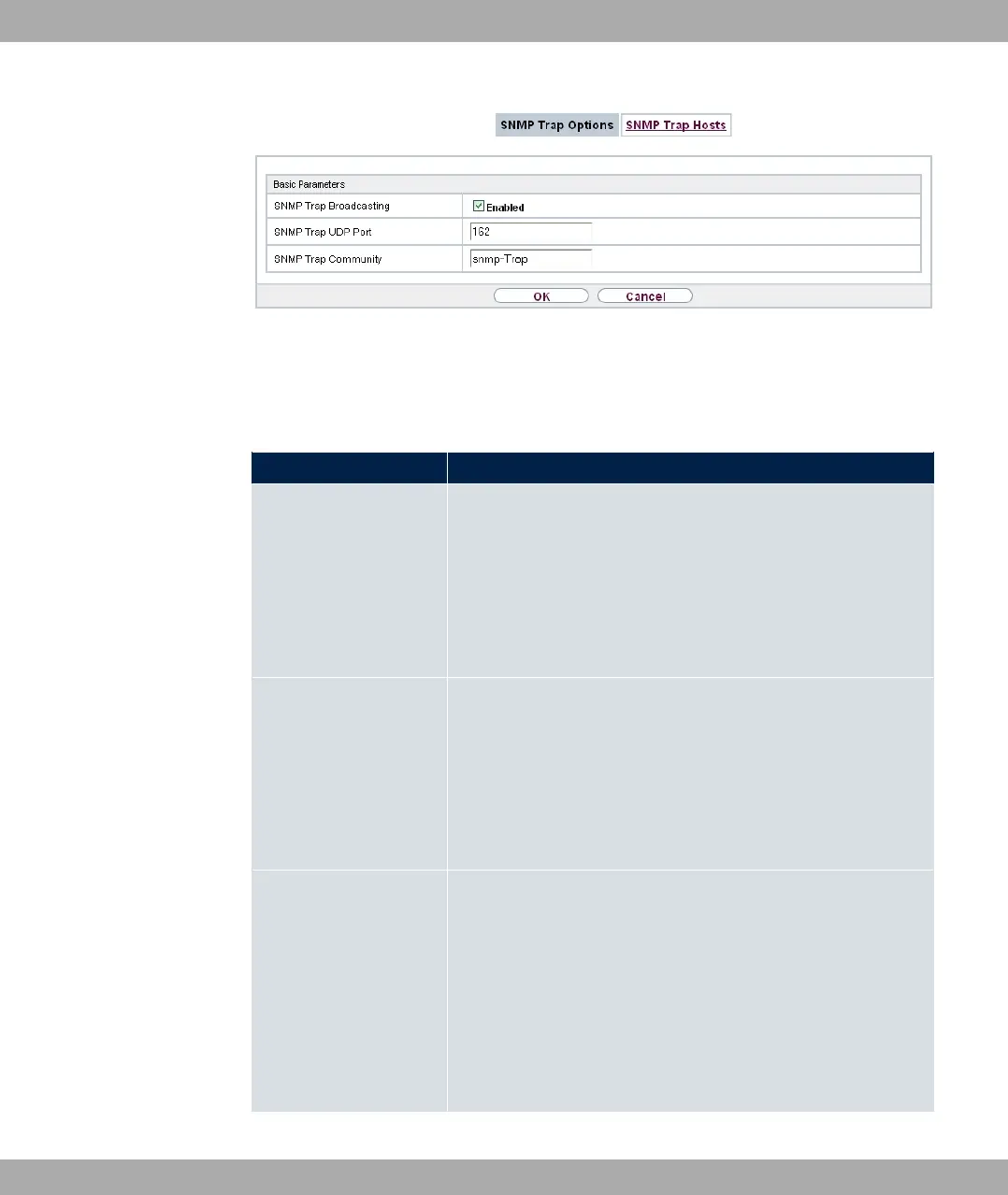
Fig. 219: External Reporting->SNMP->SNMP Trap Options
The menu External Reporting->SNMP->SNMP Trap Options consists of the following
fields:
Fields in the Basic Parameters menu.
Field Description
SNMP Trap Broadcast-
ing
Select whether the transfer of SNMP traps is to be activated.
Your device then sends SNMP traps to the LAN's broadcast ad-
dress.
The function is activated by selecting "1.
The function is disabled by default.
SNMP Trap UDP Port Only if SNMP Trap Broadcasting is enabled.
Enter the number of the UDP port to which your device is to
send SNMP traps.
Any whole number is possible.
The default value is .
SNMP Trap Com-
munity
Only if SNMP Trap Broadcasting is enabled.
Enter a new SNMP code. This must be sent by the SNMP Man-
ager with every SNMP request so that this is accepted by your
device.
A character string of between and characters is pos-
sible.
The default value is )' *+.
19 External Reporting bintec elmeg GmbH
562 bintec RS Series



 To Next Page