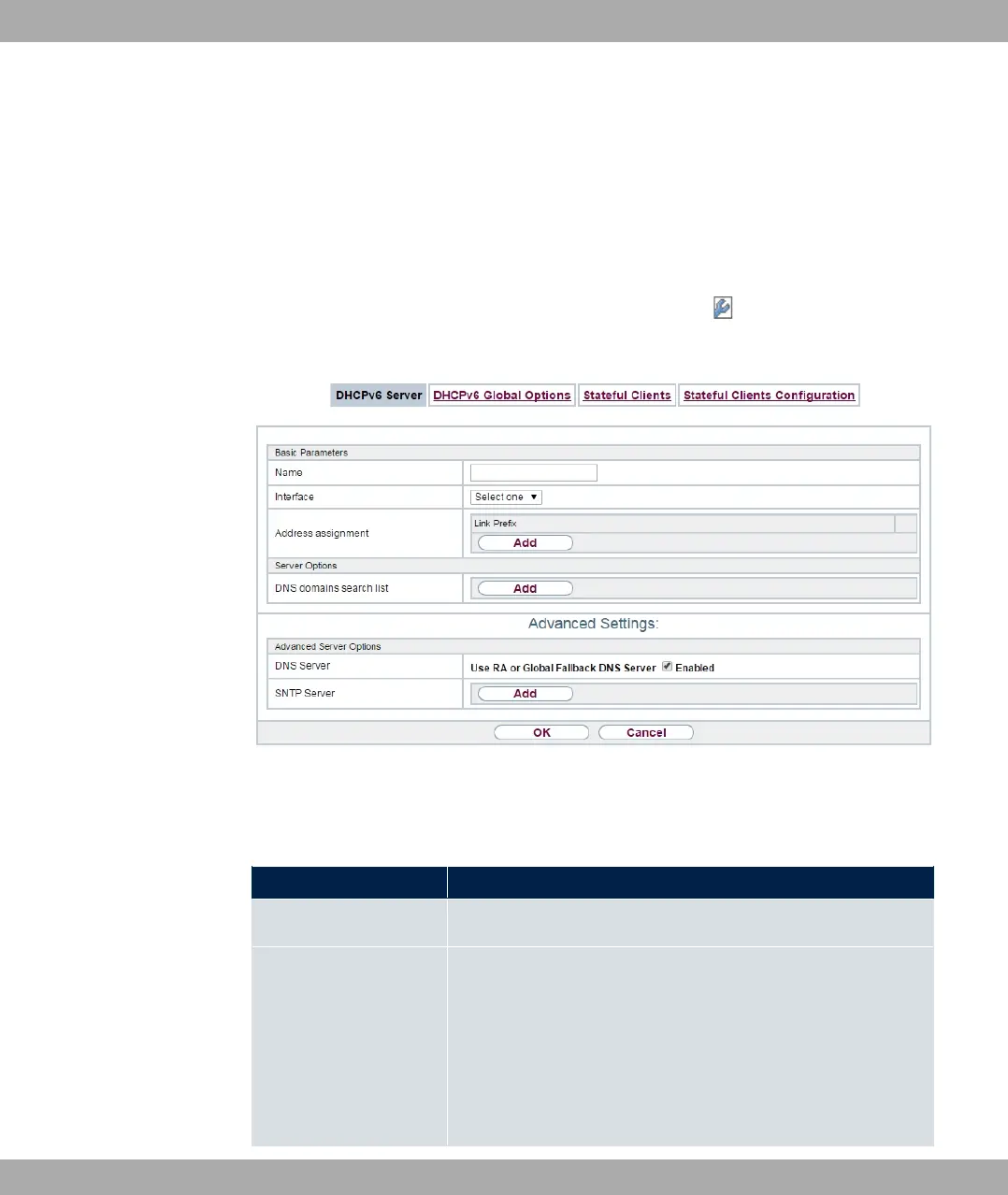
17.5.1 DHCPv6 Server
Here you can create interface-related address pools and define DHCP options inside of an
DHCP Option Set.
17.5.1.1 Edit or New
Use the New button in order to create an Option Set. Use the icon in order to edit an
existing entry.
Fig. 178: Local Services->DHCPv6 Server->DHCPv6 Server
The menu consists of the following fields:
Fields in the menu Basic Parameters
Field Description
Name
Enter a name for the Option Set.
Interface
Select the IPv6 interface the Option Set is assigned to.
You can choose from interfaces with the following configuration:
• IPv6 is enabled.
• The option DHCP Server is enabled.
In the ex works state, IPv6 is disabled for all interfaces. If the in-
17 Local Services bintec elmeg GmbH
470 bintec RS Series



 To Next Page