Field Description
•
is selected by default.
Selection Select the members of the group from the available Addresses.
To do this, activate the Fields in the Selection column.
15.4 Services
15.4.1 Service List
In the Firewall->Services->Service List menu, a list of all available services is displayed.
15.4.1.1 New
Choose the New button to set up additional services.
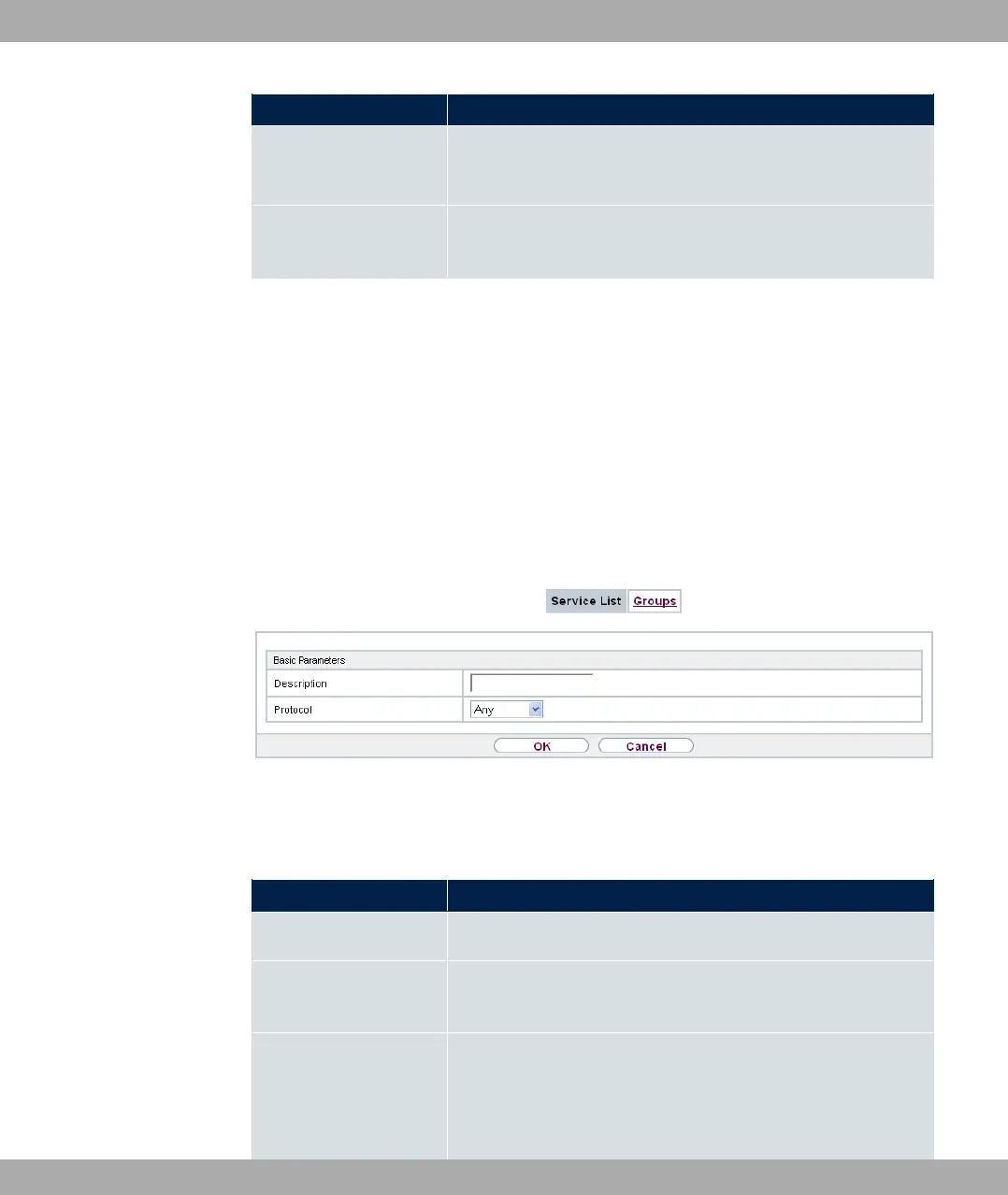
Fig. 160: Firewall->Services->Service List->New
The menu Firewall->Services->Service List->New consists of the following fields:
Fields in the Basic Parameters menu.
Field Description
Description Enter an alias for the service you want to configure.
Protocol Select the protocol on which the service is to be based. The
most important protocols are available for selection.
Destination Port Range Only for Protocol = *6, .5/*6 or .5
In the first field, enter the destination port via which the service
is to run.
bintec elmeg GmbH
15 Firewall
bintec RS Series 429



 To Next Page