9.5.3 Rogue Clients
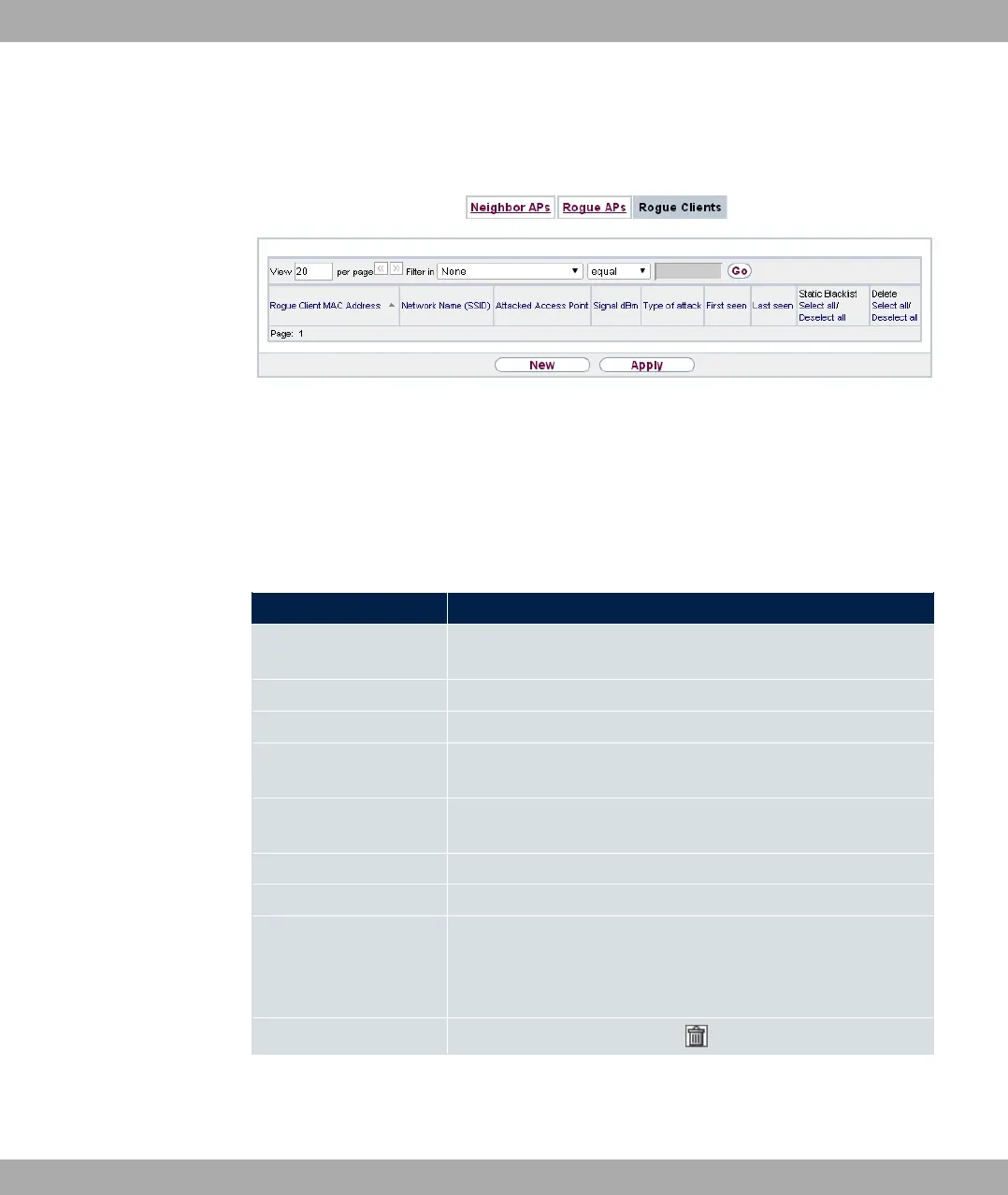
Fig. 89: Wireless LAN Controller->Neighbor Monitoring->Rogue Clients
The Wireless LAN Controller->Neighbor Monitoring->Rogue Clients menu displays the
clients which have attempted to gain unauthorised access to the network and which are
therefore on the blacklist. The blacklist is configured for each VSS in the Wireless LAN
Controller->Slave AP configuration->Wireless Networks (VSS) menu. You can also
add a new entry to the static blacklist.
Possible values for Rogue Clients
Status Meaning
Rogue Client MAC Ad-
dress
Displays the MAC address of the client on the blacklist.
Network Name (SSID) Displays the SSID involved.
Attacked Access Point Displays the AP concerned.
Signal dBm Displays the signal strength of the client during the attempted
access.
Type of attack This displays the type of potential attack, e. g. an incorrect au-
thentication.
First seen Displays the time of the first registered attempted access.
Last seen Displays the time of the last registered attempted access.
Static Blacklist You can categorise a rogue client as untrustworthy by selecting
the checkbox in the Static Blacklist column. The block on the
client does not then end automatically, rather you need to lift it
manually.
Delete You can delete entries with the symbol.
9 Wireless LAN Controller bintec elmeg GmbH
220 bintec RS Series



 To Next Page