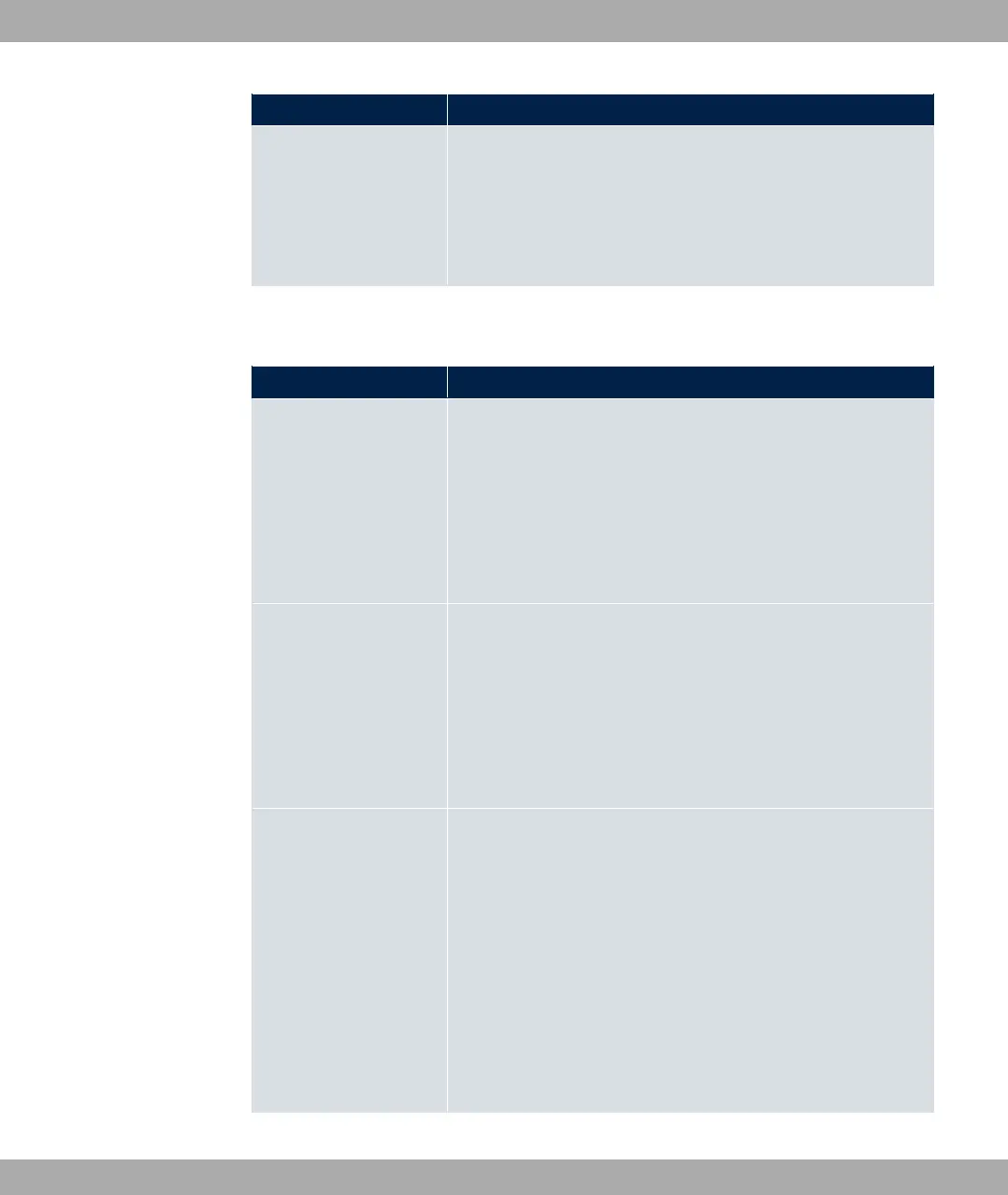
Field Description
The following languages are supported: #1, 5%,
1, <R, +S1, #T and )
1 .
The language can be changed on the start/login page at any
time.
The menu Advanced Settings consists of the following fields:
Fields in the menu Advanced Settings
Field Description
Ticket Type
Select the ticket type.
Possible values:
• E%: Only the user name must be entered. Define a de-
fault password in the input field.
• ./7 (default value): User name and pass-
word must be entered.
Allowed HotSpot Client
Here you can define which type of users can log in to the Hot-
spot.
Possible values:
• 311: All clients are approved.
• 5@6 61: Prevents users who have not received an IP
address from DHCP from logging in.
Login Frameset
Enable or disable the login window.
The login window on the HTML homepage consists of two
frames.
When the function is enabled, the login form displays on the left-
hand side.
When the function is disabled, only the website with information,
advertising and/or links to freely accessible websites is dis-
played.
The function is enabled by default.
17 Local Services bintec elmeg GmbH
522 bintec RS Series



 To Next Page