6.2.2.1 New
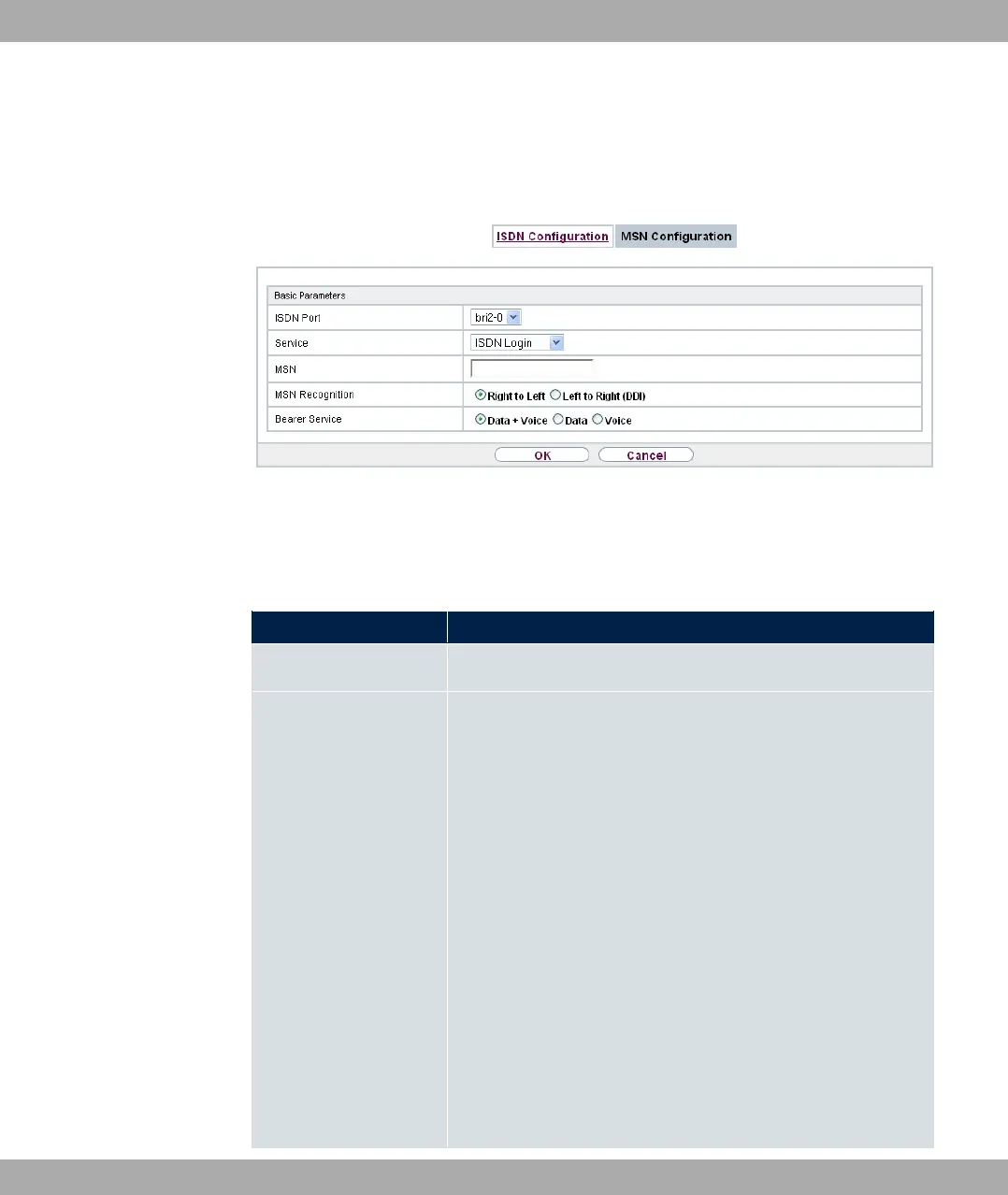
Set the New, button to set up a new MSN.
Fig. 51: Physical Interfaces->ISDN Ports->MSN Configuration->New
The menu Physical Interfaces->ISDN Ports->MSN Configuration->New consists of the
following fields:
Fields in the Basic Parameters menu.
Field Description
ISDN Port Select the ISDN port for which the MSN is to be configured.
Service Select the service to which a call is to be assigned on the MSN
below.
Possible values:
• 5) 0# (default value): Enables login with 5) 0
#
• A#!: Default setting for PPP routing. Contains
automatic detection of the PPP connections stated below ex-
cept 5-E:.
• %: Enables a number to be defined for IPSec callback.
• - !: Other services can be selected: 9
(Allows 64 kpbs PPP data connections), 9 (Allows
56 kpbs PPP data connections), E!
E!, E!, E&!
(Allows PPP connections with V.110 and bitrates of 9,600
bps, 14,400 bps, 19,200 bps, 38,400 bps), E
(Allows PPP connections with V.120).
bintec elmeg GmbH
6 Physical Interfaces
bintec RS Series 119



 To Next Page