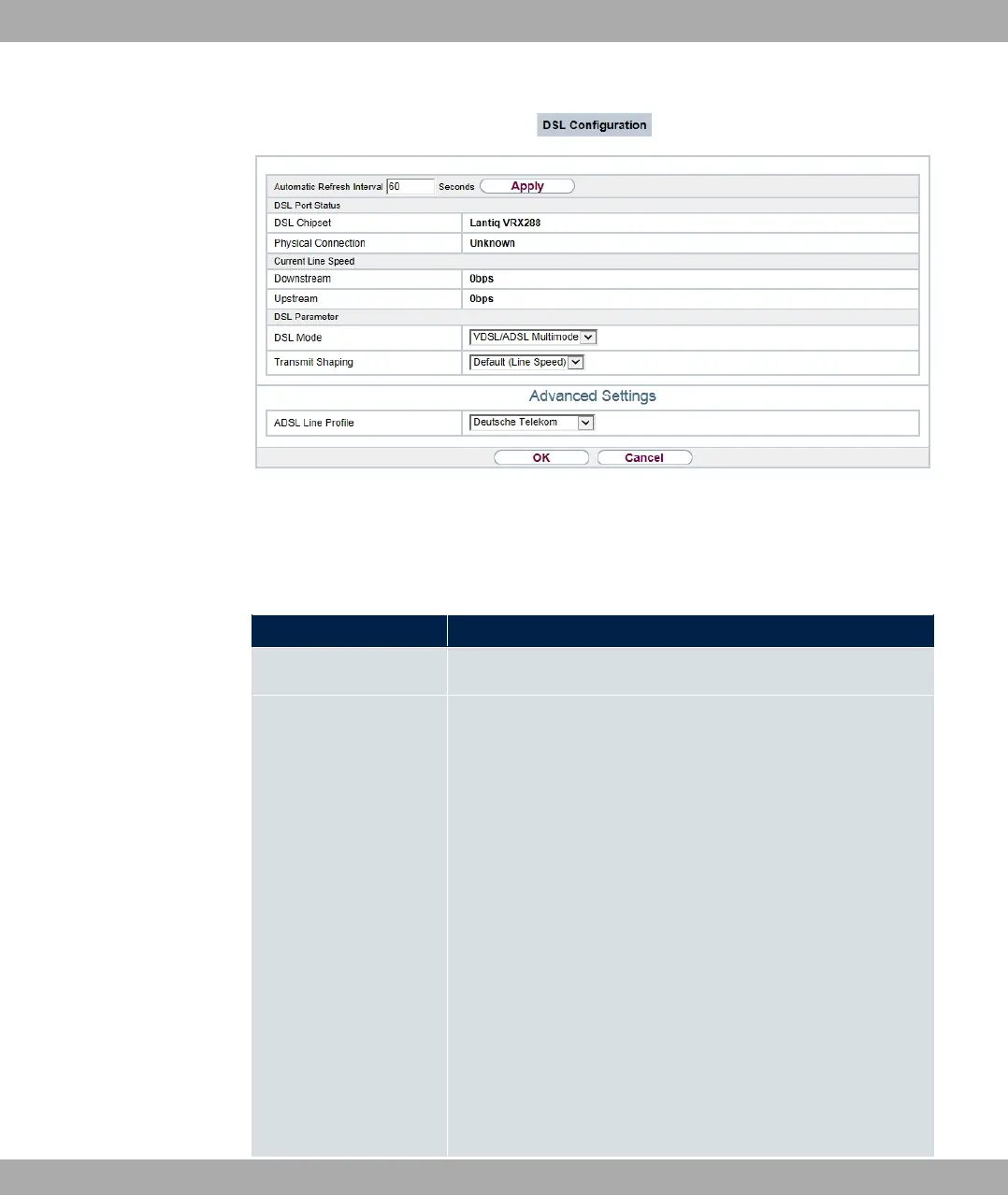
Fig. 52: Physical Interfaces->DSL Modem->DSL Configuration
The menu Physical Interfaces->DSL Modem->DSL Configuration consists of the follow-
ing fields:
Fields in the DSL Port Status menu.
Field Description
DSL Chipset Shows the key of the installed chipset.
Physical Connection Shows the current ADSL operation mode. The value cannot be
changed.
Possible values:
• .97: The ADSL link is not active.
• 3) *&: ANSI T1.413
• 350: ADSL classic, G.DMT, ITU G.992.1
• 1 : Splitterless ADSL, ITU G.992.2
• 350: G.DMT.Bis, ITU G.992.3
• 350 50*: ADSL2 Double Ended Line Test
• 350 1: ADSL2 Plus, ITU G.992.5
• 350 1 50*: ADSL2 Plus Double Ended Line Test
• A350: Reach Extended ADSL2
• A350 50*: Reach Extended ADSL2 Double Ended Line
Test.
bintec elmeg GmbH
6 Physical Interfaces
bintec RS Series 121



 To Next Page