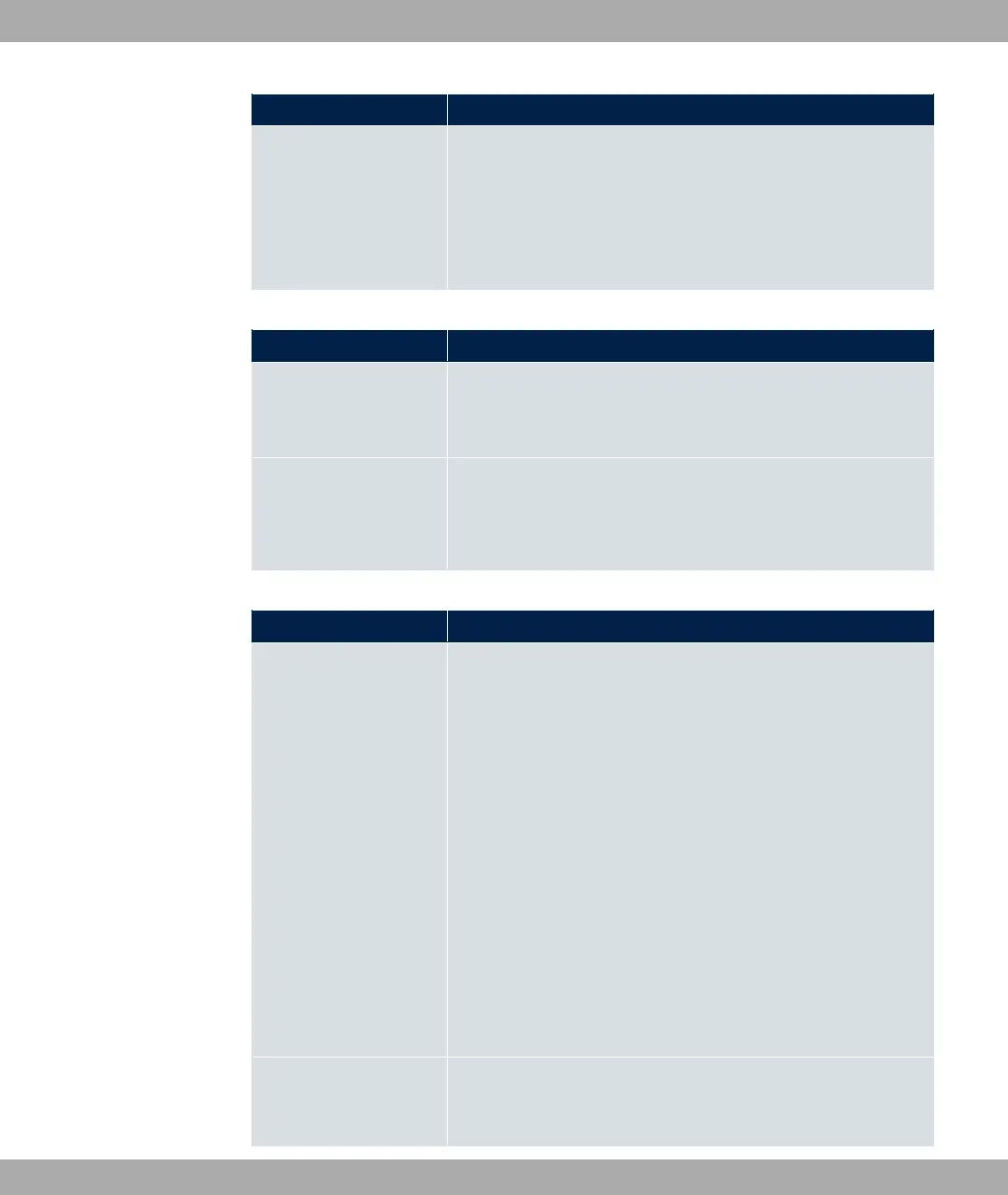
Field Description
• 350 *. * & 3? '
• 350> *. * 3? '
• E50F *. * &
• 350 3? G
• 350> 3? G
Fields in the Current Line Speed menu.
Field Description
Downstream Displays the data rate in the receive direction (direction from
CO/DSLAM to CPE/router) in bits per second.
The value cannot be changed.
Upstream Displays the data rate in the send direction (direction from CPE/
router to CO/DSLAM) in bits per second.
The value cannot be changed.
Fields in the DSL Parameter menu.
Field Description
DSL Mode Select the xDSL synchronization type.
Possible values:
• %: The xDSL interface is not active.
• * *&: ADSL with ETSI T1.413 standard is used.
• 350 : ADSL1 / G.DMT is used.
• 350 3 : The ADSL mode is automatically adapted
for the remote terminal.
• 350: ADSL2 / G.992.3 is used.
• 350 1: ADSL2 Plus / G.992.5 is used.
• E50: VDSL is used.
• E50/350 '1 (default value): VDSL or ADSL is
used. The mode is automatically adapted for the remote ter-
minal.
Transmit Shaping Select whether the data rate in the send direction is to be re-
duced. This is only needed in a few cases for special DSLAMs.
6 Physical Interfaces bintec elmeg GmbH
122 bintec RS Series



 To Next Page