Field Description
Password Enter the password that has been supplied by your provider.
Fixed IP Address Enter the Ip address that has been supplied by your provider.
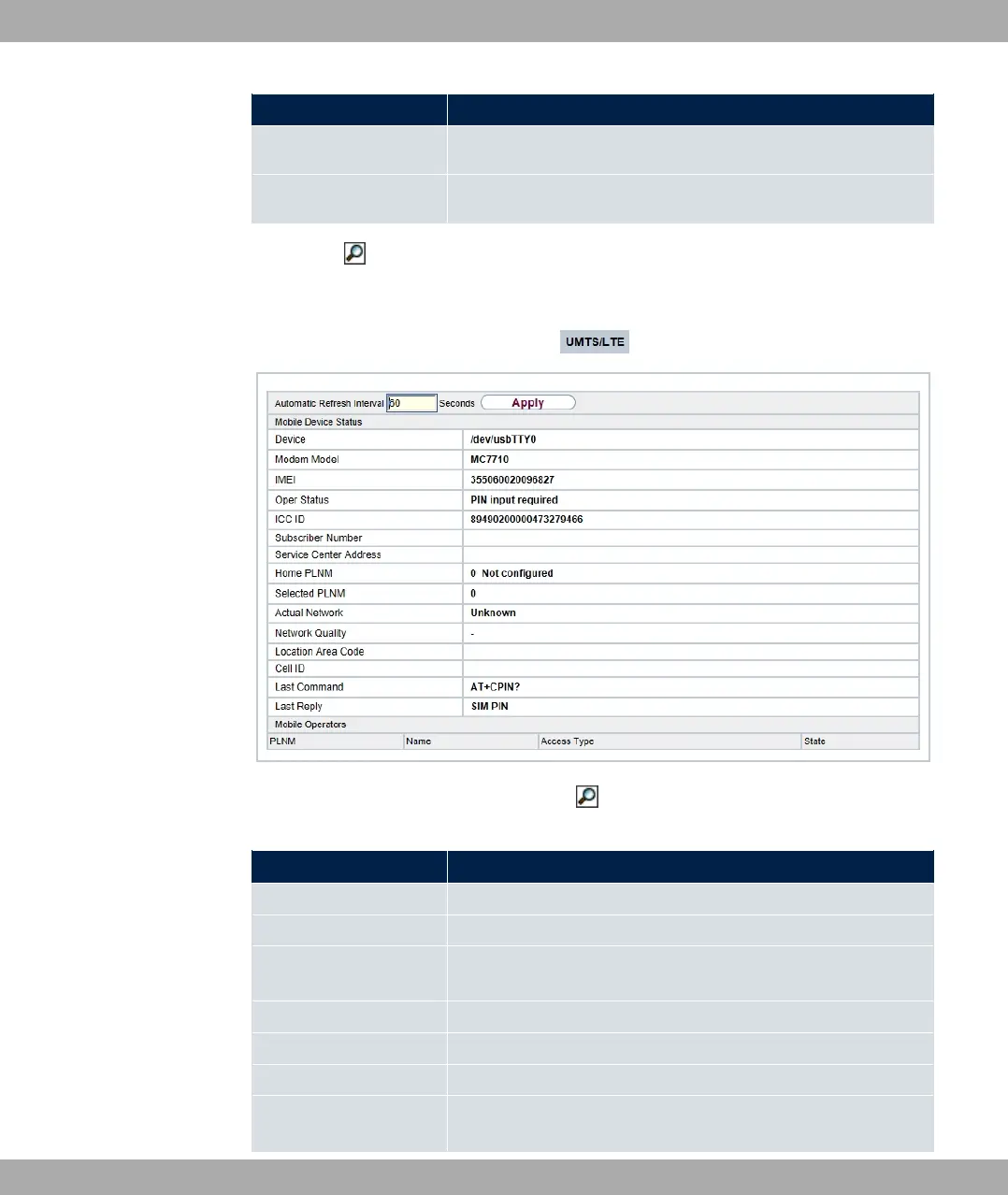
Clicking the button opens a page with detailed statistics on the current UMTS/LTE con-
nection.
Fig. 54: Physical Interfaces->UMTS/LTE->
Values in the list Mobile Device Status
Field Description
Device Displays the description of the internal modem port.
Modem Model Displays the modem model description.
IMEI The IMEI (International Mobile Station Equipment Identity) dis-
plays the 15 digit serial number of the modem.
Oper Status Displays the operation mode of the modem.
ICC ID Displays the card ID stored on the SIM card.
Subscriber Number Displays the calling number stored on the SIM card.
Service Center Ad-
dress
Displays the address of the provider's service center stored on
the SIM card.
6 Physical Interfaces bintec elmeg GmbH
132 bintec RS Series



 To Next Page