Field Description
on/off independently of the data packet length by selecting the
value 317( or 317( $$(default value).
Short Guard Interval Enable this function to reduce the guard interval (= time
between transmission of two data symbols) from 800 ns to 400
ns.
Fragmentation
Threshold
Enter the maximum size as of which the data packets are to be
fragmented (i.e. split into smaller units). Low values are recom-
mended for this field in areas with poor reception and in the
event of radio interference.
Possible values are to &.
The default value is & bytes.
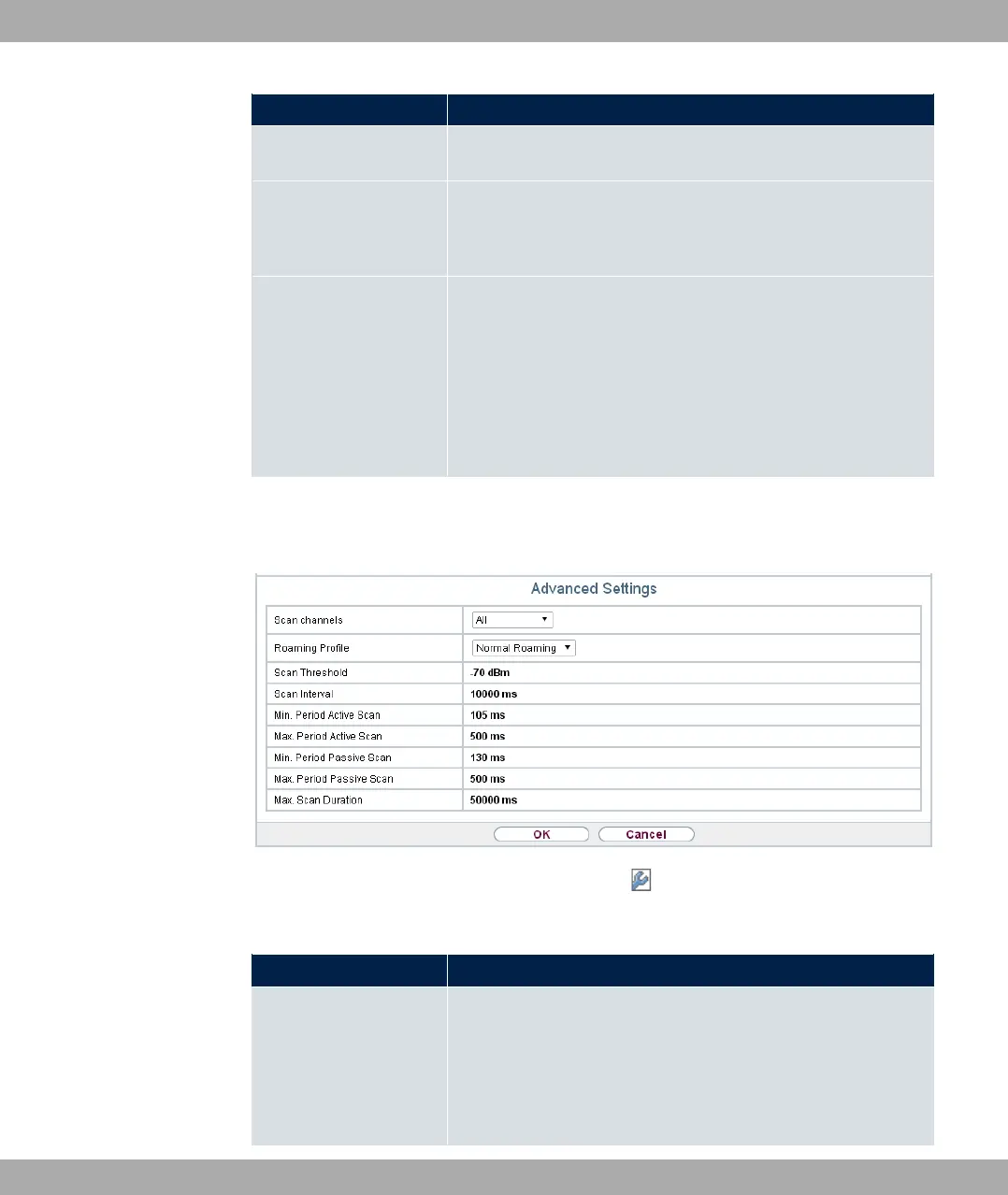
If 3%% 61 is selected for Operation Mode, the following parameters are addition-
ally available under Advanced Settings:
Fig. 65: Wireless LAN->WLAN->Radio Settings-> ->Advanced Settings for Operation
Mode 3%% 61
Fields in the menu Advanced Settings for Access Client Mode.
Field Description
Scan channels Choose the channels which the WLAN client automatically
scans for available wireless networks.
Possible values:
• 311 (default value): All channels are scanned.
8 Wireless LAN bintec elmeg GmbH
160 bintec RS Series



 To Next Page