9.2.2.1 Edit or New
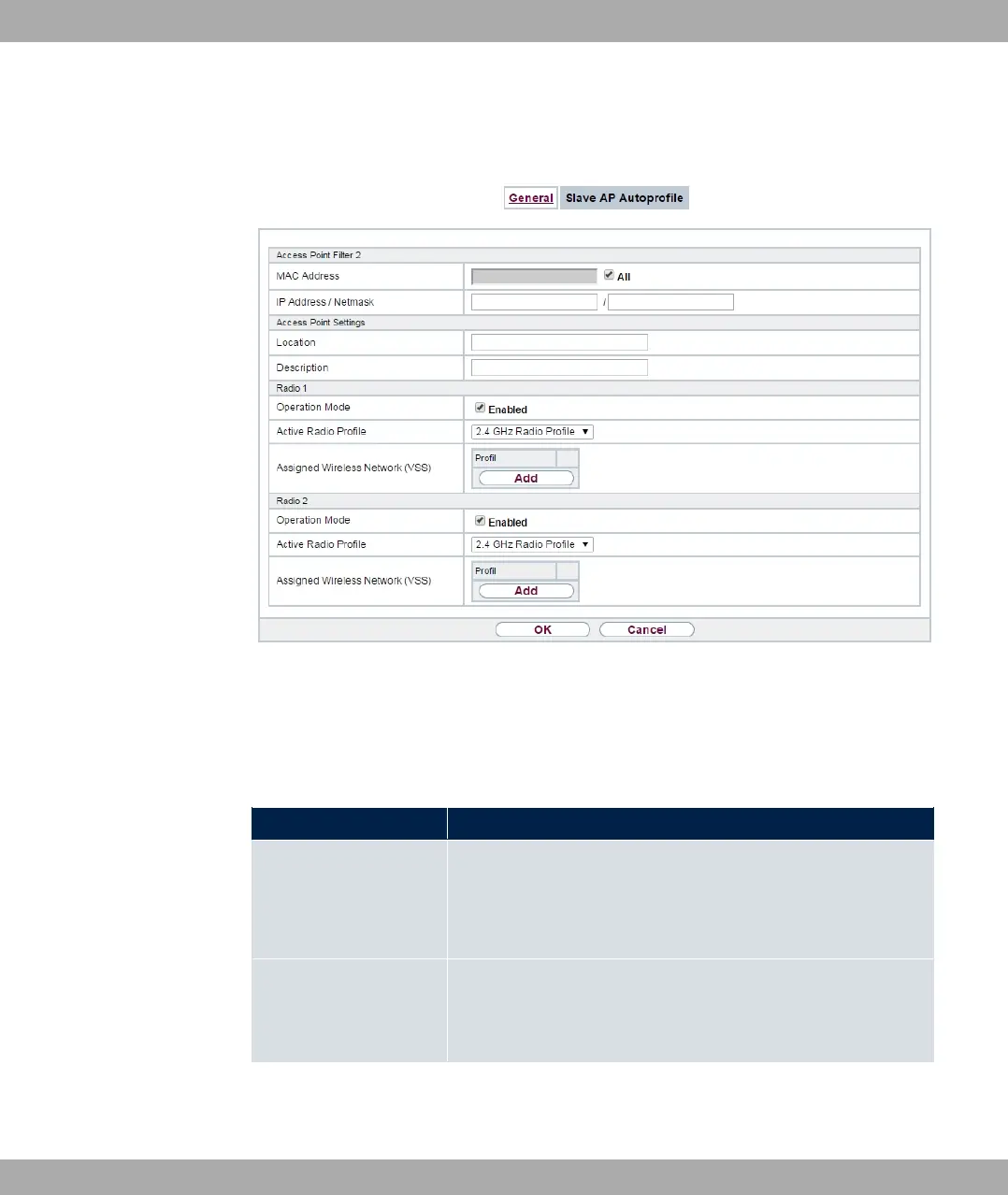
Fig. 72: Wireless LAN Controller->Controller Configuration->Slave AP
Autoprofile->New
The Wireless LAN Controller->Controller Configuration->Slave AP Autoprofile->New
menu consists of the following fields:
Fields in the Access Point Filter menu
Field Description
MAC Address
Enter the MAC address of an access point that is to be con-
figured automatically when it is integrated into the network.
By default, All is activated so that the entry matches every new
access point.
IP Address / Netmask Enter an IP address and a netmask. You can enter host as well
as network addresses so that you can filter for individual access
points as well as for groups of access points from a specific
subnet.
Fields in the Access Point Settings menu
9 Wireless LAN Controller bintec elmeg GmbH
190 bintec RS Series



 To Next Page