10.1.2.1 Edit or New
Choose the icon to edit existing entries. Choose the New button to create additional
routes.
Routes without an icon have been created by the router automatically and cannot be
edited.
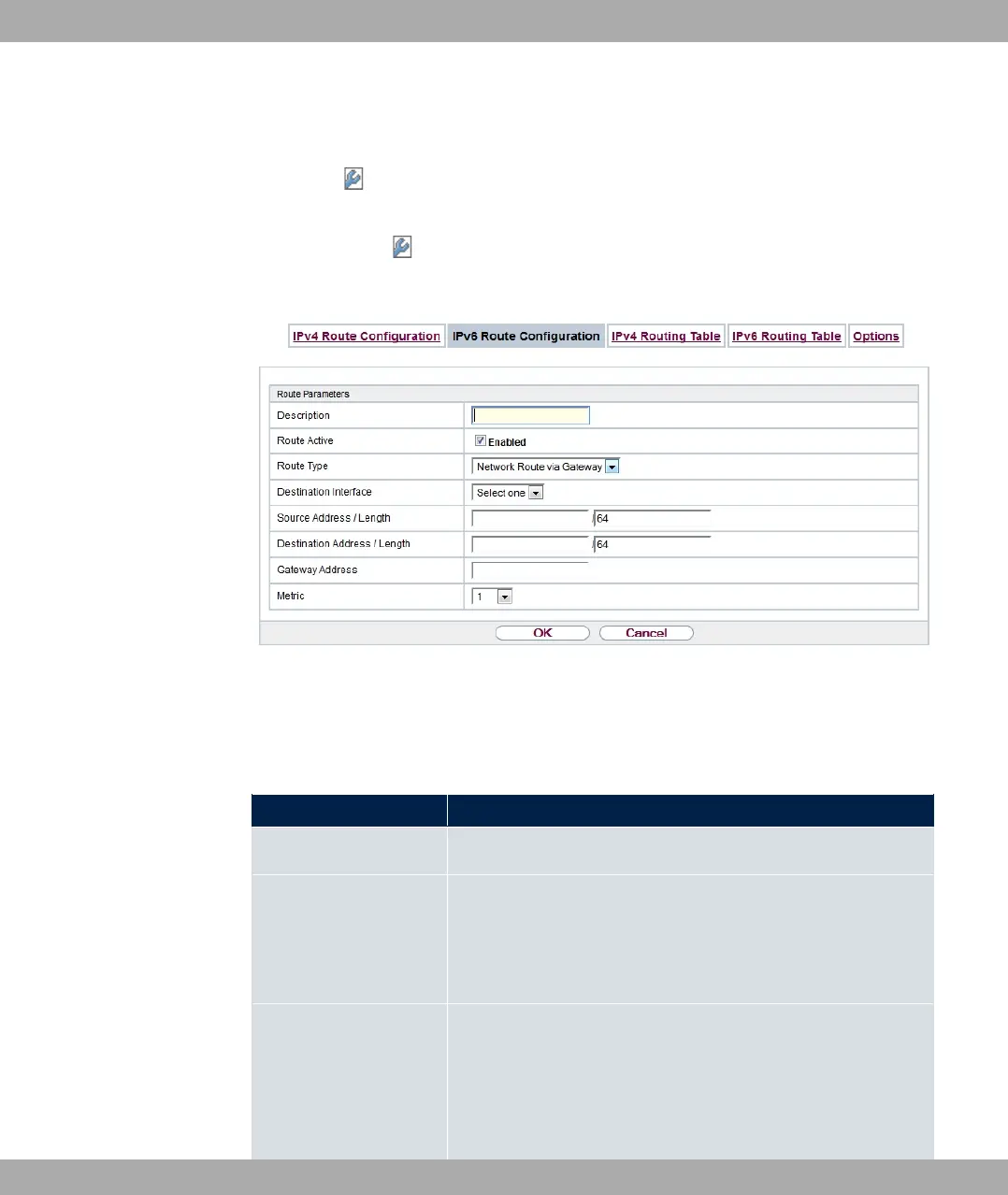
Fig. 94: Network->Routes->IPv6 Route Configuration->New
The Network->Routes->IPv6 Route Configuration->New menu consists of the following
fields:
Fields in the Route Parameters menu
Field Description
Description Enter a description for the IPv6 route.
Route Active Select if the route is to be active or inactive..
With "1 the status of the route will be set to active.
The function is enabled by default.
Route Type Select the type of route.
Possible values:
• 5$1 A $% : Route via a specific
interface which is used if no other adequate route is available.
bintec elmeg GmbH
10 Networking
bintec RS Series 231



 To Next Page