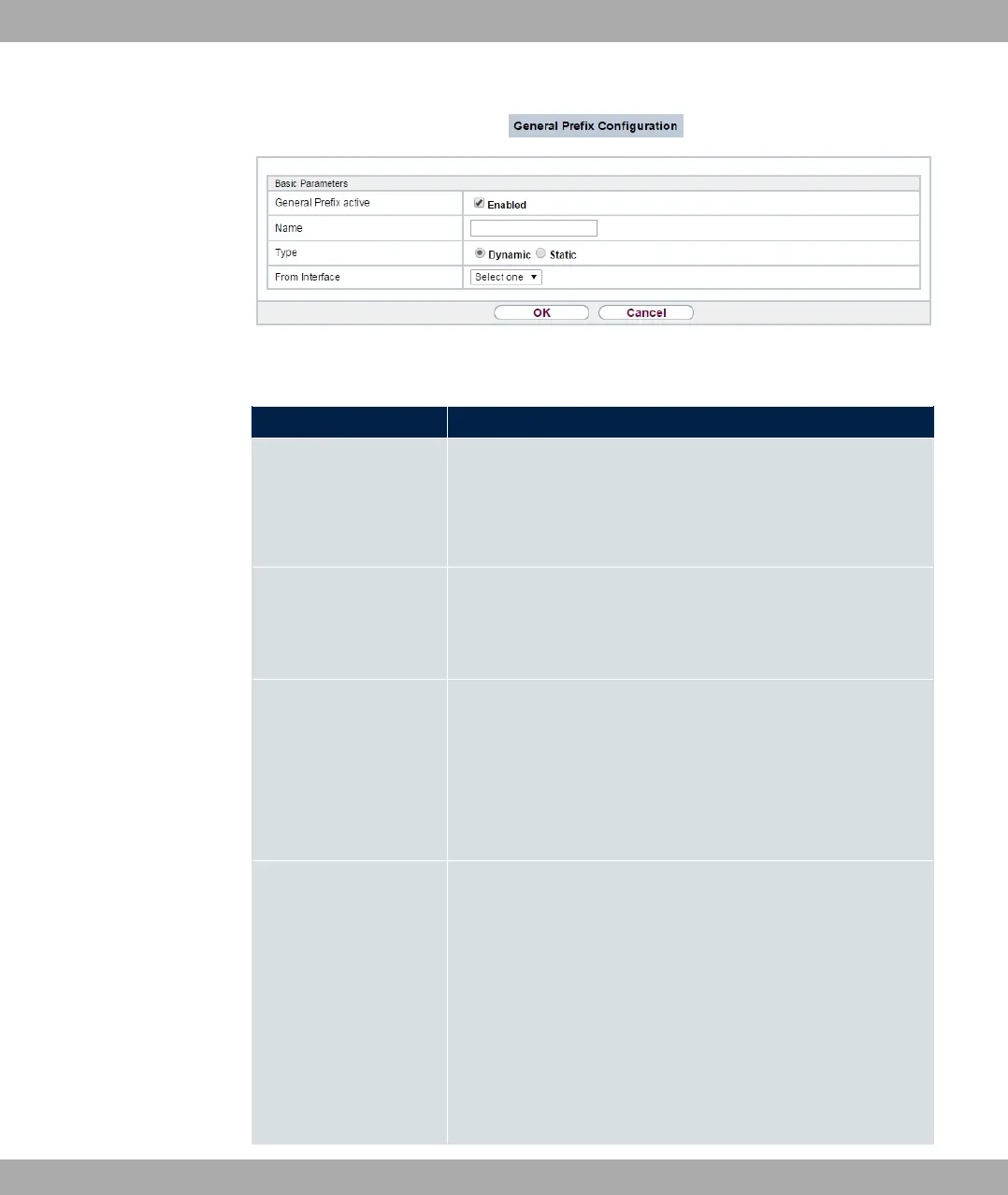
Fig. 98: Networking->IPv6 General Prefixes->General Prefix Configuration->New
Fields in the Basic Parameters menu.
Field Description
General Prefix active Select if the prefix is to be active or inactive..
With "1 the status of the prefix will be set to active.
The function is enabled by default.
Name
Enter a name for the General Prefix.
A meaningful name helps selecting the General Prefix from a
prefix list.
Type
Specify how the address range is to be assigned.
Possible values:
• 5(% (default value): The general prefix will be set dy-
namically by DHCP transmission, e.g. from a provider.
• %: The prefix is fixed, e. g. by a provider.
From Interface Only with Type = 5(%
Select the IPv6 interface from which a General Prefix is to be
obtained.
You can choose from all interfaces that are availabe under
LAN->IP Configuration->Interfaces->New and that fullfil the
following conditions:
• IPv6 is "1.
• IPv6 Mode = @
• DHCP Client is "1.
bintec elmeg GmbH
10 Networking
bintec RS Series 237



 To Next Page