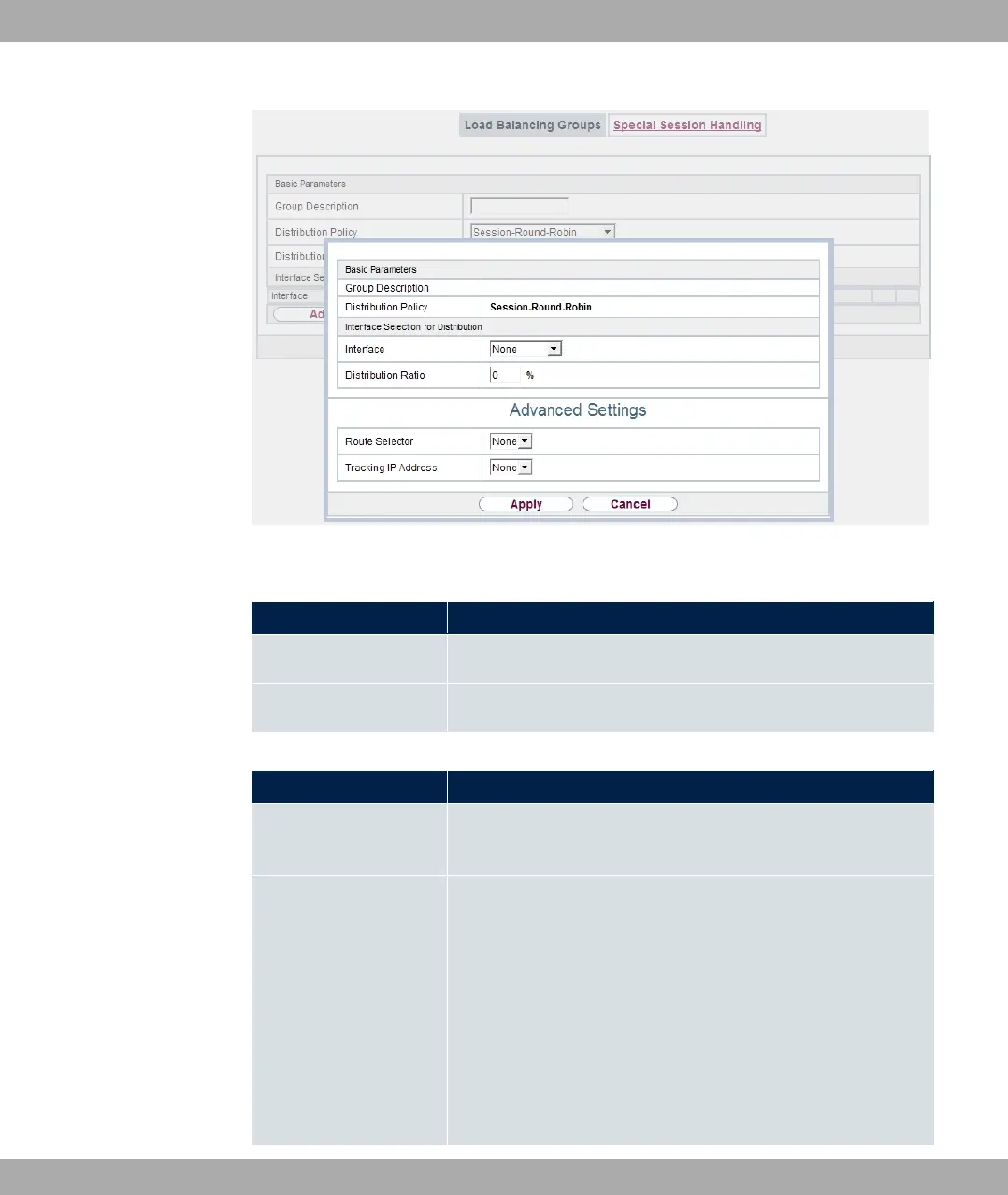
Fig. 102: Networking->Load Balancing->Load Balancing Groups->Add
Fields in the Basic Parameters menu.
Field Description
Group Description
Shows the description of the interface group.
Distribution Policy Displays the type of data traffic selected.
Fields in the Interface Selection for Distribution menu.
Field Description
Interface Select the interfaces that are to belong to the group from the
available interfaces.
Distribution Ratio Enter the percentage of the data traffic to be assigned to an in-
terface.
The meaning differs according to the Distribution Ratio em-
ployed:
• For
A A" is based on the number of distrib-
uted sessions.
• For 0 + :7, the data rate is the de-
bintec elmeg GmbH
10 Networking
bintec RS Series 251



 To Next Page