tion.
You configure a filter for a default route with the following values:
• IP Address / Netmask = no entry for IP address (this corresponds to IP address 0.0.0.0),
for netmask = 255.255.255.255
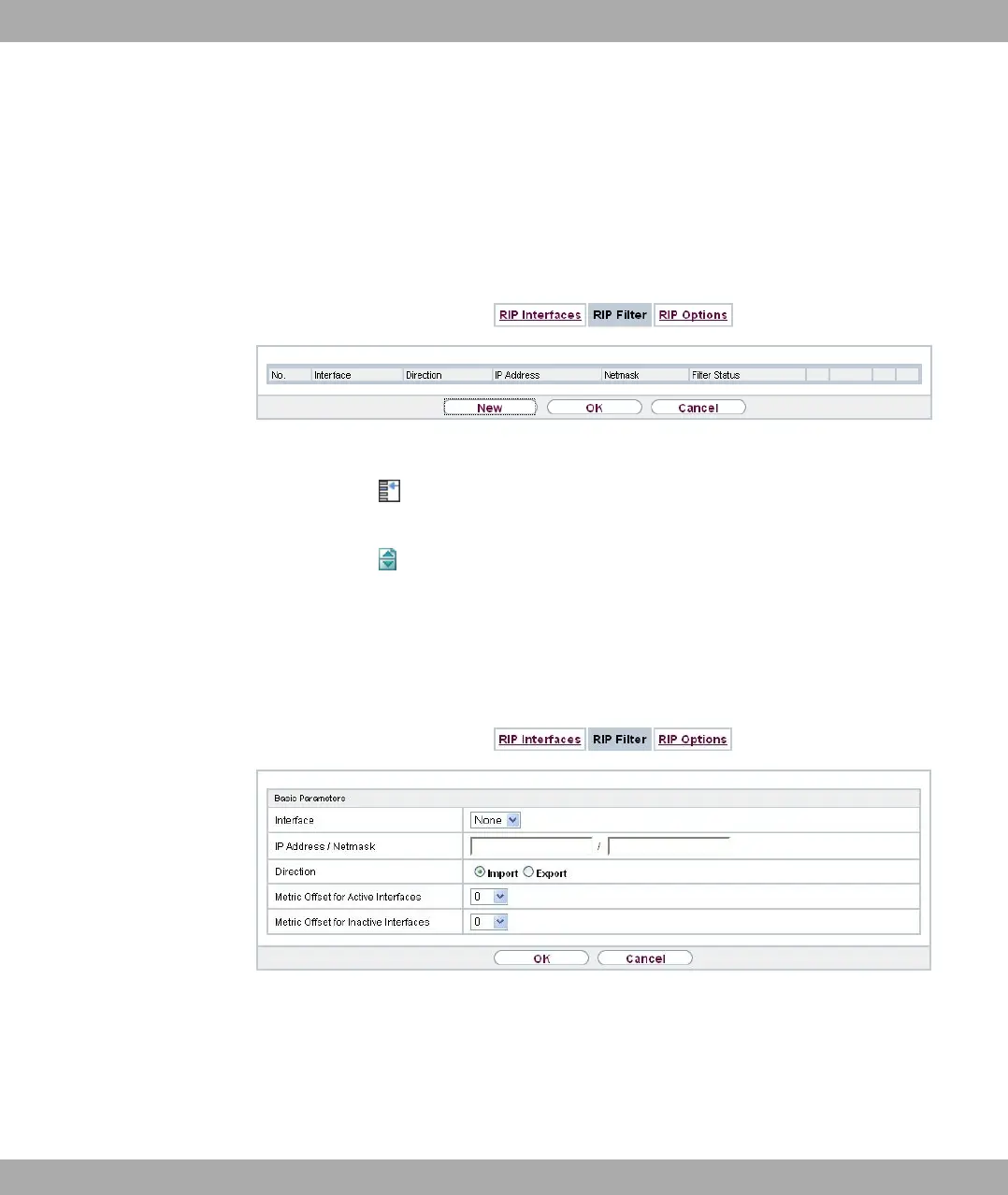
A list of all RIP filters is displayed in the Routing Protocols->RIP->RIP Filter menu.
Fig. 116: Routing Protocols->RIP->RIP Filter
You can use the button to insert another filter above the list entry. The configuration
menu for creating a new window opens.
You can use the button to move the list entry. A dialog box opens, in which you can se-
lect the position to which the filter is to be moved.
11.1.2.1 New
Choose the New button to set up more RIP filters.
Fig. 117: Routing Protocols->RIP->RIP Filter->New
The menu Routing Protocols->RIP->RIP Filter->New consists of the following fields:
Fields in the Basic Parameters menu.
bintec elmeg GmbH
11 Routing Protocols
bintec RS Series 289



 To Next Page