the mobile network.
13.1.5.1 New
Choose the New button to create additional connections.
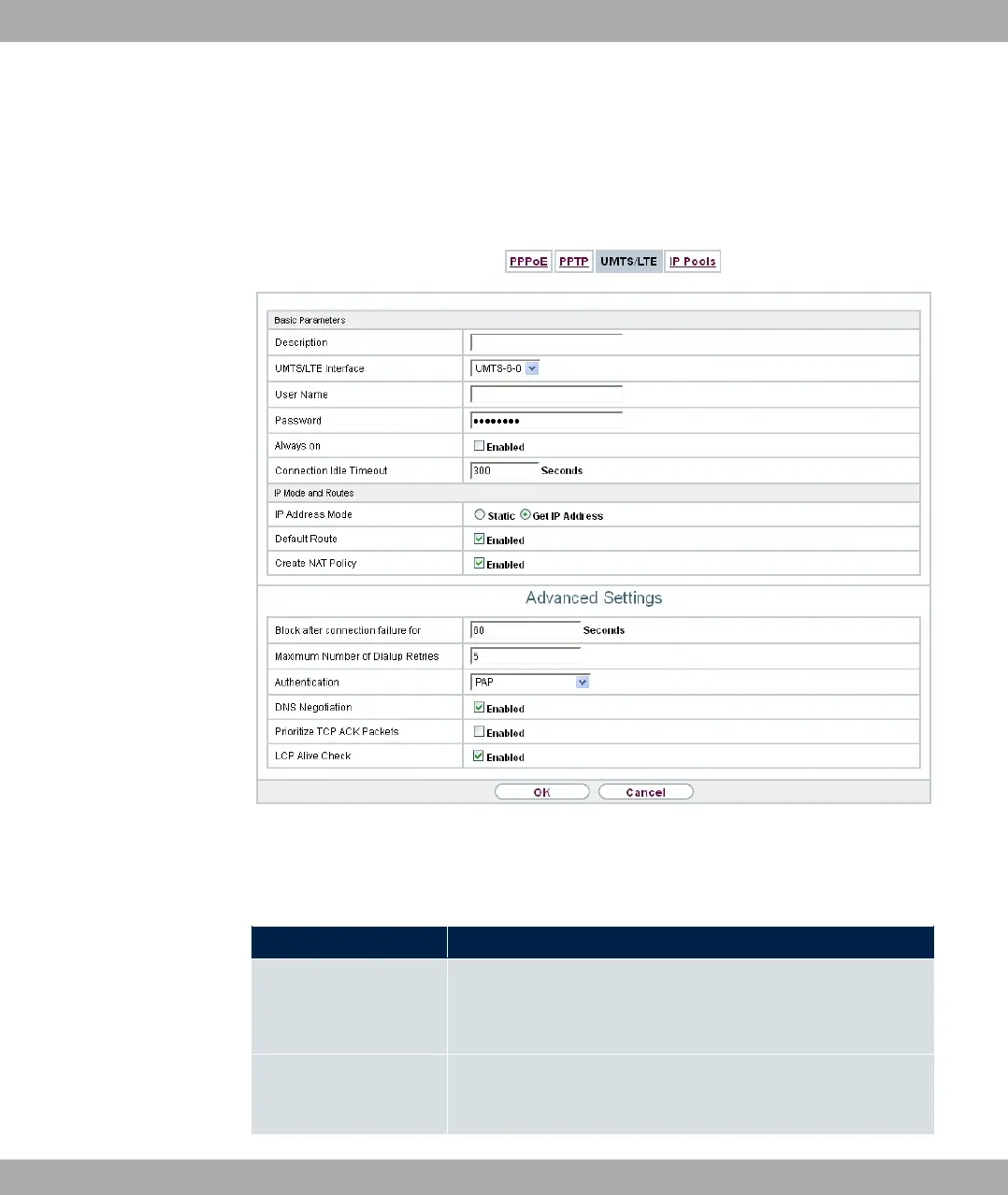
Fig. 128: WAN->Internet + Dialup->UMTS/LTE->New
The WAN->Internet + Dialup->UMTS/LTE->New menu consists of the following fields:
Fields in the Basic Parameters menu.
Field Description
Description Enter a name for uniquely identifying the internet connection.
The first character in this field must not be a number No special
characters or umlauts must be used.
UMTS/LTE Interface
Select the UMTS/LTE interface. In RS120wu the integrated mo-
dem with slot 6 unit 0 UMTS is preselected; for devices with an
optional plug-in UMTS/LTE stick the USB port of the device is
13 WAN bintec elmeg GmbH
332 bintec RS Series



 To Next Page