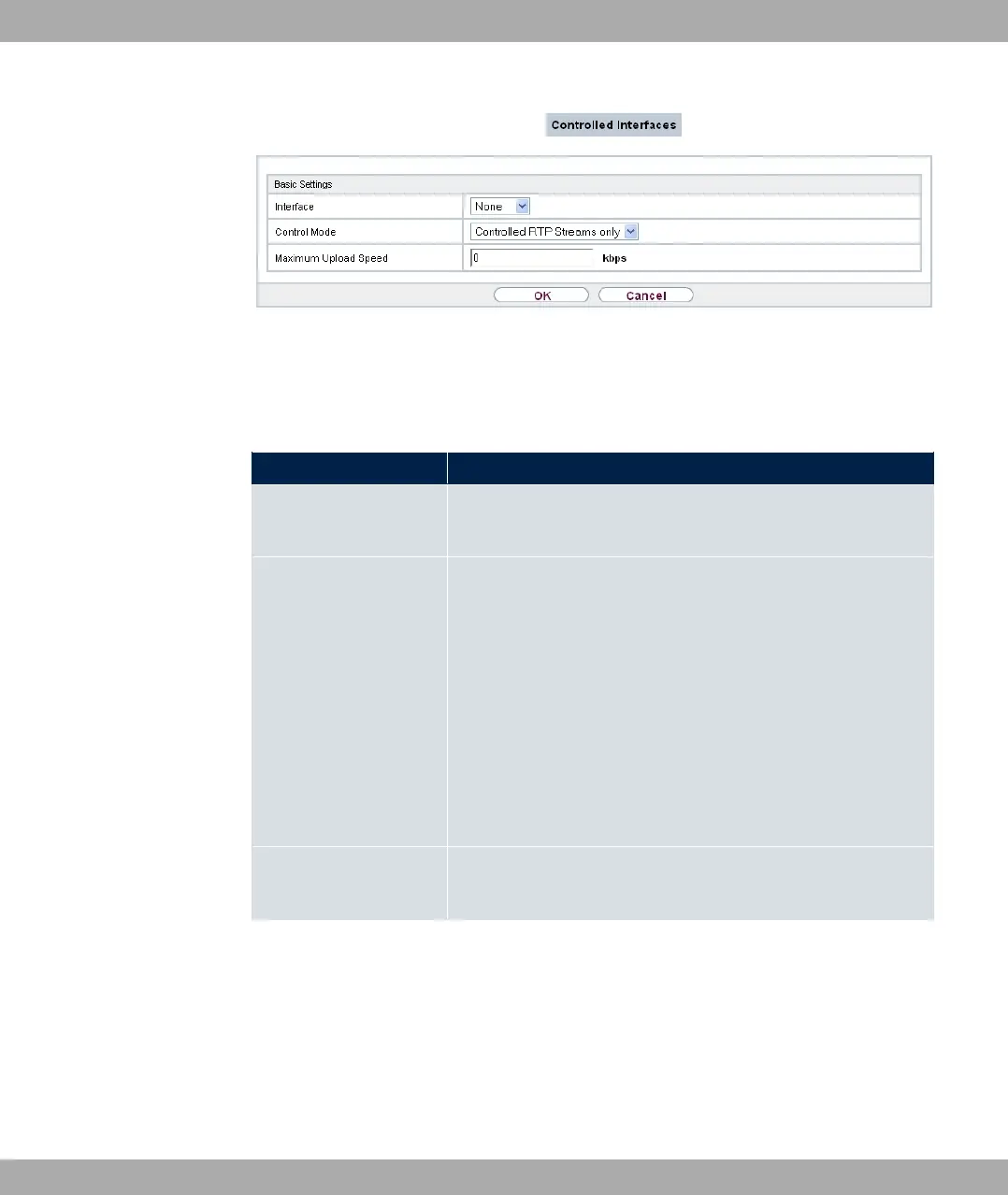
Fig. 133: WAN->Real Time Jitter Control->Controlled Interfaces->New
The menu WAN->Real Time Jitter Control->Controlled Interfaces->New consists of the
following fields:
Fields in the Basic Settings menu.
Field Description
Interface Define for which interfaces voice transmission is to be optim-
ised.
Control Mode Select the mode for the optimisation.
Possible values:
• 611 A* 1( (default value): By
means of the data routed via the media gateway, the system
detects voice data traffic and optimises the voice transmis-
sion.
• 311 A* : All RTP streams are optimised.
• %: Voice data transmission is not optimised.
• 317(: Voice data transmission is always optimised.
Maximum Upload
Speed
Enter the maximum available upstream bandwidth in kbp/s for
the selected interface.
13 WAN bintec elmeg GmbH
350 bintec RS Series



 To Next Page