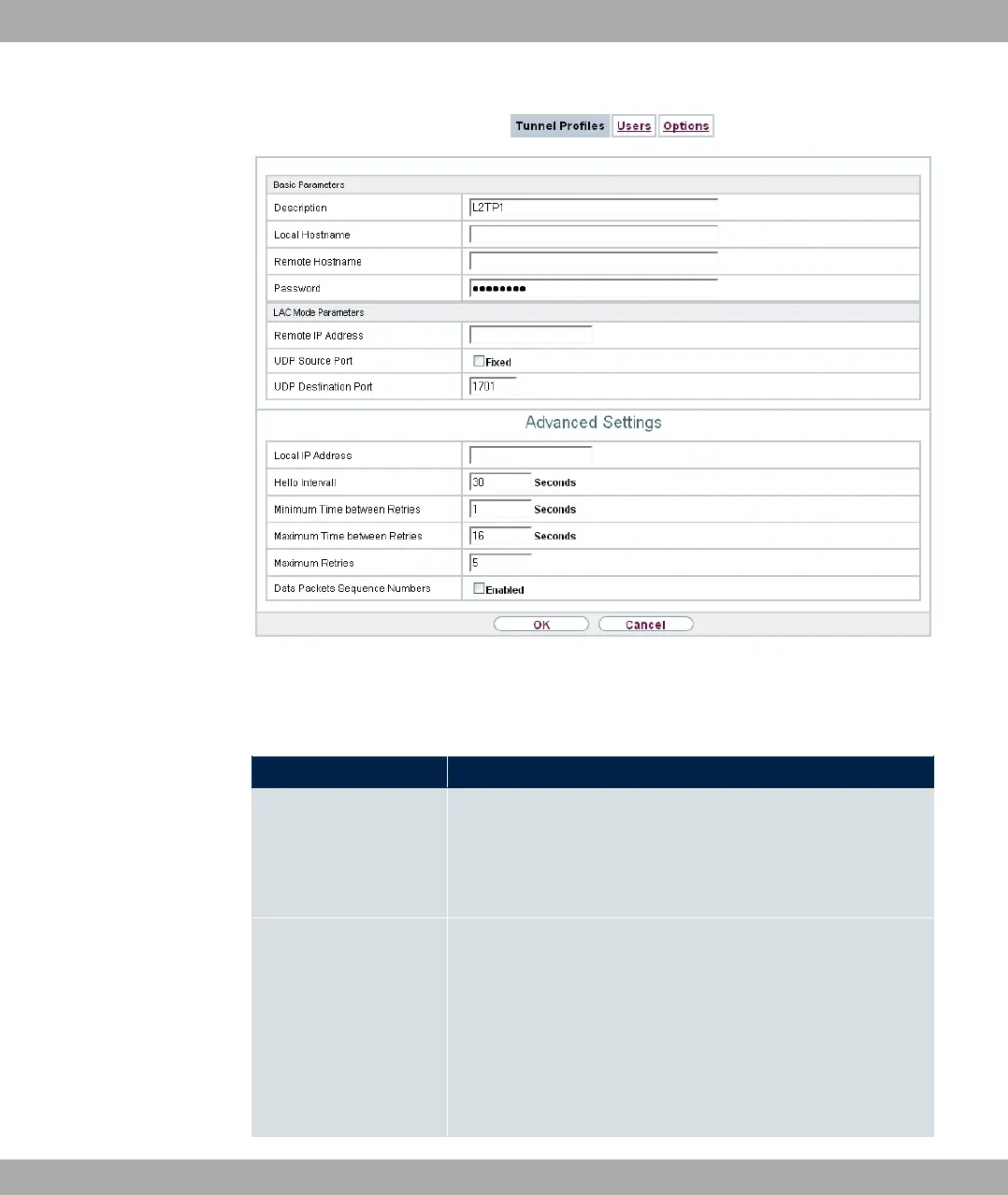
Fig. 144: VPN->L2TP->Tunnel Profiles ->New
The menu VPN->L2TP->Tunnel Profiles->New consists of the following fields:
Fields in the Basic Parameters menu.
Field Description
Description Enter a description for the current profile.
The device automatically names the profiles 0*
and numbers them, but the value can be changed.
Local Hostname
Enter the host name for LNS or LAC.
• 036: The local hostname is used in outgoing tunnel setup
messages to identify this device and is associated with the re-
mote hostname of a tunnel profile configured on the LNS.
These tunnel setup messages are SCCRQs (Start Control
Connection Request) sent from the LAC and SCCRPs (Start
Control Connection Reply) sent from the LNS.
• 0): Is the same as the value for Remote Hostname of the
14 VPN bintec elmeg GmbH
392 bintec RS Series



 To Next Page