The sequence of filter rules in the list is relevant: The filter rules are applied to each packet
in succession until a rule matches. If overlapping occurs, i.e. more than one filter rule
matches a packet, only the first rule is executed. This means that if the first rule denies a
packet, whereas a later rule allows it, the packet is rejected. A deny rule also has no effect
if a relevant packet has previously been allowed by another filter rule.
The security concept is based on the assumption that an infrastructure consists of trusted
and untrusted zones. The security policies * and . describe this as-
sumption. They define the filter rules Trusted Interfaces and Untrusted Interfaces which
are created by default and cannot be deleted.
If you use the Security Policy *, all data packets are accepted. You can create
additional filter rules that discard specific packets. In the same way, you can allow specific
packets when using the . policy.
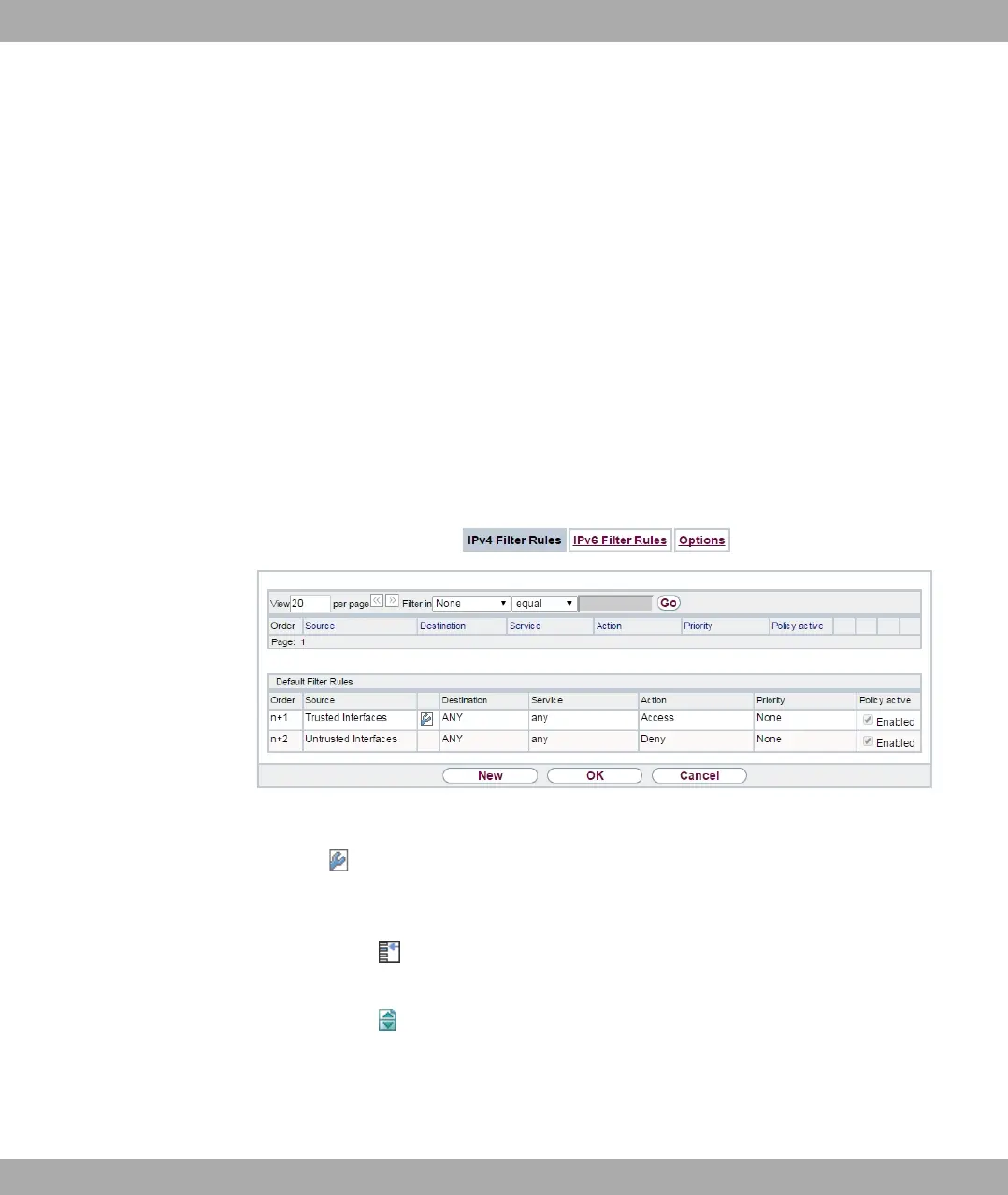
A list of all configured filter rules is displayed in the Firewall->Policies+IPv4 Filter Rules
menu.
Fig. 151: Firewall->Policies+IPv4 Filter Rules
Using the button in the line Trusted Interfaces, you can determine which interfaces are
Trusted. A new window opens with an interface list. You can mark individual interfaces as
trusted.
You can use the button to insert another policy above the list entry. The configuration
menu for creating a new policy opens.
You can use the button to move the list entry. A dialog box opens, in which you can se-
lect the position to which the policy is to be moved.
bintec elmeg GmbH
15 Firewall
bintec RS Series 417



 To Next Page