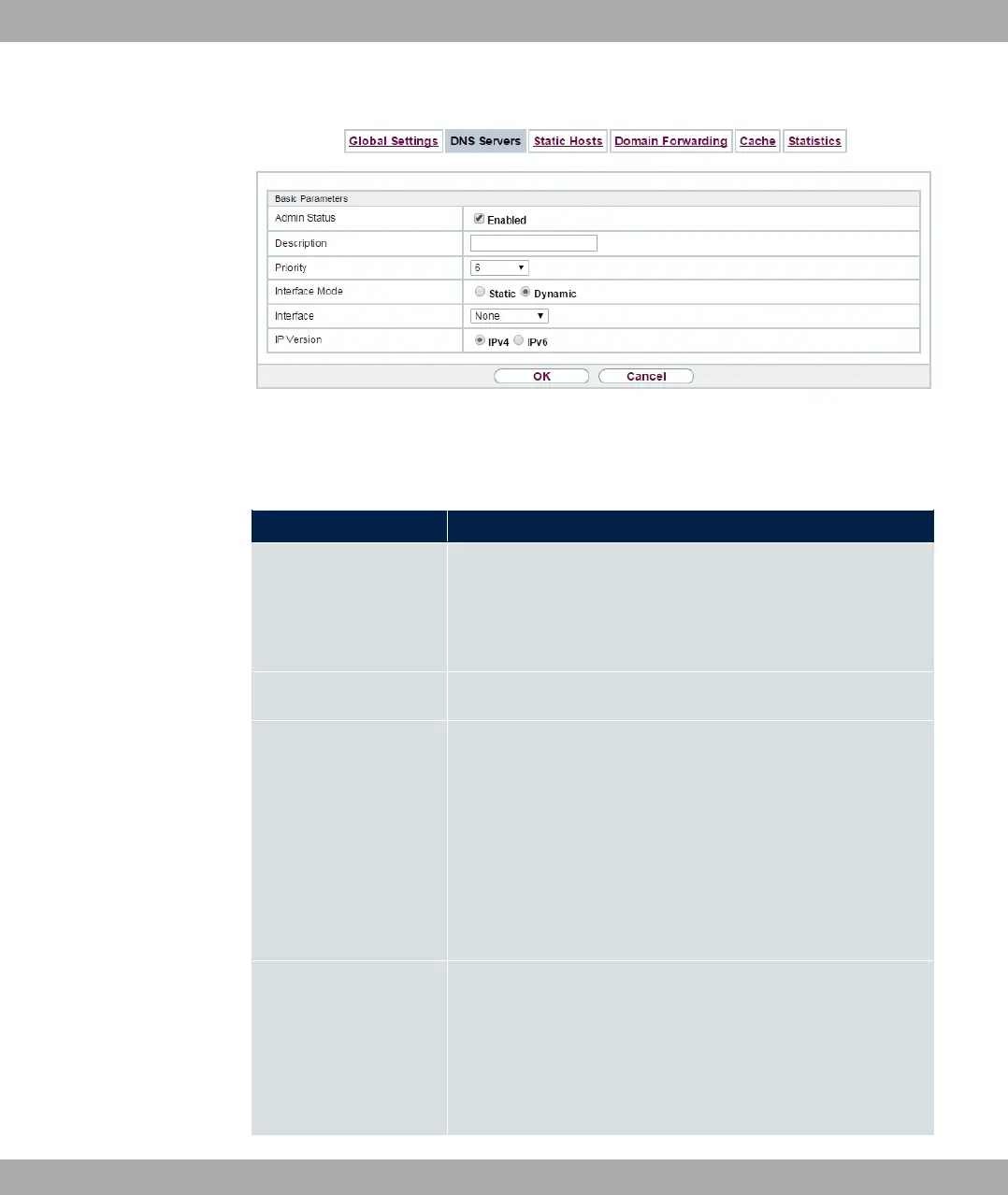
Fig. 165: Local Services->DNS->DNS Servers->New
The Local Services->DNS->DNS Servers->New menu consists of the following fields:
Fields in the Basic Parameters menu.
Field Description
Admin Status Select whether the DNS server should be enabled.
The function is activated by selecting "1.
The function is enabled by default.
Description Enter a description for DNS server.
Priority Assign a priority to the DNS server.
You can assign more than one pair of DNS servers ( Primary
DNS Server and Secondary DNS Server) to an interface (i. e.
for example, to an Ethernet port or a PPPoE WAN partner). The
pair with the highest priority is used if the interface is "up".
Possible values from (highest priority) to (lowest priority).
The default value is .
Interface Mode Select whether the IP addresses of name servers for resolving
the names of Internet addresses are to be obtained automatic-
ally or whether up to two fixed DNS server addresses are to be
entered, depending on the priority.
Possible values:
bintec elmeg GmbH
17 Local Services
bintec RS Series 445



 To Next Page