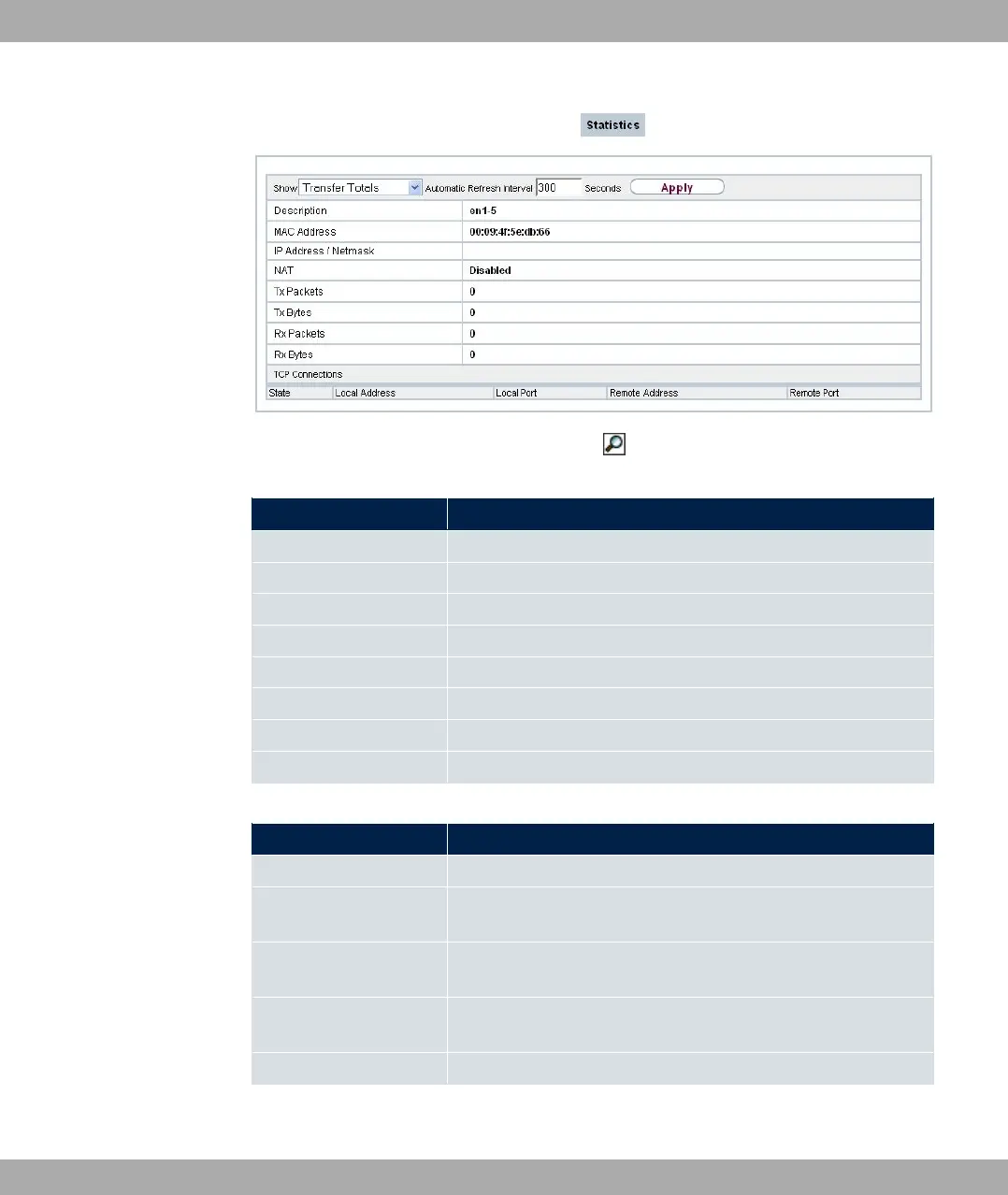
Fig. 229: Monitoring->Interfaces->Statistics->
Values in the Statistics list
Field Description
Description Displays the name of the interface.
MAC Address Displays the interface text.
IP Address / Netmask Shows the IP address and the netmask.
NAT Indicates if NAT is activated for this interface.
Tx Packets Shows the total number of packets sent.
Tx Bytes Displays the total number of octets sent.
Rx Packets Shows the total number of packets received.
Rx Bytes Displays the total number of bytes received.
Fields in the TCP Connections menu
Field Description
Status Displays the status of an active TCP connection.
Local Address Displays the local IP address of the interface for an active TCP
connection.
Local Port Displays the local port of the IP address for an active TCP con-
nection.
Remote Address Displays the IP address to which an active TCP connection ex-
ists.
Remote Port Displays the port to which an active TCP connection exists.
bintec elmeg GmbH
20 Monitoring
bintec RS Series 573



 To Next Page