Field Description
Rx Packets Shows the total number of received packets for the data rate
shown in mbps.
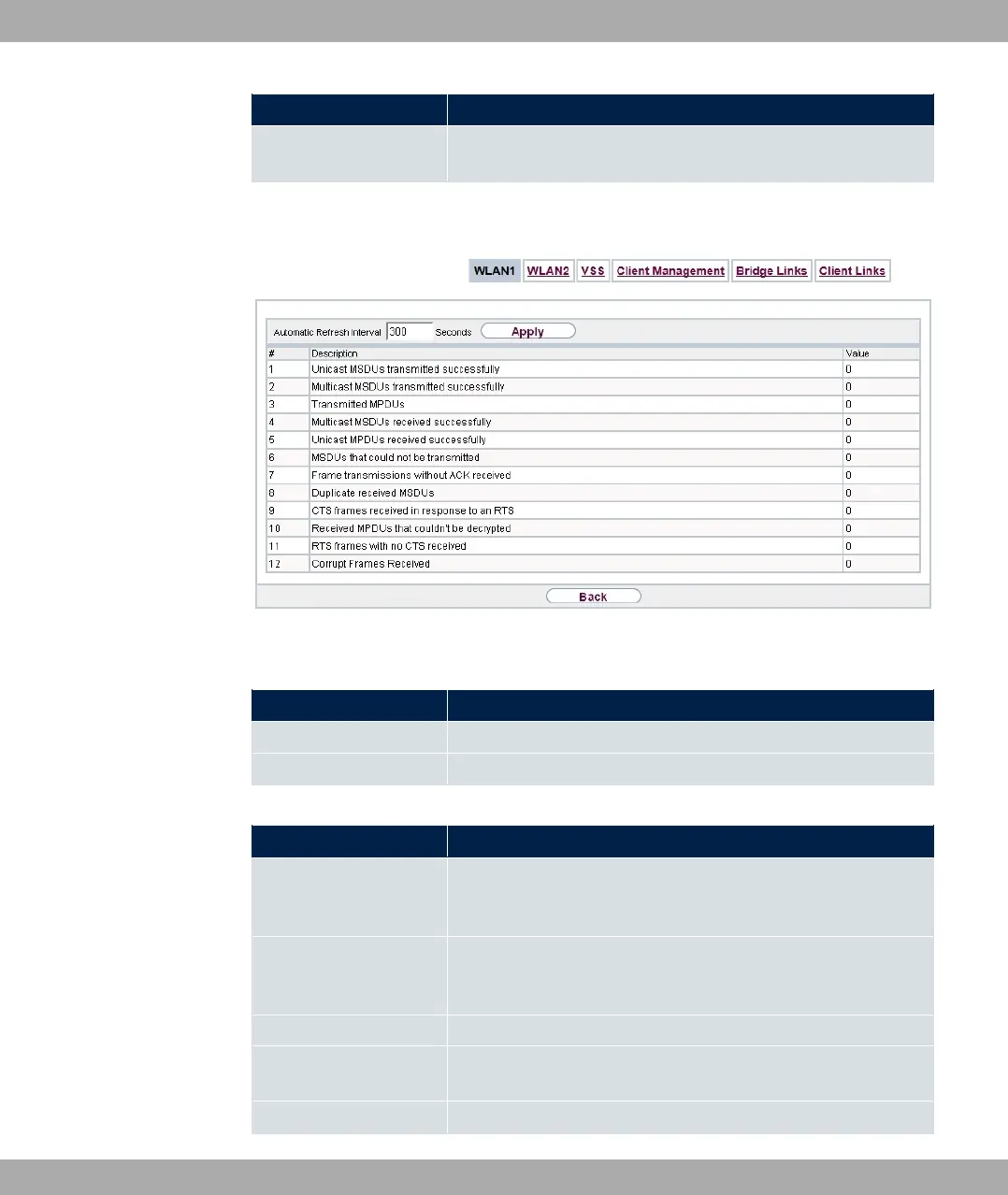
You can choose the Advanced button to go to an overview of more details.
Fig. 231: Monitoring->WLAN->WLAN->Advanced
Values in the Advanced list
Field Description
Description Displays the description of the displayed value.
Value Displays the statistical value.
Meaning of the list entries
Description Meaning
Unicast MSDUs trans-
mitted successfully
Displays the number of MSDUs successfully sent to unicast ad-
dresses since the last reset. An acknowledgement was received
for each of these packets.
Multicast MSDUs
transmitted success-
fully
Displays the number of MSDUs successfully sent to multicast
addresses (including the broadcast MAC address).
Transmitted MPDUs Displays the number of MPDUs received successfully.
Multicast MSDUs re-
ceived successfully
Displays the number of successfully received MSDUs that were
sent with a multicast address.
Unicast MPDUs re- Displays the number of successfully received MSDUs that were
bintec elmeg GmbH
20 Monitoring
bintec RS Series 575



 To Next Page