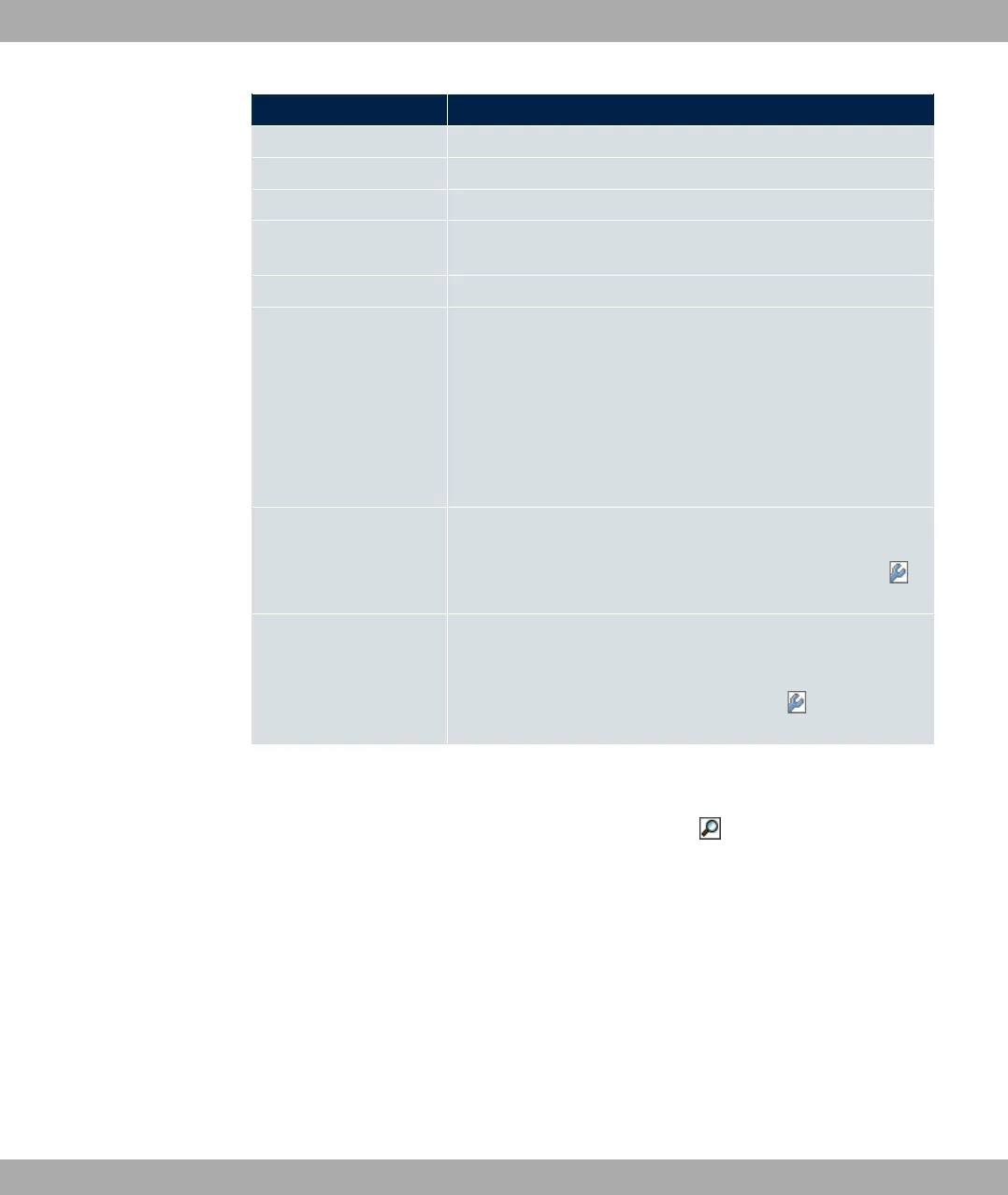
Field Description
ent is logged in.
Tx Packets Shows the total number of packets sent.
Rx Packets Shows the total number of packets received.
Signal dBm (RSSI1,
RSSI2, RSSI3)
Shows the received signal strength in dBm.
Noise dBm Shows the received noise strength in dBm.
Data Rate mbps Shows the current transmission rate of data received by this cli-
ent in mbps.
The following clock rates are possible: IEEE 802.11b: 11, 5.5, 2
and 1 mbps; IEEE 802.11g/a: 54, 48, 36, 24, 18, 12, 9, 6 mbps.
If the 5 GHz frequency band is used, the indication of 11, 5.5, 2
and 1 mbps is suppressed for IEEE 802.11b.
Rx Discards Displays the number of received data packets that have been
discarded if the bandwidth for receive traffic has been limited in
the Wireless LAN->WLAN->Wireless Networks (VSS)->
menu using the field Rx Shaping
Tx Discards Displays the number of data packets that were queued for
transmission and have been discarded if the bandwidth for
transmit traffic has been limited in the Wireless
LAN->WLAN->Wireless Networks (VSS)-> menu using the
field Rx Shaping.
VSS - Details for Connected Clients
In the Monitoring->WLAN->VSS-><Connected Client> -> menu, the current values
and activities of a connected client are shown. The values for wireless mode 802.11n are
listed separately.
bintec elmeg GmbH
20 Monitoring
bintec RS Series 577



 To Next Page