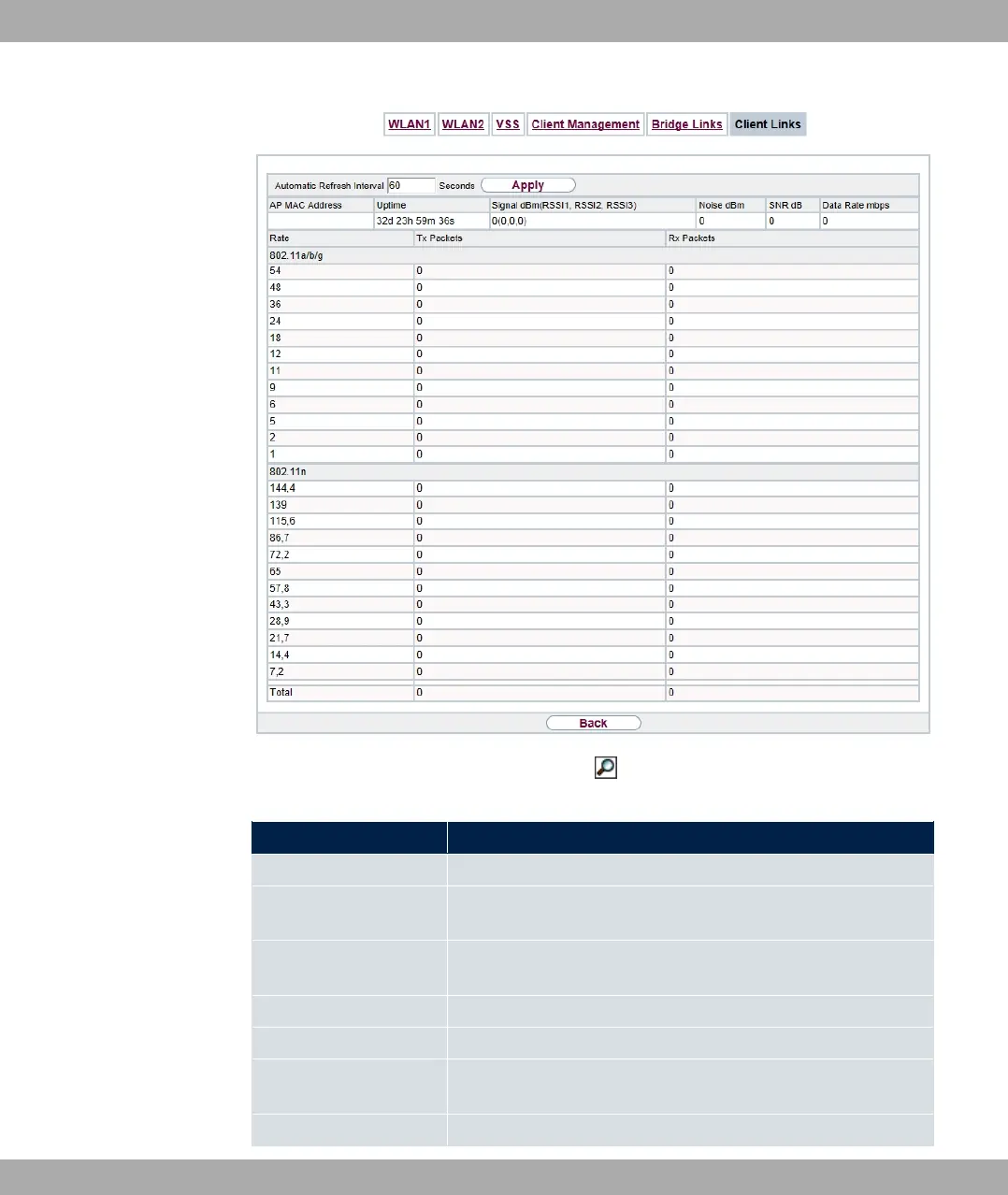
Fig. 238: Monitoring->WLAN->Client Links->
Values in the Client Links list
Field Description
AP MAC Address Shows the MAC address of the client link partner.
Uptime Shows the time in hours, minutes and seconds for which the cli-
ent link in question is active.
Signal dBm (RSSI1,
RSSI2, RSSI3)
Shows the received signal strength in dBm.
Noise dBm Shows the received noise strength in dBm.
SNR dB Shows the signal quality in dB.
Data Rate mbps Shows the current clock rate of data received on this client link
in Mbps.
Rate For each of the specified data rates, displays the values for Tx
20 Monitoring bintec elmeg GmbH
584 bintec RS Series



 To Next Page