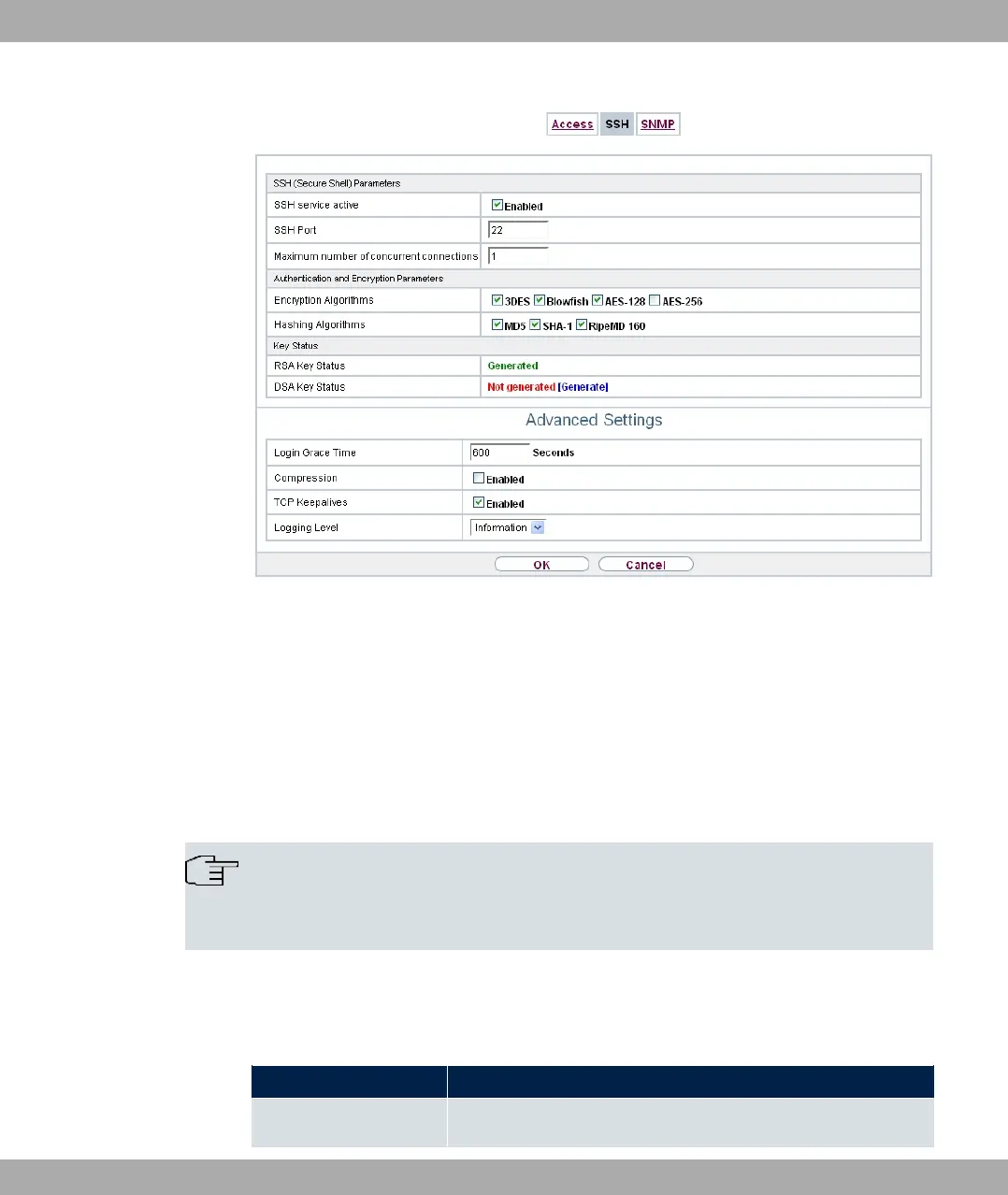
Fig. 34: System Management->Administrative Access->SSH
You need an SSH client application, e.g. PuTTY, to be able to reach the SSH Daemon.
If you wish to use SSH Login together with the PuTTY client, you may need to comply with
some special configuration requirements, for which we have prepared FAQs. You will find
these in the Service/Support section at www.bintec-elmeg.com .
To be able to reach the shell of your device via an SSH client, make sure the settings for
the SSH Daemon and SSH client are the same.
Note
If configuration of an SSH connection is not possible, restart the device to initialise the
SSH Daemon correctly.
The System Management->Administrative Access->SSH menu consists of the following
fields:
Fields in the menu SSH (Secure Shell) Parameters
Field Value
SSH service active Select whether the SSH Daemon is to be enabled for the inter-
5 System Management bintec elmeg GmbH
76 bintec RS Series



 To Next Page