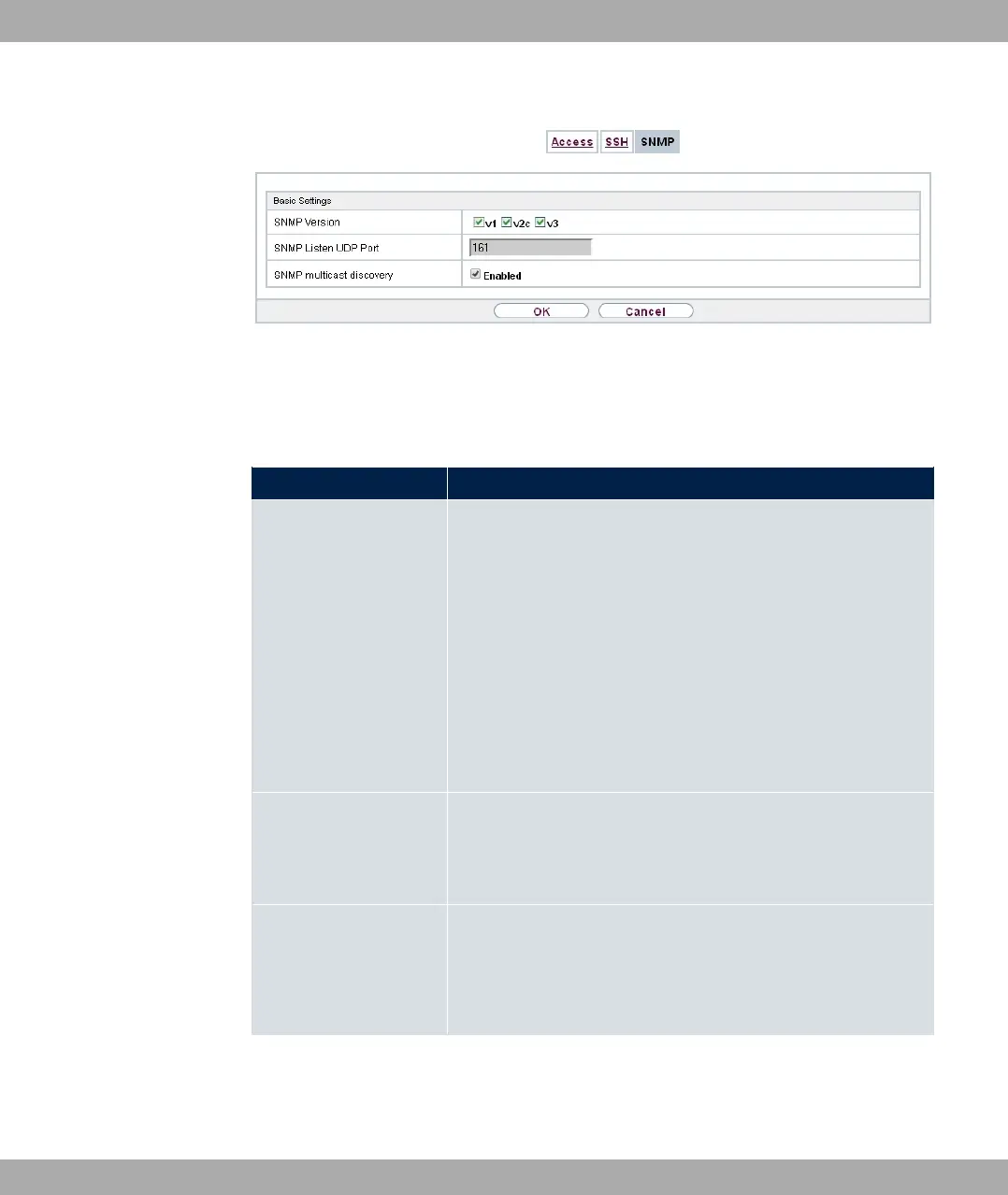
Fig. 35: System Management->Administrative Access->SNMP
The menu System Management->Administrative Access->SNMP consists of the follow-
ing fields:
Fields in the Basic Settings menu.
Field Value
SNMP Version Select the SNMP version your device is to use to listen for ex-
ternal SNMP access.
Possible values:
• : SNMP Version 1
• %: Community-Based SNMP Version 2
• &: SNMP Version 3
By default, , % and & are enabled.
If no option is selected, the function is deactivated.
SNMP Listen UDP Port Shows the UDP port ( ) at which the device receives SNMP
requests.
The value cannot be changed.
SNMP multicast dis-
covery
Enable or disable the function SNMP multicast discovery.
The function is enabled with "1.
The function is enabled by default.
5 System Management bintec elmeg GmbH
80 bintec RS Series



 To Next Page