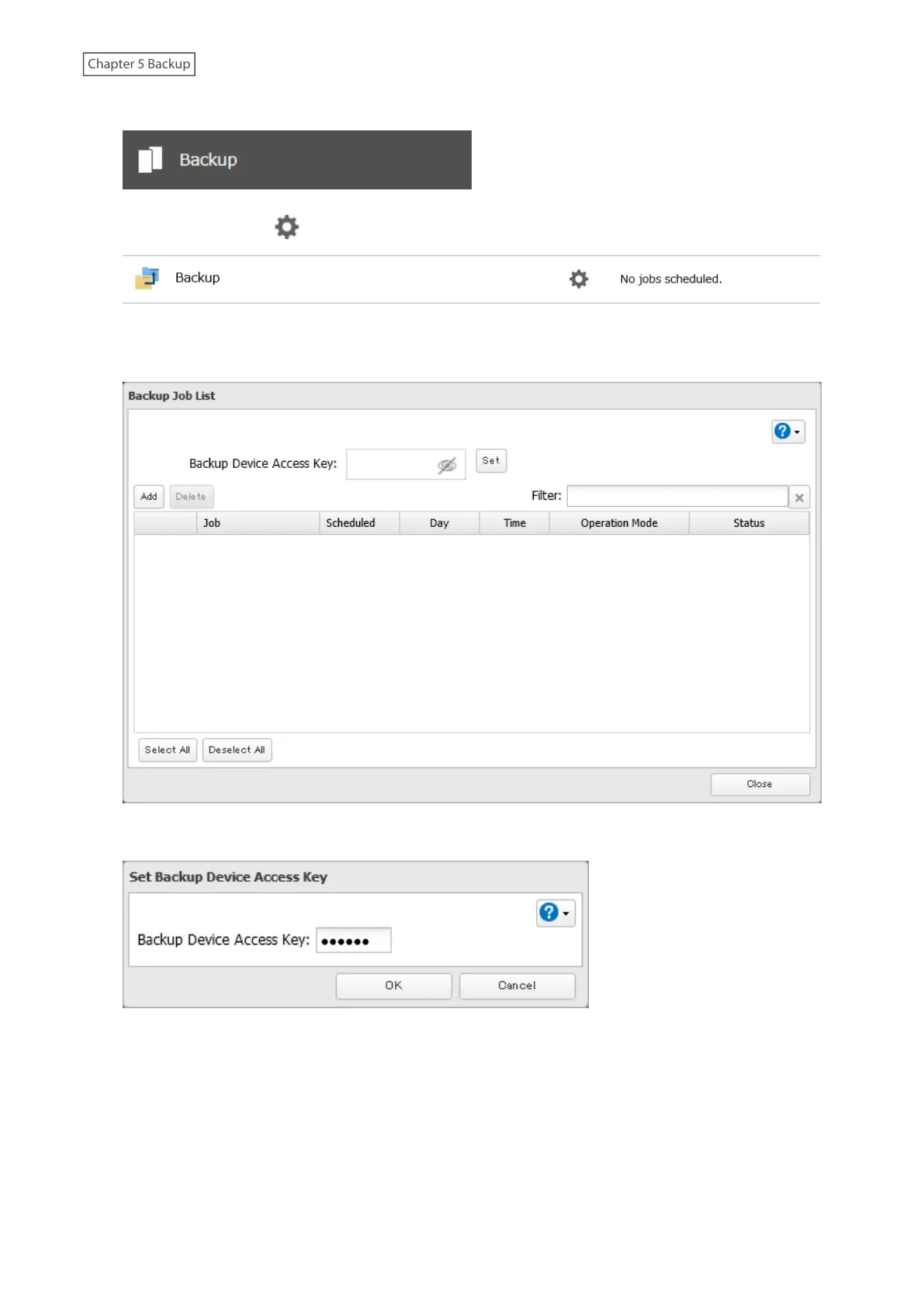
1 From Settings, click Backup.
2 Click the settings icon ( ) to the right of “Backup”.
3 If you had configured a backup device access key for the backup source folder on another Buffalo NAS device
or the backup destination folder, click Set. If you hadn’t, skip to step 5.
4 Enter the backup device access key and click OK.
100















 To Next Page